KA 5578-E EN 9
Operation
5 Operation
5.1 Selecting the operating mode
The controller can be operated in the following modes:
Day mode (rated operation): regardless of the programmed times-of-use and summer mode,
the set points relevant to rated operation are used by the controller. Icon:
Night mode (reduced operation): regardless of the programmed times-of-use, the set points
relevant to reduced operation are used by the controller. Icon:
Control operation deactivated: regardless of the programmed times-of-use, control opera-
tion of the heating circuits and DHW heating remains deactivated. The frost protection is ac-
tivated, if need be. Icon:
Icons when the frost protection is activated: HC
, DHW
Automatic mode: During the programmed times-of-use, the controller works in day mode.
Outside these times-of-use, the controller is in night mode, unless control operation is deacti-
vated depending on the outdoor temperature. The controller switches automatically between
both operating modes. Icon within the times-of-use:
, icon outside the times-of-use:
Manual mode: valves and pumps can be controlled manually. For further details, see sec-
tion5.6.
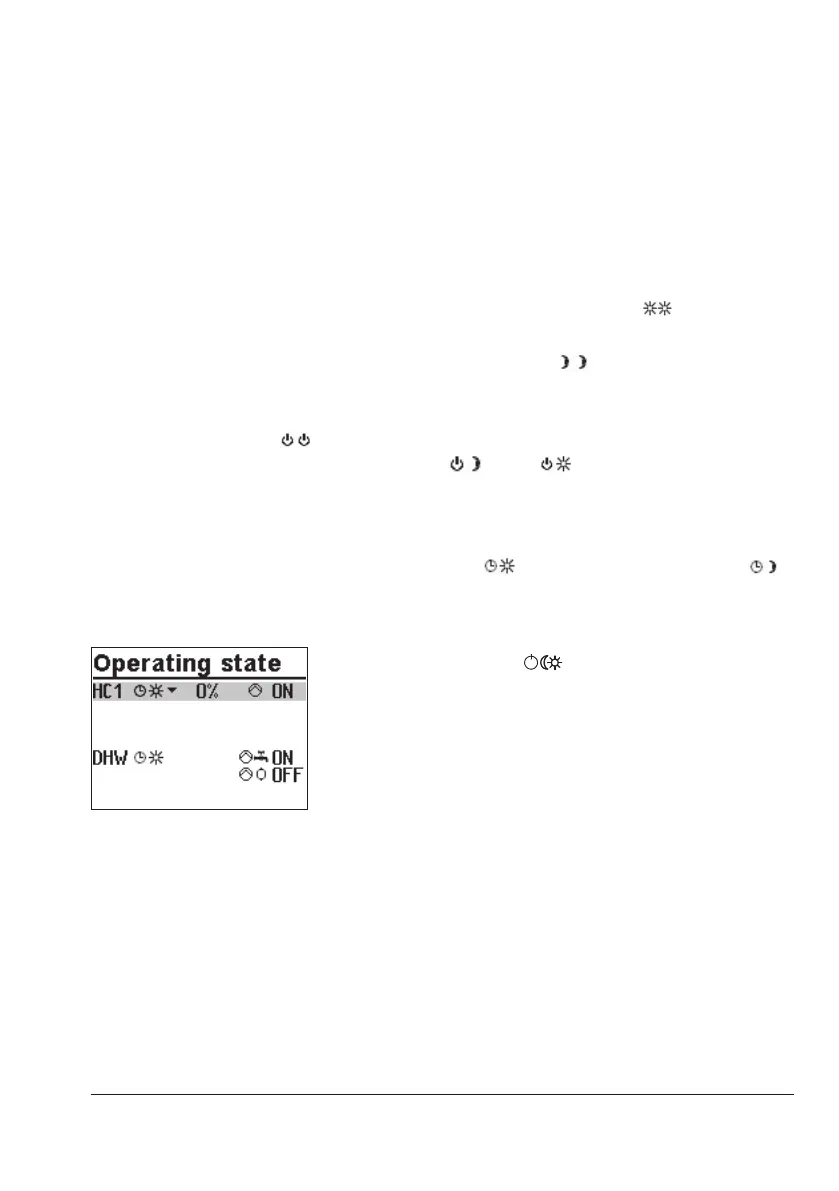
Turn the rotary switch to (operating modes). The oper-
ating states of all system control circuits are displayed:
− Heating circuit HC1
− Heating circuit HC2
− Heating circuit HC3
− Heating circuit HC11
− Heating circuit HC12
− Heating circuit HC13
− DHW heating
Î Only those control circuits are available for selection
which can be controlled by the selected system.
q Select the control circuit.



 To Next Page