22 KA 5578-E EN
Operation
Turn the rotary switch to (settings).
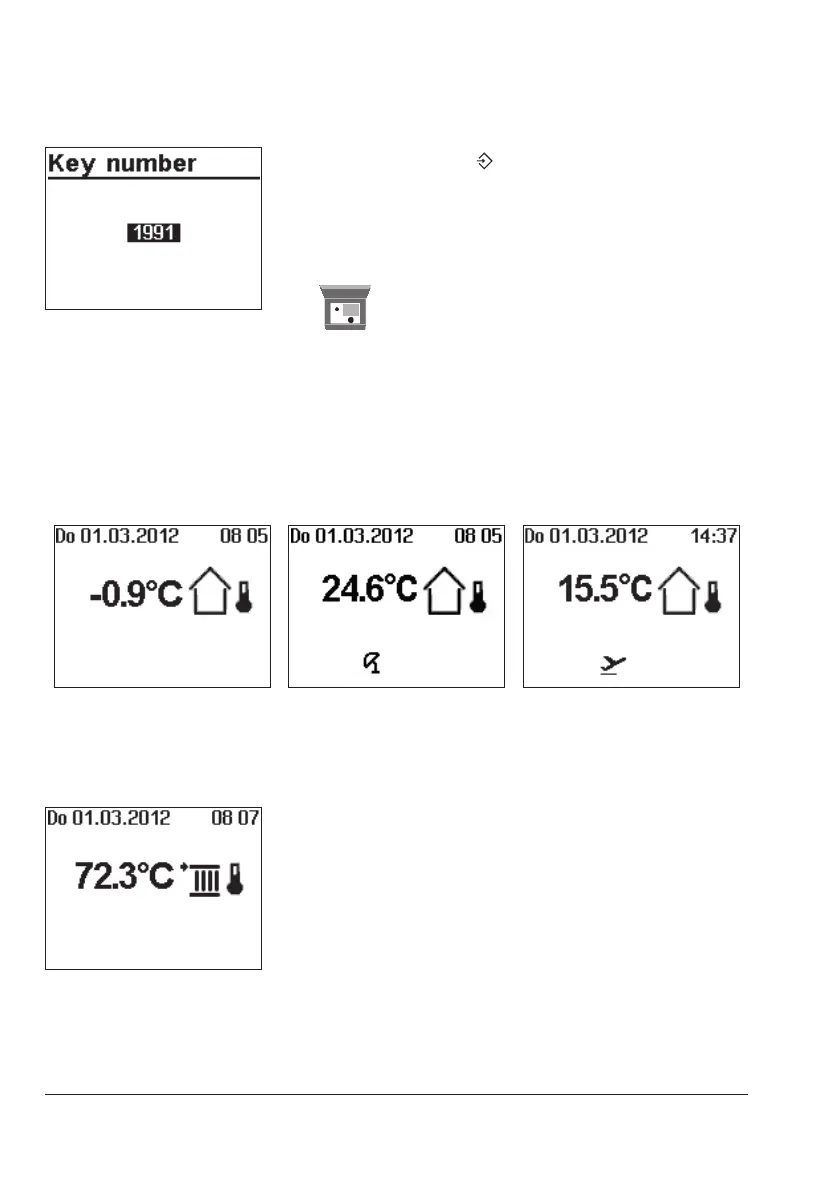
q Enter key number 1991.
¼ Conrm key number.
The settings are reset to default when the following icon
appears on the controller display:
5.5 Reading information
Different kinds of information can read off the controller display during operation. The con-
troller display usually shows the date, time and an actual temperature when the rotary switch
is switched to the 'Operating level' position.
Outdoor-temperature-compensated control · Current temperature = outdoor temperature
Deactivation depending on
outdoor temperature active)
Vacations active
Fixed set point control · Current temperature = Flow temperature
Further information can be obtained by turning the rotary pushbutton:



 To Next Page