26 KA 5578-E EN
Operation
− The additional information is hidden when the key number
1999 is entered again.
− The key number 1999 cannot be used to change the
controller conguration and parameterization. A separate
key number exists for conguration and parameterization
(see the 'Start-up' section).
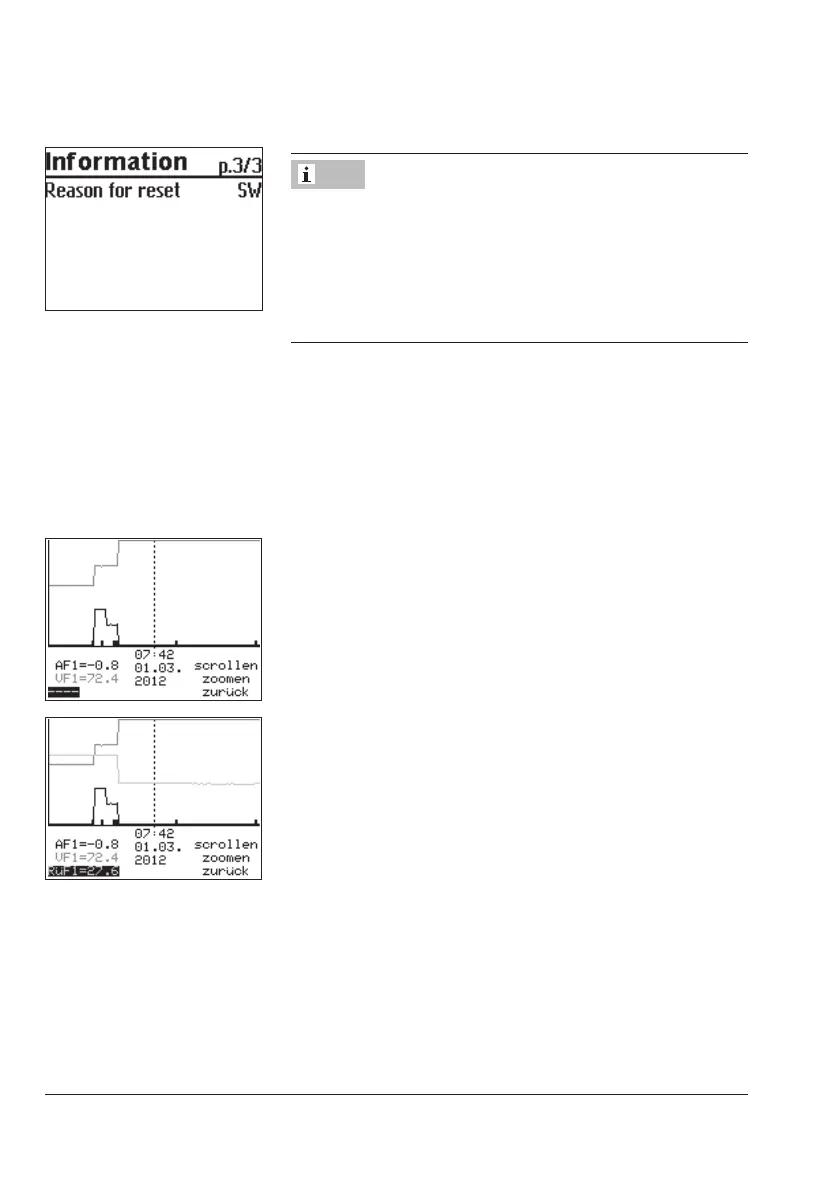
5.5.1 Adapting the Trend-Viewer
The standard graph shows the data measured at the outdoor sensor AF1 and ow sensor
VF1 plotted over time.
¼ Open the Trend-Viewer.
Adding measuring data
q Select – – – – on the display.
¼ Activate editing mode for sensor selection.
q Select sensor.
¼ Conrm setting.
Deleting measured data:
q Select the sensor whose measured data are no longer to
be displayed.
¼ Activate editing mode for sensor.
q Select – – – – on the display.
¼ Conrm deletion.
Note



 To Next Page