EasyManua.ls Logo

Samsung BD-E5700 - Disc Handling and Storage Guidelines; Handling and Cleaning Discs; General Handling Cautions for Player

Samsung BD-E5700
89 pages
Print Icon
To Next Page IconTo Next Page
To Previous Page IconTo Previous Page
Loading...
1
0.
Protect
the
power
cord
from
being
walked
on
or pinched
particularly
at
plugs,
convenience
receptacles,
and
the
point
where
it
exits
the
apparatus.
11.
12.
13.
14.
Only
use
attachments/accessories
specified
by
the
manufacturer.
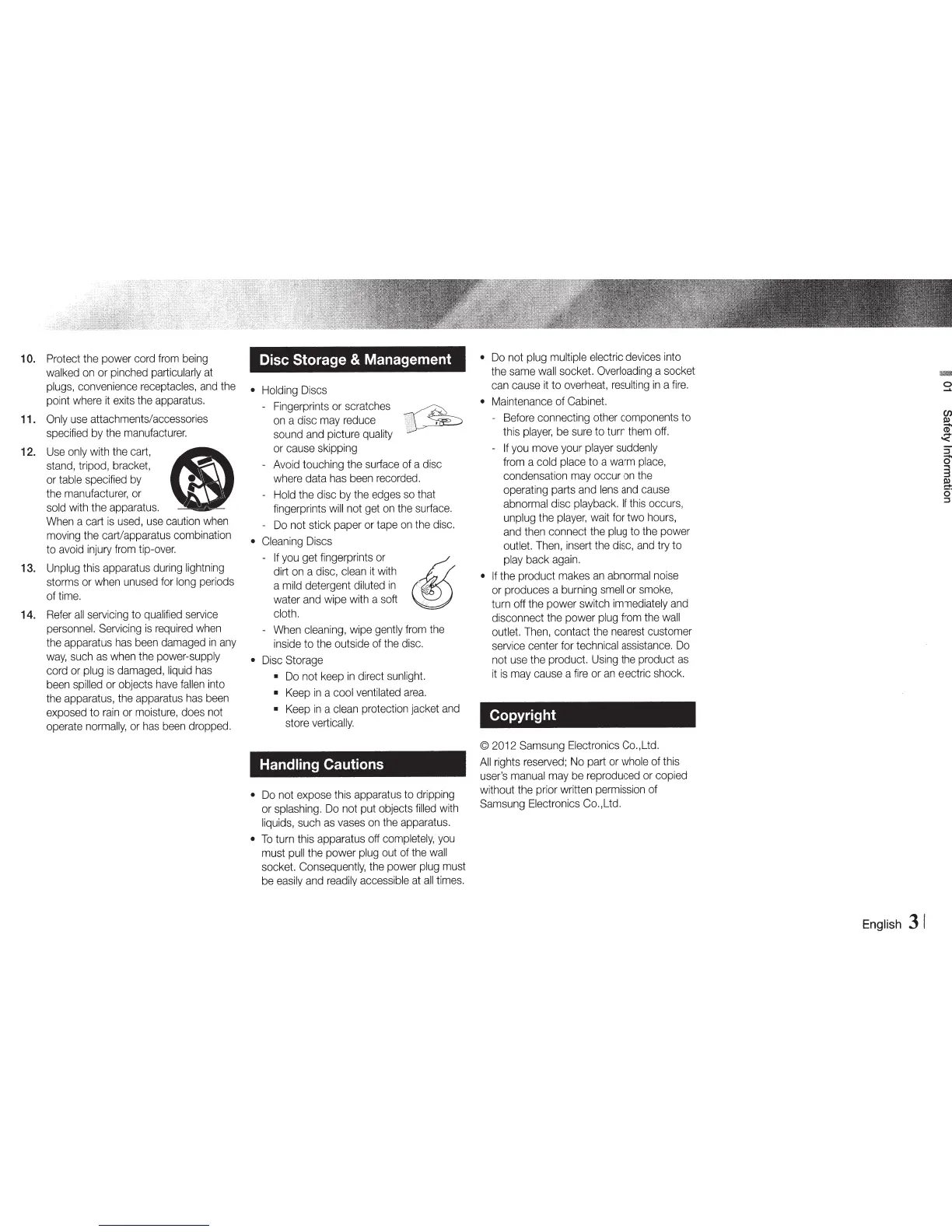
Use
only
with
the
cart,
Q9
stand,
tripod,
bracket,
or
table
specified
by
the
manufacturer,
or
sold
with
the
apparatus.
When
a
cart
is
used,
use
caution
when
moving
the
cart/apparatus combination
to
avoid
injury
from
tip-over.
Unplug
this
apparatus
during
lightning
storms
or
when
unused
for
long
periods
of
time.
Refer
all
servicing
to
qualified
service
personnel.
Servicing
is
required
when
the
apparatus
has
been
damaged
in
any
way,
such
as
when
the
power-supply
cord
or
plug
is
damaged,
liquid
has
been
spilled
or
objects
have
fallen
into
the
apparatus,
the
apparatus
has
been
exposed
to
rain
or
moisture,
does
not
operate
normally,
or
has
been
dropped.
Disc
Storage
&
Management
Holding
Discs
-
Fingerprints
or
scratches
~
on
a disc
may
reduce
1
~
sound
and
picture
quality
or
cause
skipping
-
Avoid
touching
the
surface
of
a
disc
where
data
has
been
recorded.
Hold
the disc
by
the
edges
so
that
fingerprints
will
not
get
on
the
surface.
-
Do
not stick paper
or
tape
on
the
disc.
Cleaning
Discs
-
~~fi~~:g~r;~l~
~
cloth.
-
When
cleaning,
wipe
gently
from
the
inside
to
the
outside
of
the
disc.
Disc
Storage
Do
not
keep
in
direct
sunlight.
Keep
in
a
cool
ventilated
area.
Keep
in
a
clean
protection jacket
and
store
vertically.
Handling Cautions
Do
not
expose
this
apparatus
to
dripping
or
splashing.
Do
not
put
objects
filled
with
liquids,
such
as
vases
on
the
apparatus.
To
turn this apparatus
off
completely,
you
must
pull
the power
plug
out
of
the
wall
socket.
Consequently,
the
power
plug
must
be
easily
and
readily
accessible
at
all
times.
Do
not
plug
multiple
electric
devices
into
the
same
wall
socket.
Overloading
a socket
can
cause
it
to
overheat,
resulting
in
a
fire.
Maintenance
of
Cabinet.
-
Before
connecting
other
components
to
this
player,
be
sure
to
turn
them
off.
-
If
you
move
your
player
suddenly
from
a
cold
place
to a
warm
place,
condensation
may
occur
on
the
operating parts
and
lens
and
cause
abnormal
disc
playback.
If
this
occurs,
unplug
the
player,
wait
for
two
hours,
and
then
connect
the
plug
to
the
power
outlet.
Then,
insert
the
disc,
and
try to
play
back
again.
If
the
product
makes
an
abnormal
noise
or
produces a
burning
smell
or
smoke,
turn
off
the
power switch
immediately
and
disconnect
the
power
plug
from
the
wall
outlet.
Then,
contact
the
nearest
customer
service
center
for
technical
assistance.
Do
not
use
the
product.
Using
the
product
as
it
is
may
cause
a
fire
or
an
electric
shock.
Copyright
©
2012
Samsung
Electronics
Co.,Ltd.
All
rights
reserved;
No
part
or
whole
of
this
user's
manual
may
be
reproduced
or
copied
without
the
prior written
permission
of
Samsung
Electronics
Co.,Ltd.
English
31
en
~
.....
'<
5"
-
0
3
a
::::s

Other manuals for Samsung BD-E5700

Related product manuals