EasyManua.ls Logo

Samsung BD-E5700 - Smart Hub: Folder Creation and Icon Placement; Creating New Folders and Inserting Icons

Samsung BD-E5700
89 pages
Print Icon
To Next Page IconTo Next Page
To Previous Page IconTo Previous Page
Loading...
15 - English
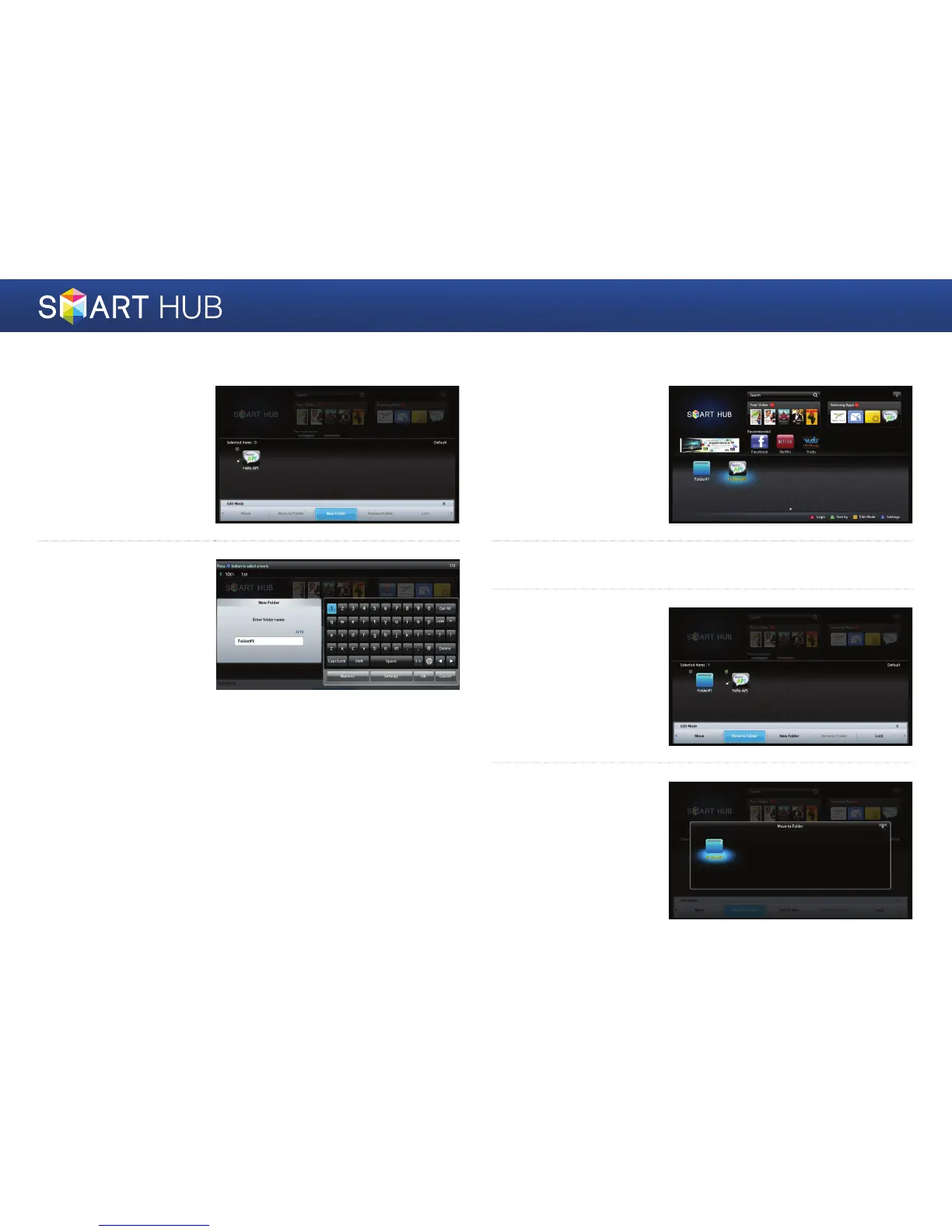
Create New Folder
1
Press the yellow
{
button on the remote
control to enter the Edit
Mode, and then select
<New Folder>.
2
Enter the name of
the folder you want
to create, and then
press the
e
button.
The folder and its
corresponding folder
icon are created.
Inserting an Icon into a Folder
1
Move to the icon you
want to move.
2
Press the yellow
{
button on the remote control to enter the Edit Mode.
3
Select the icons to move
to folder, and then select
the <Move to Folder>.
4
A list of the folders you
can move the icon to
is displayed. Move to
the folder you want,
and then press the
e
button.

Other manuals for Samsung BD-E5700

Related product manuals