6 - English
4
Use the number keypad on your remote to enter the Network values.
Use the ▲▼◄► buttons on the remote to move from entry field to
entry field.
✎
You can get these values from your Internet provider. You can also view these
values on most Windows computers.
5
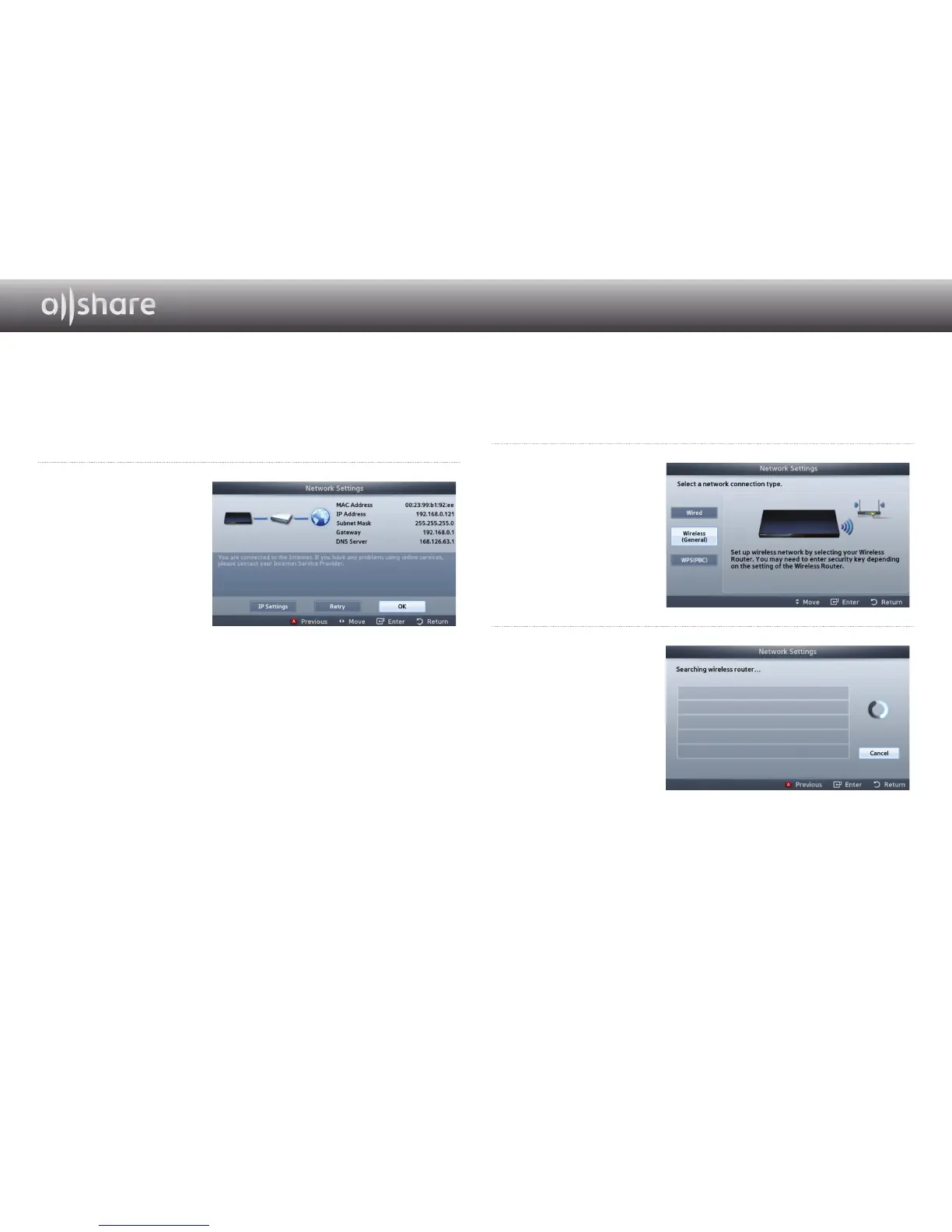
When done, highlight
OK, and then press
e
button. The player
verifies the network
connection and then
connects to the
network.
❙
For Wireless Networks
1
Make sure the access point you want to connect your
player
to is
turned on. The access point can be a wireless router, modem, etc.
2
Select Wireless
(General) in the
Network Settings
menu, and then press
the
e
button.
3
Press the
e
button.
Your player starts
scanning for access
points. When done,
it displays a list of
access points it has
found.


 To Next Page