EasyManua.ls Logo

Samsung BD-E5700 - Smart Hub: Using the Samsung Apps Store; Using the Samsung Apps Store for Installation

Samsung BD-E5700
89 pages
Print Icon
To Next Page IconTo Next Page
To Previous Page IconTo Previous Page
Loading...
21 - English
Using Samsung Apps
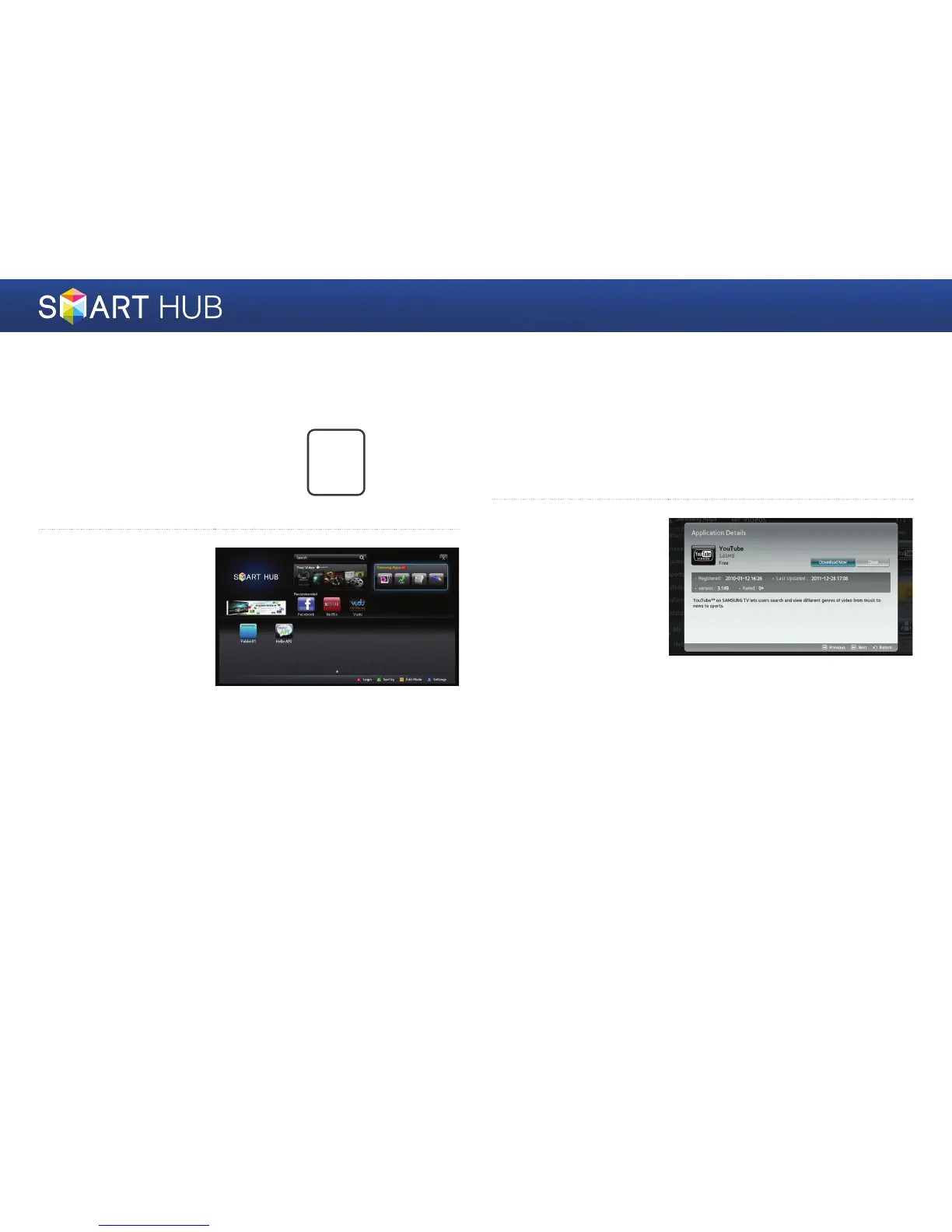
1
Press the [SMART HUB]
button on the remote
control to run the Smart
Hub.
SMART
HUB
2
Run “Samsung Apps”
located at the middle left
of the screen.
3
You must have a Samsung Apps account to install a paid app. If you do
not have an account, register an account by referring to the section in
this manual that describes how to register a Samsung account.
(refer to page 19~20.)
4
Move to the icon of
the app you want to
install, and then press
the
e
button. The
App Details window
showing the information
on the selected app is
displayed.

Other manuals for Samsung BD-E5700

Related product manuals