10 - English
Creating Your Samsung Account
1
Press the [SMART HUB]
button on the remote
control.
SMART
HUB
2
Press the red
a
button on the remote control to display the Login
window. (For a description of the button, see the bottom of the screen.)
3
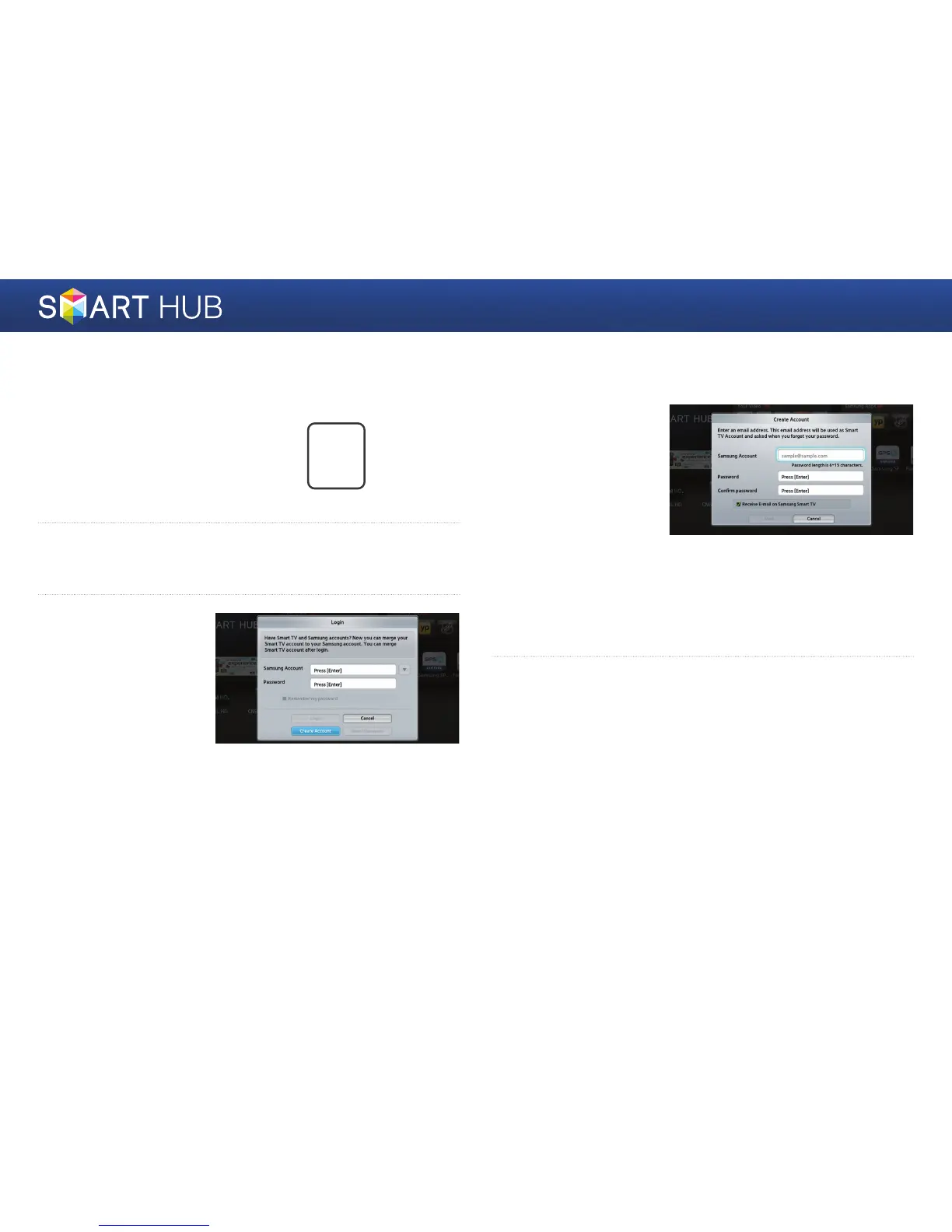
When the Login window
appears, select the
<Create Account>
button, and then press
the
e
button.
4
Move to the Samsung
account field, and then
press the
e
button.
A window appears with
an entry screen and
a keypad. Using the
keypad, enter an e-mail
address that will serve as
your ID.
The account must be a valid e-mail address in the following format:
sample@sample.com or sample@sample.net. Next, enter a password
in the password field and the same password in the Confirm Password
field in the same fashion.
5
After entering all items, move to the <Create Account> item, and then
press the
e
button. Your account will be created.



 To Next Page