260
Mail/Webbrowser
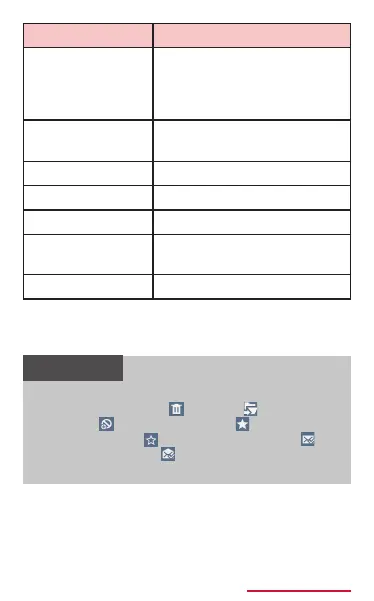
Create ltering
rule
*2
Register words included
in sender's mail address
or mail subject as ltering
rule.
Print
*2
Print email via compatible
printer. → P.528
Compose
*2
Compose email.
Font size
*1 *2
Set character size.
Delete all
*1
Delete all emails.
Settings
*1 *2
Change Email account
settings. → P.247
Help
*1 *2
Display Help.
*1 Appears on the Email list screen.
*2 Appears on the message screen.
*3 Does not display with POP3 account.
• Touch and hold Email from the Email list
screen to delete (
), move ( ), add to
spam
*
( ), add to favorite ( )/remove
from favorite ( ), change to unread ( )/
change to read ( ).
* Does not display with POP3 account.



















 To Next Page