74
Gettingstarted
Cancelingscreenlock
1
• Lock screen appears.
2
• When the Home screen is set to
"TouchWiz Basic mode" or "TouchWiz Easy
mode", swipe (P.80) the screen up,
down, left or right until the screen lock is
unlocked.
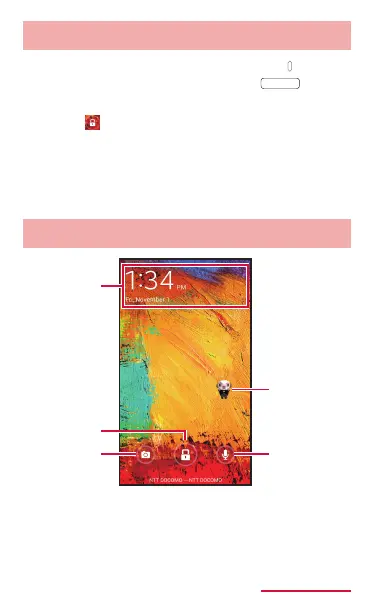
Lockscreen
a
b
c
d
e
ひつじのしつじく
ん
®
(ButlerSheep)
Lockscreen(example)
©NTTDOCOMO



















 To Next Page