Messaging and Internet 132
Enter phone numbers directly in the Enter recipient field. If you are sending the message to
several phone numbers, separate the phone numbers with a comma. As you enter
information, any matching phone numbers from your Contacts list are displayed. Tap a match
to enter that number or address directly.
Tap the icon, and then select the contacts to whom you want to send the message. You
can also select contact groups as recipients. When you have selected all the message
recipients, tap Done.
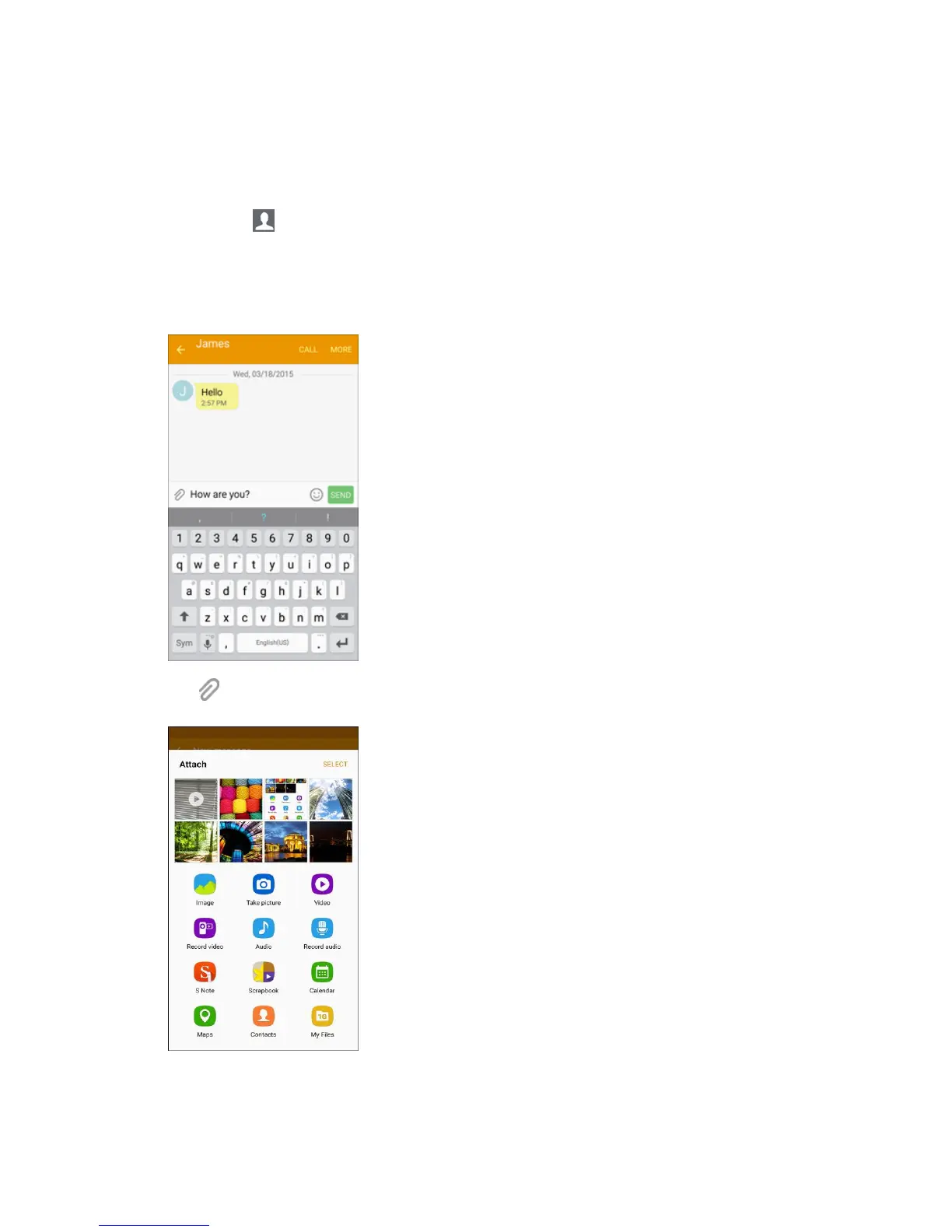
4. Tap the Enter message field, and then start composing your message.
5. Tap and select from the following file attachments:
Image: Attach a stored picture. See Gallery.














 To Next Page