Messaging and Internet 150
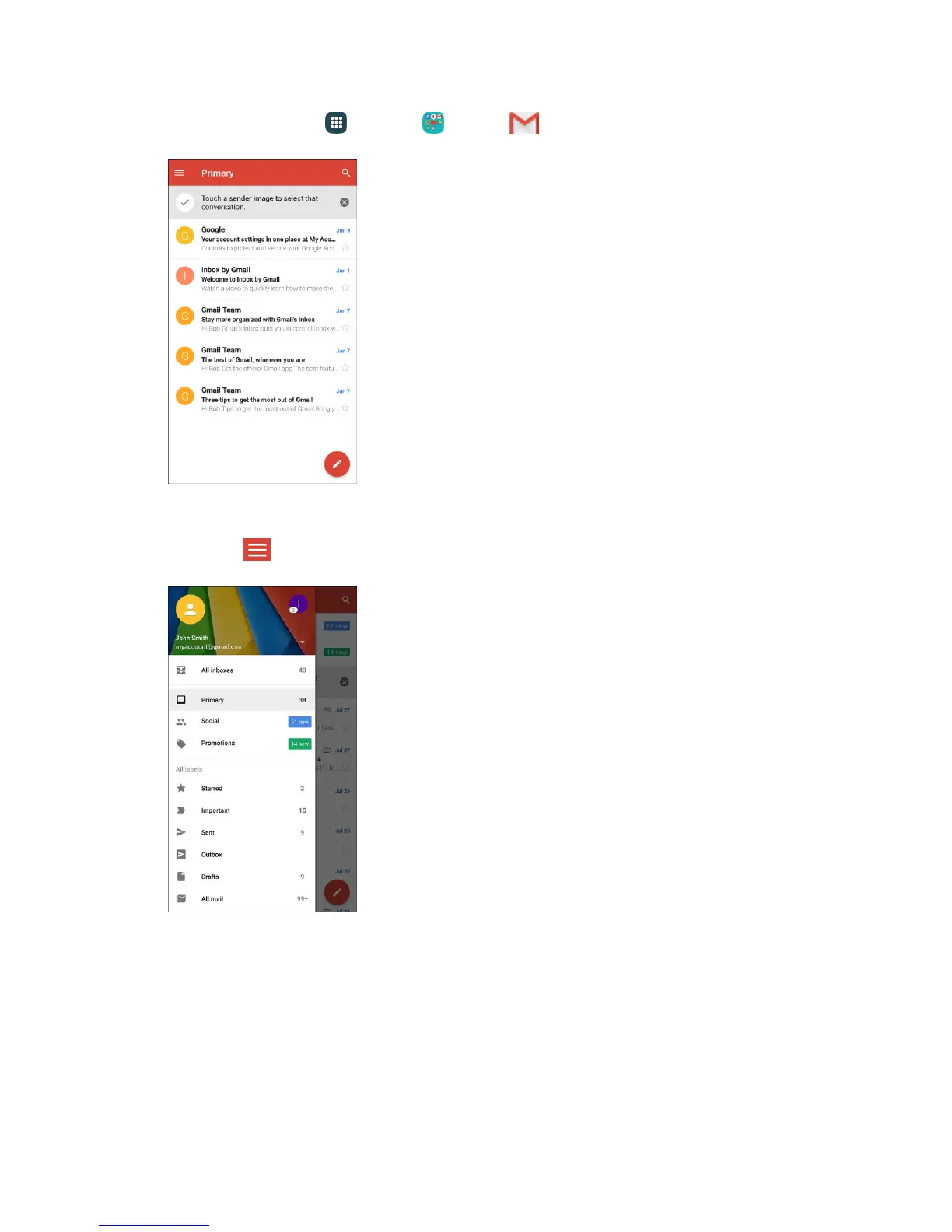
1. From home, tap Apps > Google > Gmail .
The Primary inbox opens.
2. Tap Menu .
3. Tap the icon for the account you want to view from the list at the top of the menu.
The selected account inbox is displayed.
Gmail Settings
You can access settings for the Gmail app and for your individual Gmail accounts from the Gmail Settings
menu.














 To Next Page