Settings 356
Unit: Select Celsius or Fahrenheit.
Auto refresh: Choose how often weather information is updated.
Use current location: Use your phone’s current location to get local weather information.
Weather notifications: Receive notifications when there is a chance of rain, snow, or hail.
Lock screen: Show weather information on the lock screen.
Calendar: Show weather information in the Calendar app.
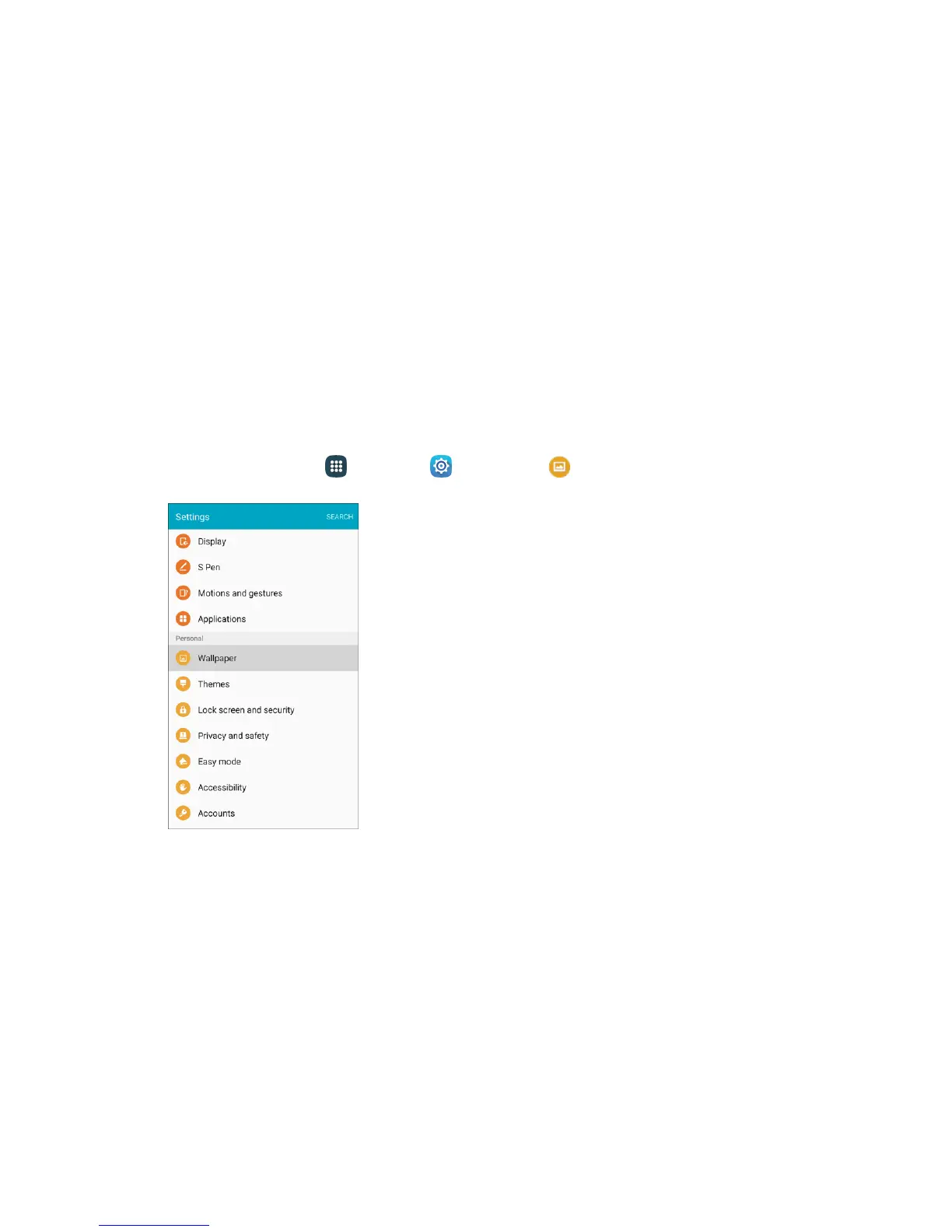
Wallpaper
You can change the wallpaper for the Home and lock screens.
Change the Wallpaper
1. From home, tap Apps > Settings > Wallpaper .
2. Tap Home screen to open the drop-down list. Select the screens for which you want to change
the wallpaper.














 To Next Page