Messaging and Internet 140
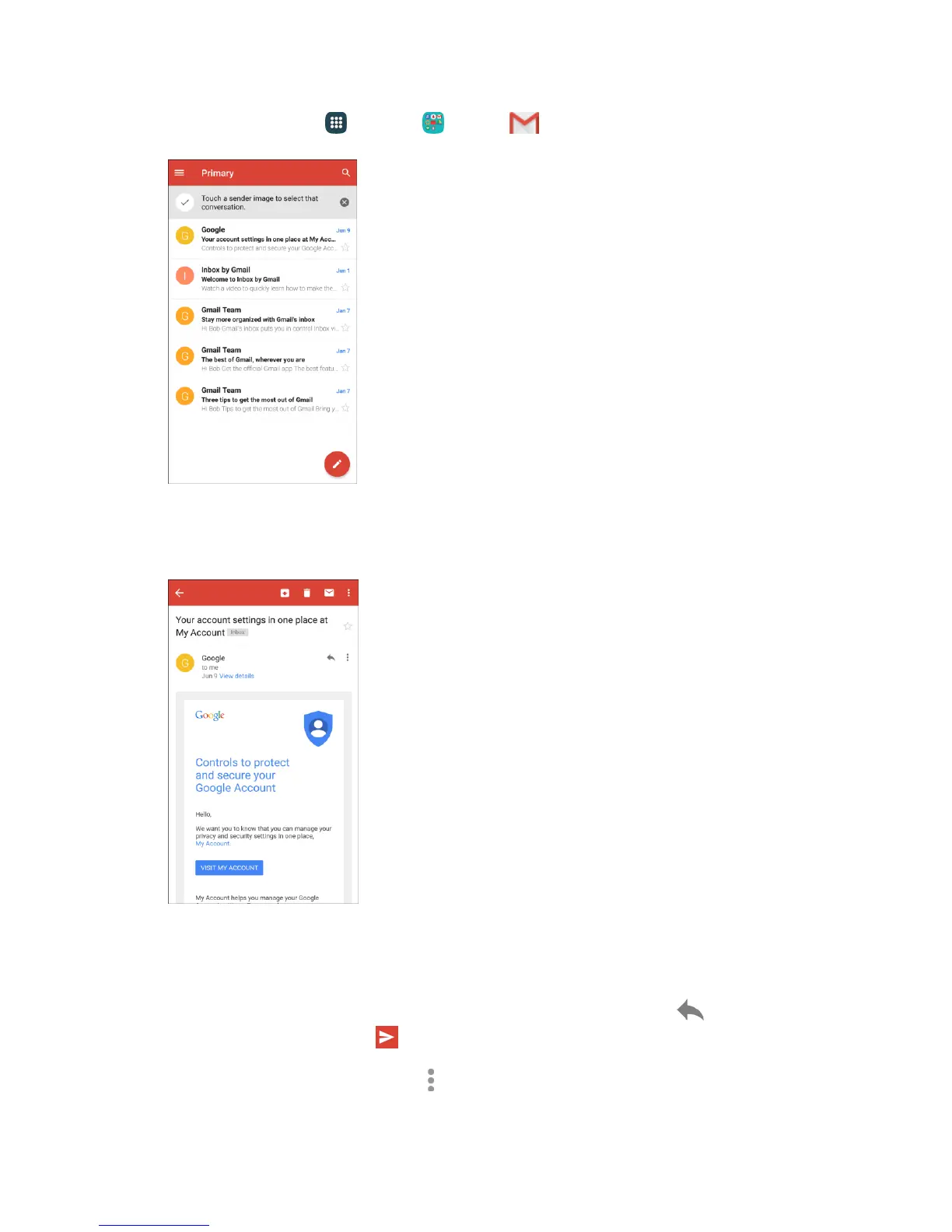
1. From home, tap Apps > Google > Gmail .
The Gmail inbox opens.
2. Tap the message thread you want to view.
The message thread opens, with the newest message displayed.
Options when Reviewing Gmail Messages
● Replying to Gmail Messages: With the Gmail message open, tap Reply , compose your
reply message, and tap Send .
To reply to all, tap More options > Reply all.














 To Next Page