Settings 401
Date and Time Overview
The following Date and time options may be configured:
Set the date and time automatically via the connected wireless network.
Set the time zone automatically via the connected wireless network.
Set the date manually (only available when Automatic date and time
option is disabled).
Set the time manually (only available when Automatic date and time
option is disabled).
Set the time zone manually (only when Automatic time zone is disabled).
Enable or disable 24-hour time format.
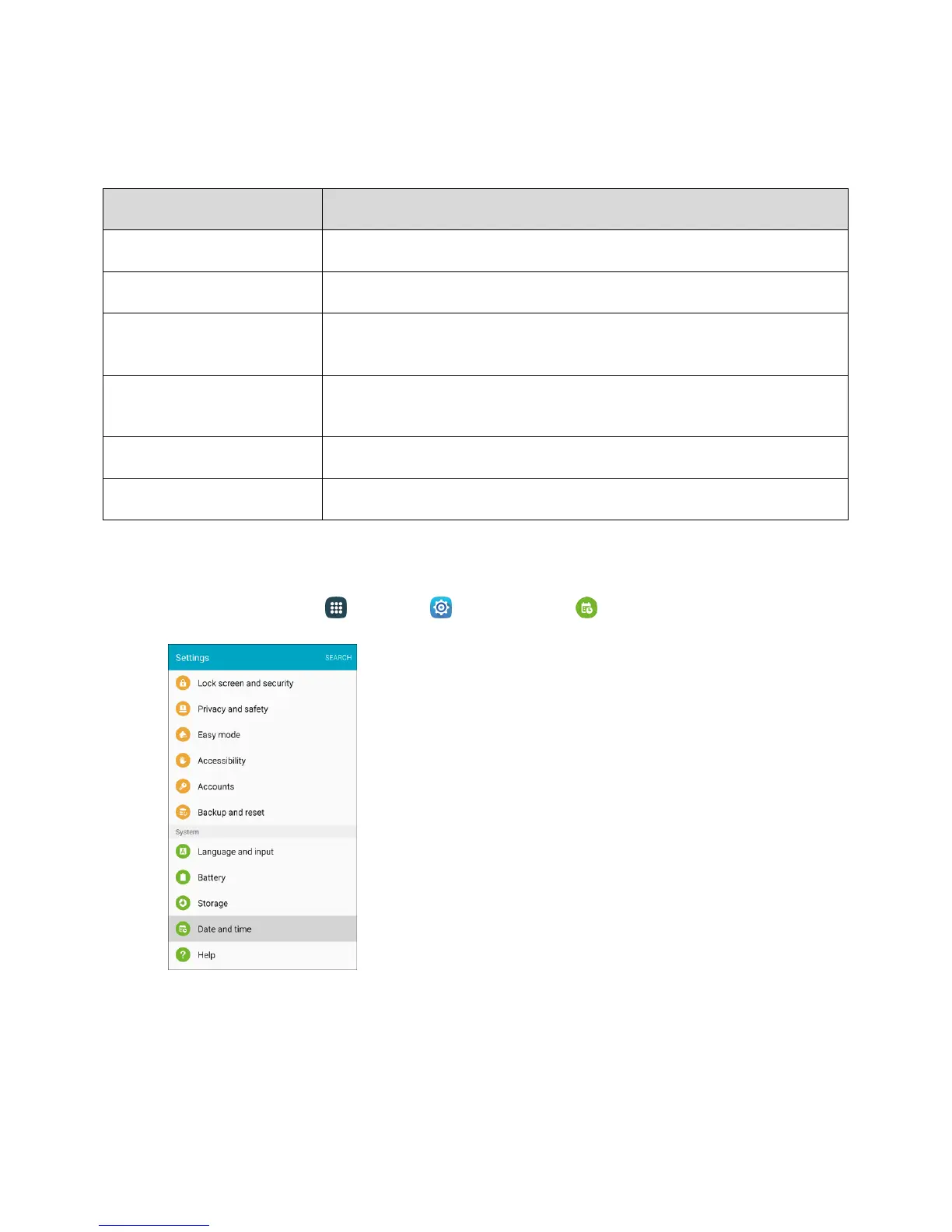
Access Date and Time Options
1. From home, tap Apps > Settings > Date and time .














 To Next Page