3-5
Chapter 3.Using The Computer
To Write Data in CD
If your computer has CD-RW functionality, you can copy data to a blank CD or
create an audio CD.
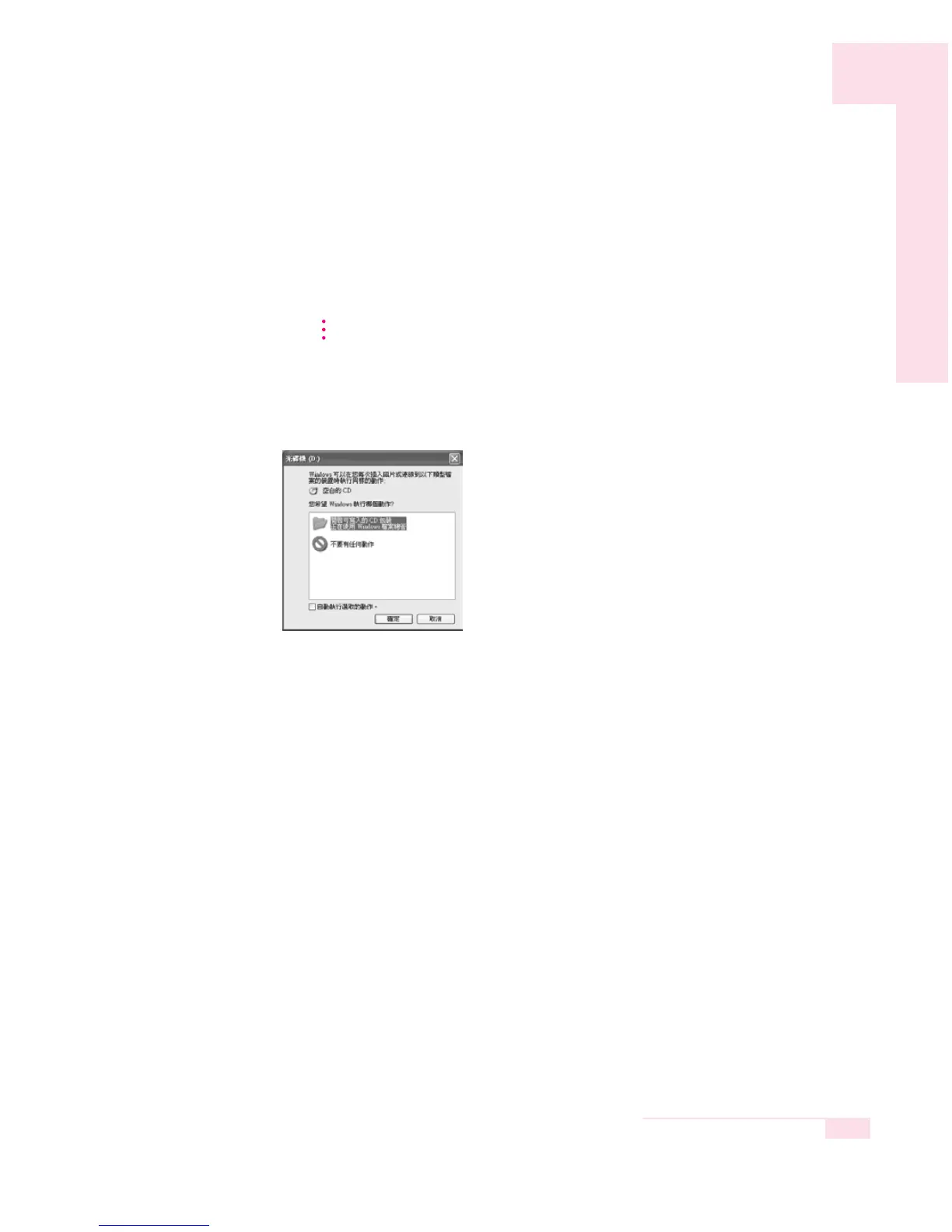
1. Insert a blank CD into the CD-RW drive.
2. Click Open Writable CD Folder and click OK. The CD-ROM drive window
appears automatically.
3. Click Start > My Computer.
An additional CD writing program is supplied in an additional CD.
NN
NN
oo
oo
tt
tt
ee
ee



 To Next Page