3-17
Chapter 3.Using The Computer
Using AVStation premium
AVStation premium is an integrated multimedia program that allows you to
watch video (pictures, video and movies) and listen to music.
You can start AVStation premium as follows.
Method 1. Select Start > All Programs > Samsung > AVStation premium > AVStation
premium.
Method 2. Double-click the AVStation premium ( ) icon on the Desktop or Taskbar.
Method 3. Click the AVStation button.
Method 4. Click the AVS button on the remote control. (P. 1-14)
Using AVStation premium
■
AVStation premium Modes
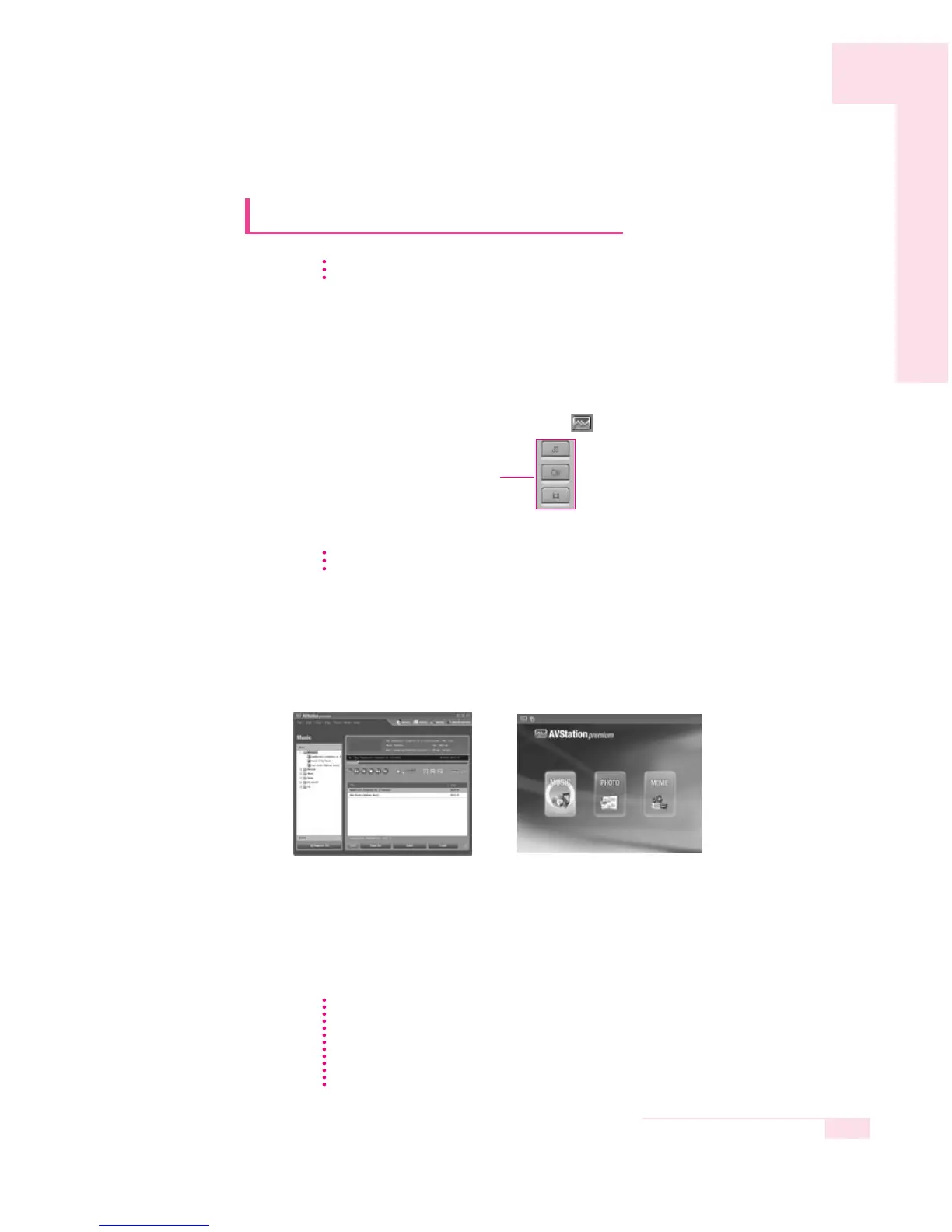
AVStation premium provides 2 modes, Window and Play mode
s.
▶ Window mode :
You can use all AVStation premium functions.
▶ Play Mode : This provides an easier-to-use user interface than that of
Standard mode. In this mode, the Edit/Create function and
the MOVIE EDITOR menu are not supported (see P. 3-25).
Window mode Screen Play Mode Screen
This Manual mainly describes the procedures for using the Window mode of
AVStation premium.
The captured program screen shots in this manual may differ slightly from the actual
software depending on the version of the program.
For more detailed use procedures, refer to the on-line Help.
NN
NN
oo
oo
tt
tt
ee
ee
AVStation premium is provided for some models.
NN
NN
oo
oo
tt
tt
ee
ee
The function button on the remote control only works in AVStation premium
Play Mode. (P. 3-27)
NN
NN
oo
oo
tt
tt
ee
ee
AVStation Button



 To Next Page