3-14
Manual
Using Samsung Theme
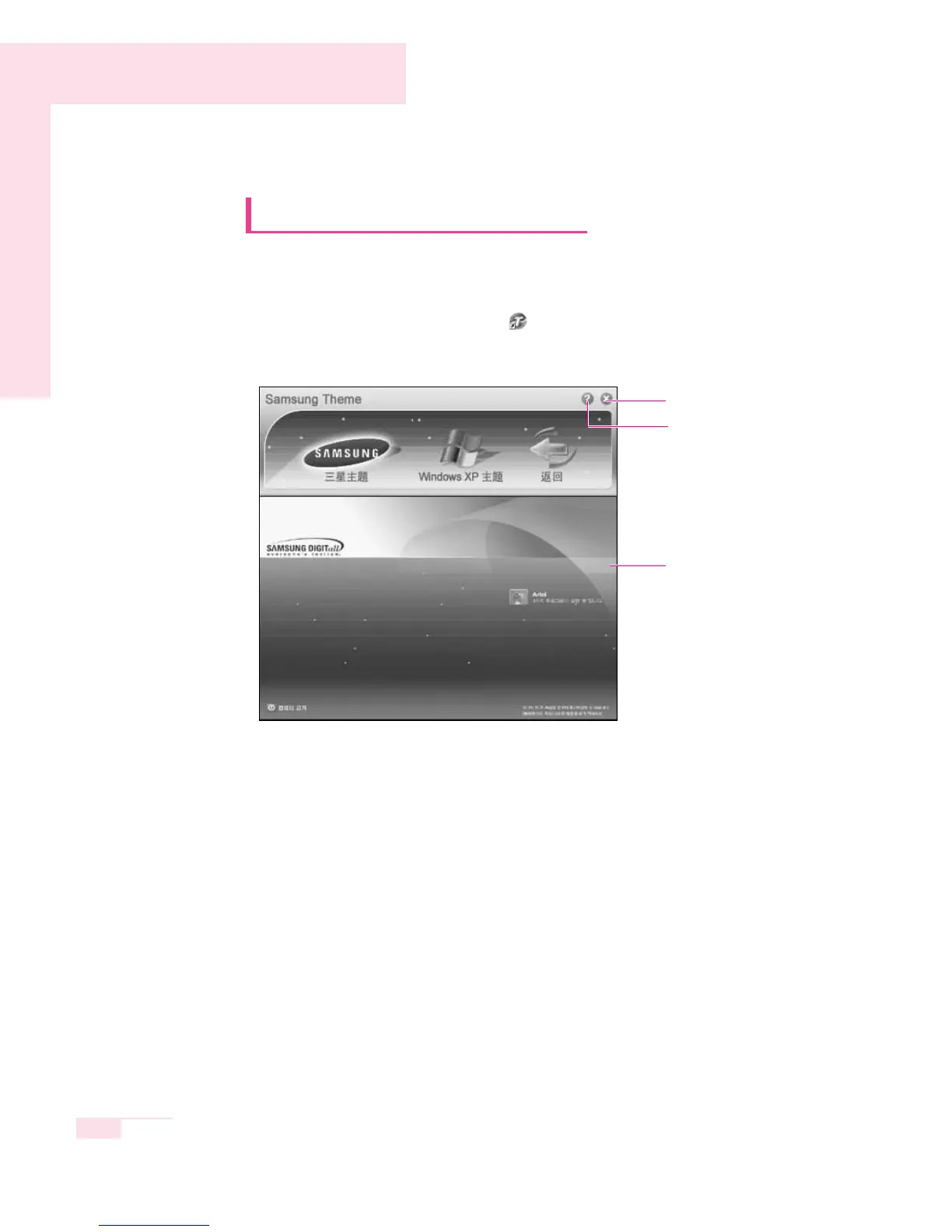
Samsung Theme is a program that enables a user to easily switch a
theme (desktop, logon screen and sound effect).
Double-click the Samsung Theme ( ) icon on the desktop.
(Or select Start > All Programs > Samsung > Samsung Theme >
Samsung Theme.)
▶ Samsung Theme : Switches to Samsung Theme (desktop, logon screen and
sound effects on booting).
▶ Windows XP Theme : Switches to the Windows XP default Theme.
▶ Back : Restores the theme to its previous status.
Help button
Close button
Move the mouse pointer
over Samsung Theme
item, then the Samsung
Theme will be displayed
below.



 To Next Page