4-4
Manual
Configuring the Network Environment Settings
for Wired LAN Connections
A wired LAN environment is an environment where you can connect to the
Internet using the company’s LAN or with a broadband modem.
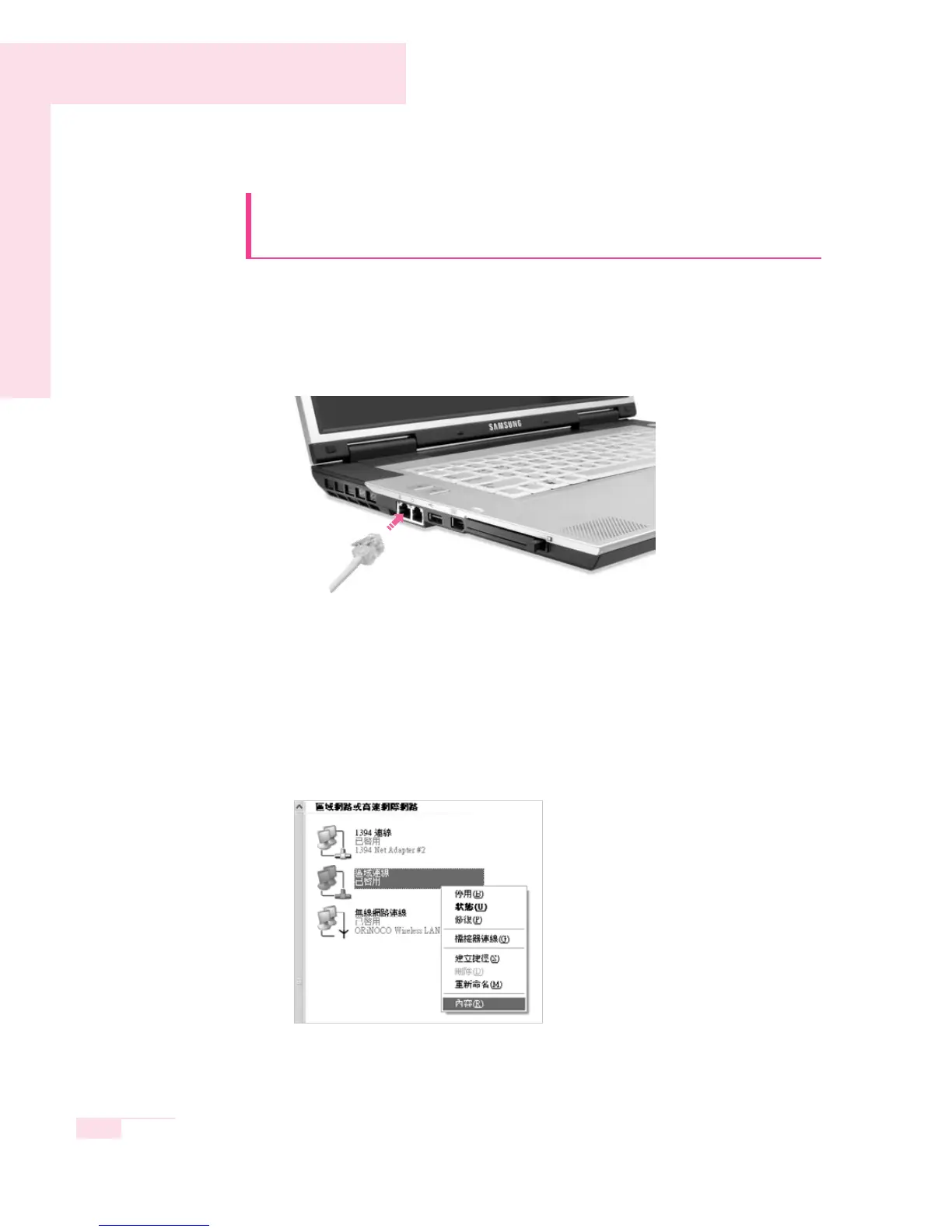
1. Connect the network (LAN) cable to the LAN port of the system.
2. Click Start > Control Panel.
3. Select Network and Internet Connections in the [Control Panel] window.
4. Click Network Connections in the [Network and Internet Connections]
window.
5. In the [Network Connections] window, point the mouse pointer to Local Area
Network and click the right touchpad button. Select Properties from the popup
menu that appears.
6. In the General tab of the [Local Area Connection Properties] window, check that
the connecting device field includes the Broadcom BCM 5788 Integrated
driver.



 To Next Page