3-35
Chapter 3.Using The Computer
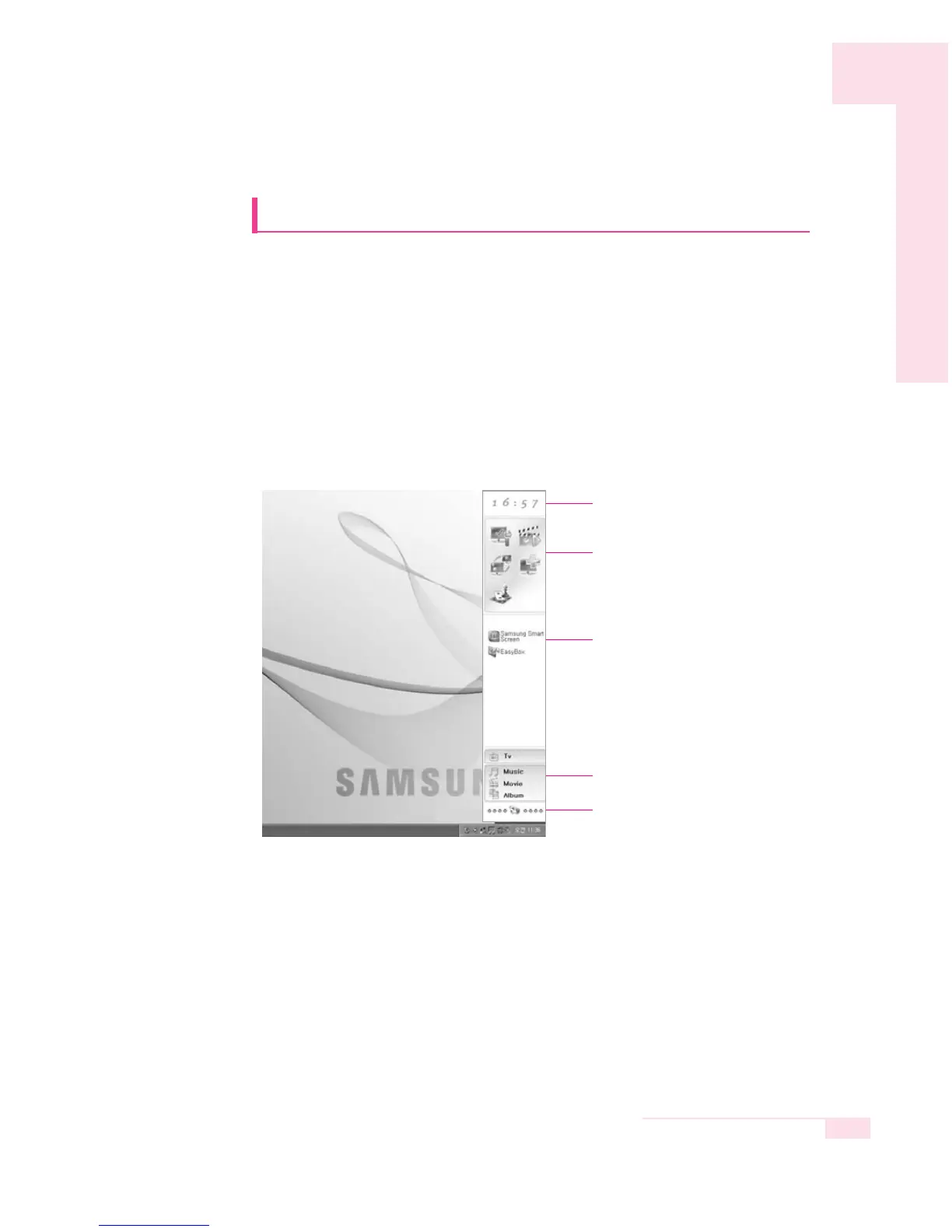
Using Samsung Command Center
Samsung Command Center is a program that enables the easy man-
agement of software provided for a Samsung computer. You can
view brief descriptions of some programs and you can launch the
programs directly. Samsung Command Center is always hidden
automatically and it appears when you place the mouse cursor in the
right-most position.
Select Start > All Programs > Samsung > Samsung Command
Center > Samsung Command Center.
The Samsung Command Center screen consists of the following 4 areas.
▶ S/W Group Area : You can classify programs into 5 groups, these
being System, Utility, Network, Support, and
Entertainment and manage them.
You can add a file that can be launched directly
from the Desktop or Explorer (Files that have the
extension of .cmd, .bat, .pif, .scf, .exe, .com, .lnk, or
.scr ) by dragging and dropping them.
Clock
SW Group Area
SW List Area
AV Station Area
Samsung Update Plus Area



 To Next Page