3-28
Manual
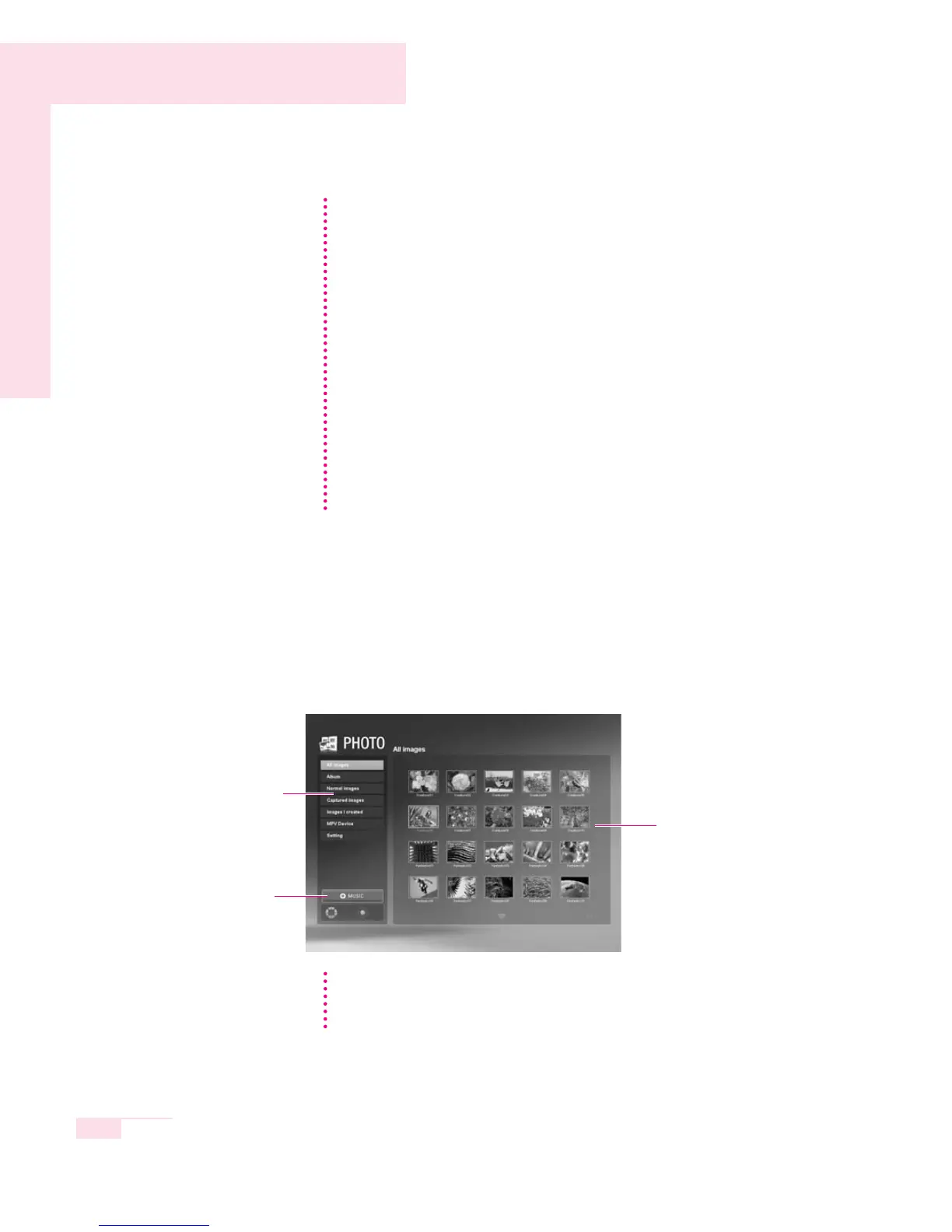
■ PHOTO (Viewing a Picture)
he procedures for viewing pictures (images) and for viewing pictures through
the Slide Show will be described.
1. Double-click on PHOTO in the initial screen of Play Mode.
2. Double-click All Photo from the left category and double-click an image file
in the Library window.
Playing a Music File
1. Double-click a category from the left category window
2. Double-click a music file in the right library window. The music will be
played.
Playing an Audio CD
1. Insert an audio CD into the CD-ROM drive. Audio CD will be displayed
in the library window.
To play an audio CD in the CD-ROM drive, double-click on CD in the cate-
gory.
2. Double-click Audio CD in the library window. The tracks of the CD will
be displayed.
3. Double-click a track to play it.
To Listen to All Tracks
Select Play All Tracks from the Media Play Control button.
NN
NN
oo
oo
tt
tt
ee
ee
Library Window
Category Window
MUSIC
You can listen to the music
files in My Playlist or All
musics while working.
Viewing an Image through the Slide Show or Full Screen
Select Slide Show or Full Screen from the menu at the bottom of the zoomed
image screen
NN
NN
oo
oo
tt
tt
ee
ee



 To Next Page