Samsung Electronics 2-15
Product Specifications
2-4-2 Tracking Your Indoor Unit from the Wired Remote Controller
1. Tracking of your Wired Remote Controller will automatically start when you turn on the power after installation.
2. If you want to perform tracking again after installation, then press the Esc and Delete buttons at the same time for
more than ve seconds.
●
The system will reset, and tracking will start again.
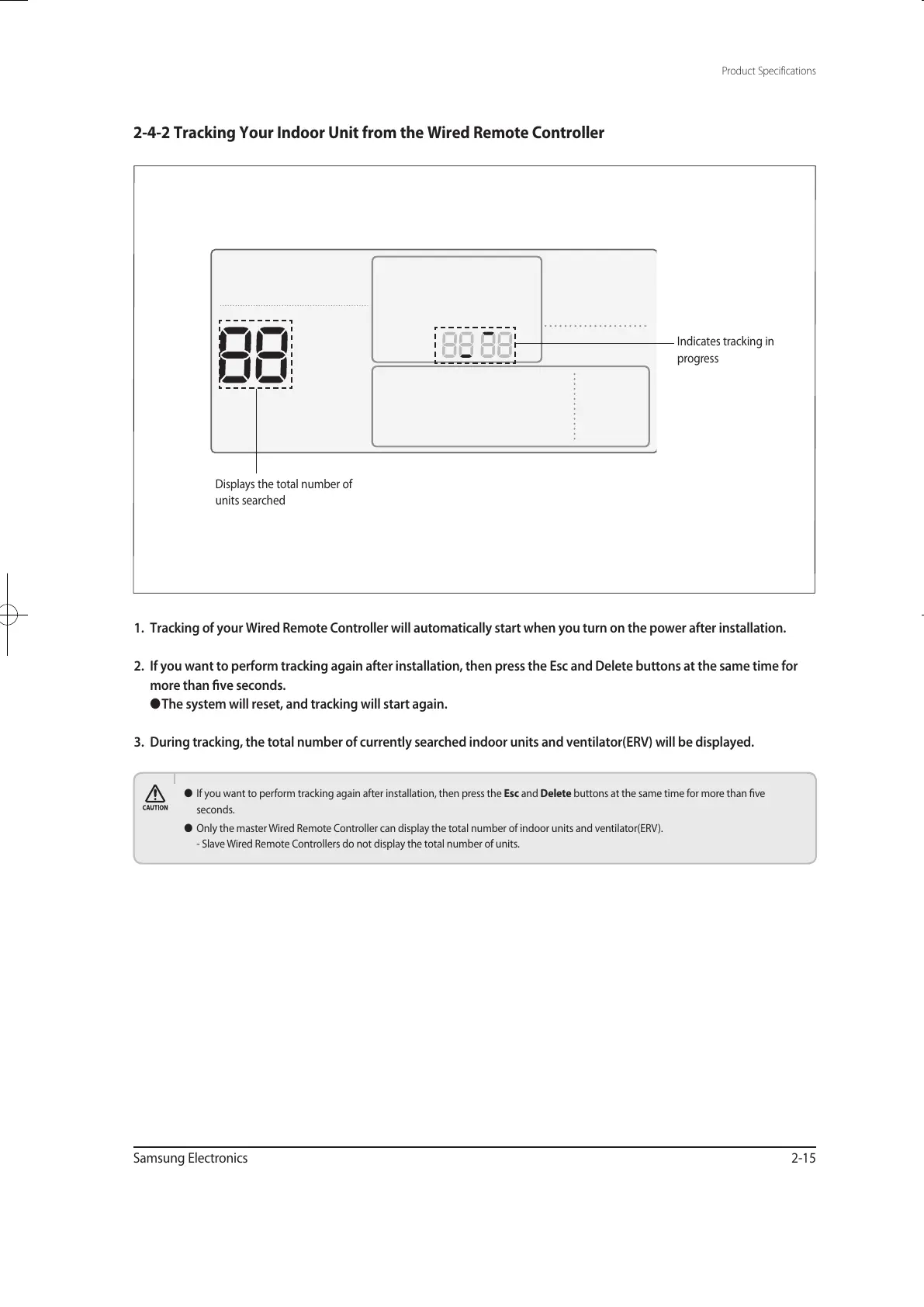
3. During tracking, the total number of currently searched indoor units and ventilator(ERV) will be displayed.
● If you want to perform tracking again after installation, then press the Esc and Delete buttons at the same time for more than ve
seconds.
● Only the master Wired Remote Controller can display the total number of indoor units and ventilator(ERV).
- Slave Wired Remote Controllers do not display the total number of units.
Displays the total number of
units searched
Indicates tracking in
progress
유선리모컨_MWR-WE10_E_33320A(1)_1.indd 15 2010-12-23 오후 5:51:17



 To Next Page