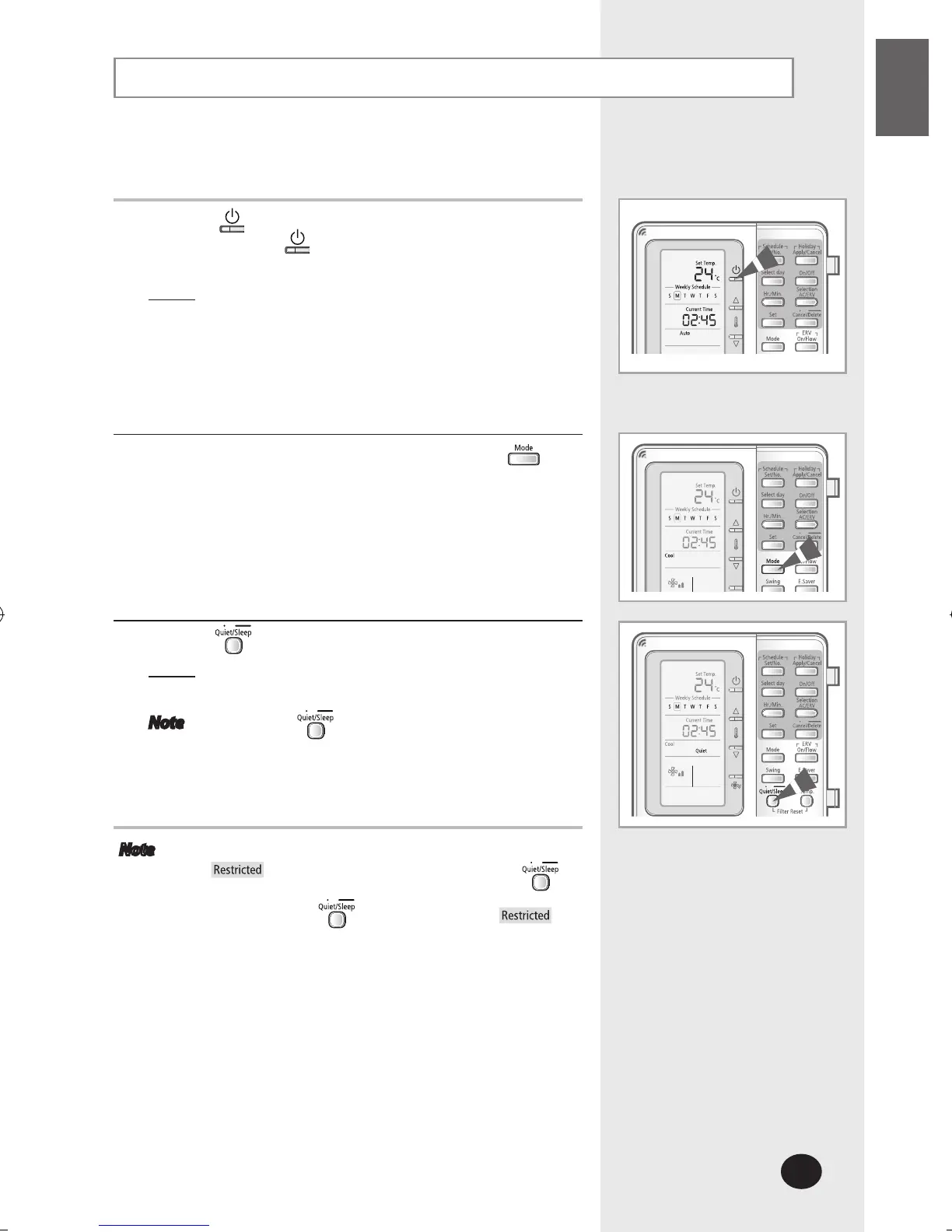
Selecting the Quiet Mode
Select the quiet mode to run the indoor unit as quietly as
possible.
1
Press the (ON/OFF) button to turn on the indoor unit.
- Do not press the
(ON/OFF) button if the remote
controller is on.
Result
: The air conditioner will be turned on with the
most recently used mode.
2
Select the desired operation mode by pressing the
button.
3
Press the button to select the Quiet mode.
Result
: The air conditioner will operate in quiet mode.
Operating noise will be reduced.
Note Press the button again to exit the quiet
mode.
Note If the indoor unit does not support Quiet mode,
will be displayed when you press the
button.
If you press the button in fan mode,
will be displayed.



 To Next Page