Using the E. Saver Function
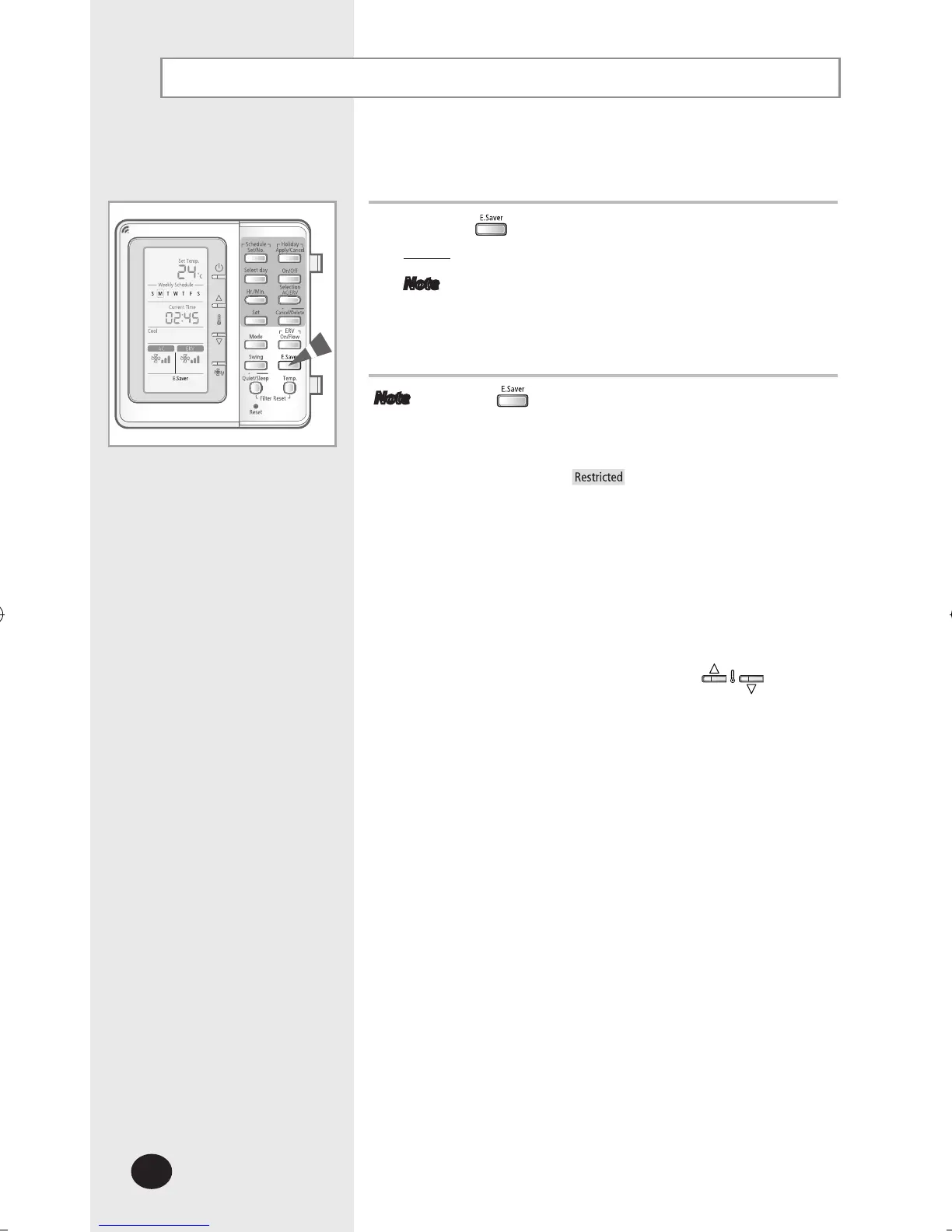
Select E.Saver function to save electricity.
1
Press the button.
Result
: The air conditioner will operate in E.Saver mode.
Note
In fan mode, E.Saver is displayed but the E.Saver
function is not operated.
Note The button operates only when 1 indoor unit
and 1 ERV unit is connected to the multi function
wired remote controller.
If ERV unit is not connected or more than 2 ERV units
are connected,
will be displayed when you
control it.
When E.Saver function in operation, the indoor unit
and ERV unit may operate automatically.
If you set the E.Saver function when the air
conditioner is operating in cool/heat mode, the
set temperature may set automatically [Cooling
operation : 26°C(79°F), Heating operation :
22°C(72°F)].
You can change it by pressing the
buttons.



 To Next Page