Operating the ERV
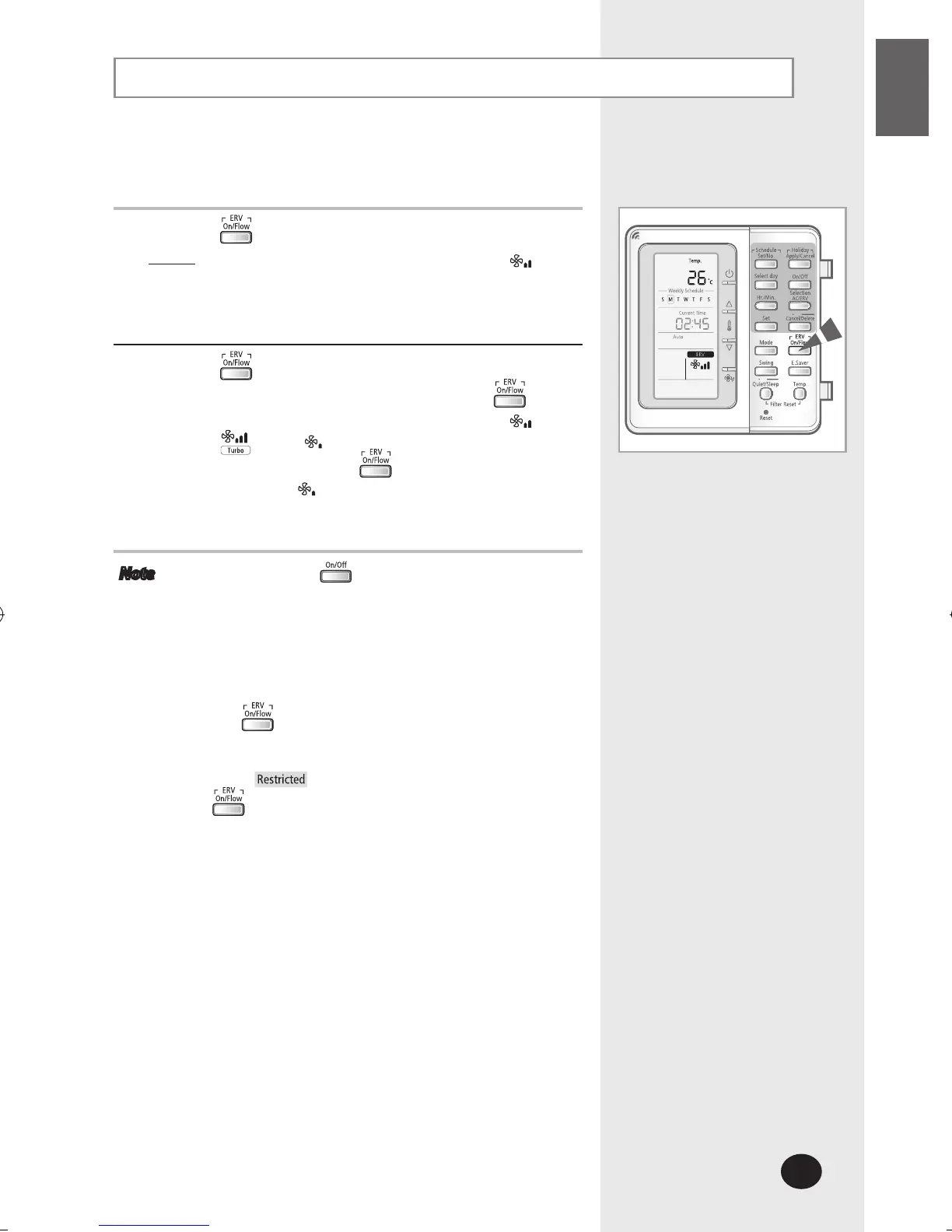
Select ERV function to ventilate the room.
1
Press the button to start ERV ventilating system.
Result: The fan speed will be displayed as High
2
Press the button to select the fan speed.
You can adjust the fan speed by pressing the
button. The fan speed changes in order of High
Turbo Med
To stop the ERV, press the button again when the
fan speed is Med
Note If you press the button when ERV unit is
connected to the multi function wired remote
controller, you can turn on/off both of ERV and the
air conditioner at the same time or turn on/off the
air conditioner only. The default setting is turning
on/off both of them.
(Refer to the installation manual.)
The button operates when more than 1 ERV
unit is connected to the multi function wired remote
controller.
If not,
will be displayed when you press the
button.
ERV operates in heat exchange mode only.



 To Next Page