135
1
Turn the computer on.
2
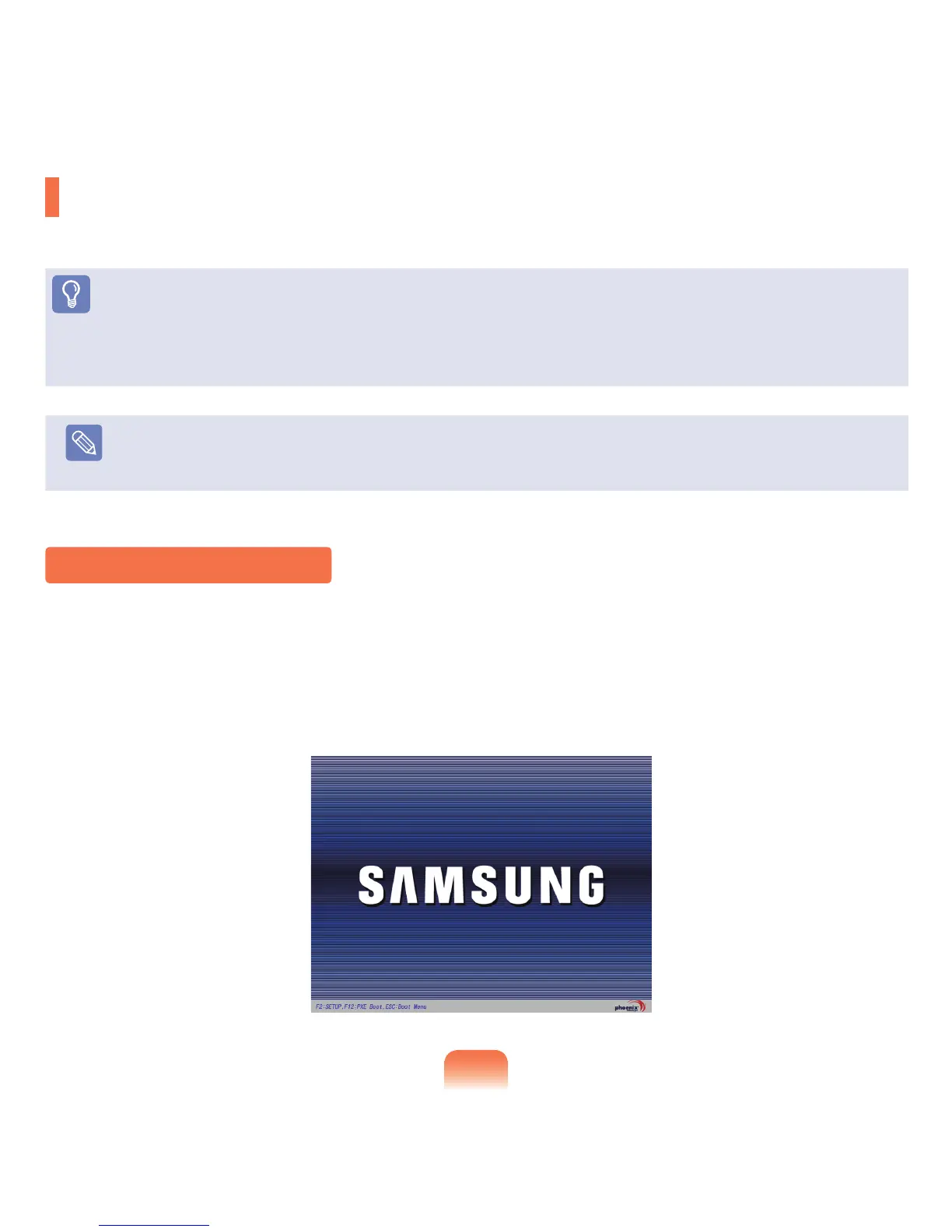
Whenthebootingscreen(SAMSUNGlogo)appears,presstheF2keytoentertheBIOSSetup.
Entering the BIOS Setup
BIOS Setup
TheBIOSSetupenablesyoutocongureyourcomputerhardwareaccordingtoyourneeds.
Before You Start!
■
UsetheBIOSsetuptodeneabootpassword,changethebootingpriority,oraddanewdevice.
Sinceincorrectsettingsmaycauseyoursystemtomalfunctionorcrash,takecarewhenconguringtheBIOS.
■
ThefunctionsoftheBIOSsetuparesubjecttochangeforproductfunctionenhancementpurposes.
Note
TheBIOSSetupmenusanditemsmaydifferdependingonyourcomputermodel.



 To Next Page