64
Adjusting the Volume using the Keyboard
PresstheFn+( )keycombinationorFn+( )key
combinationtoadjustthevolume.
Pressthe
Fn+( )keycombinationtoturnthevolume
on or off.
Adjusting the Volume using the Volume
Adjustment Program
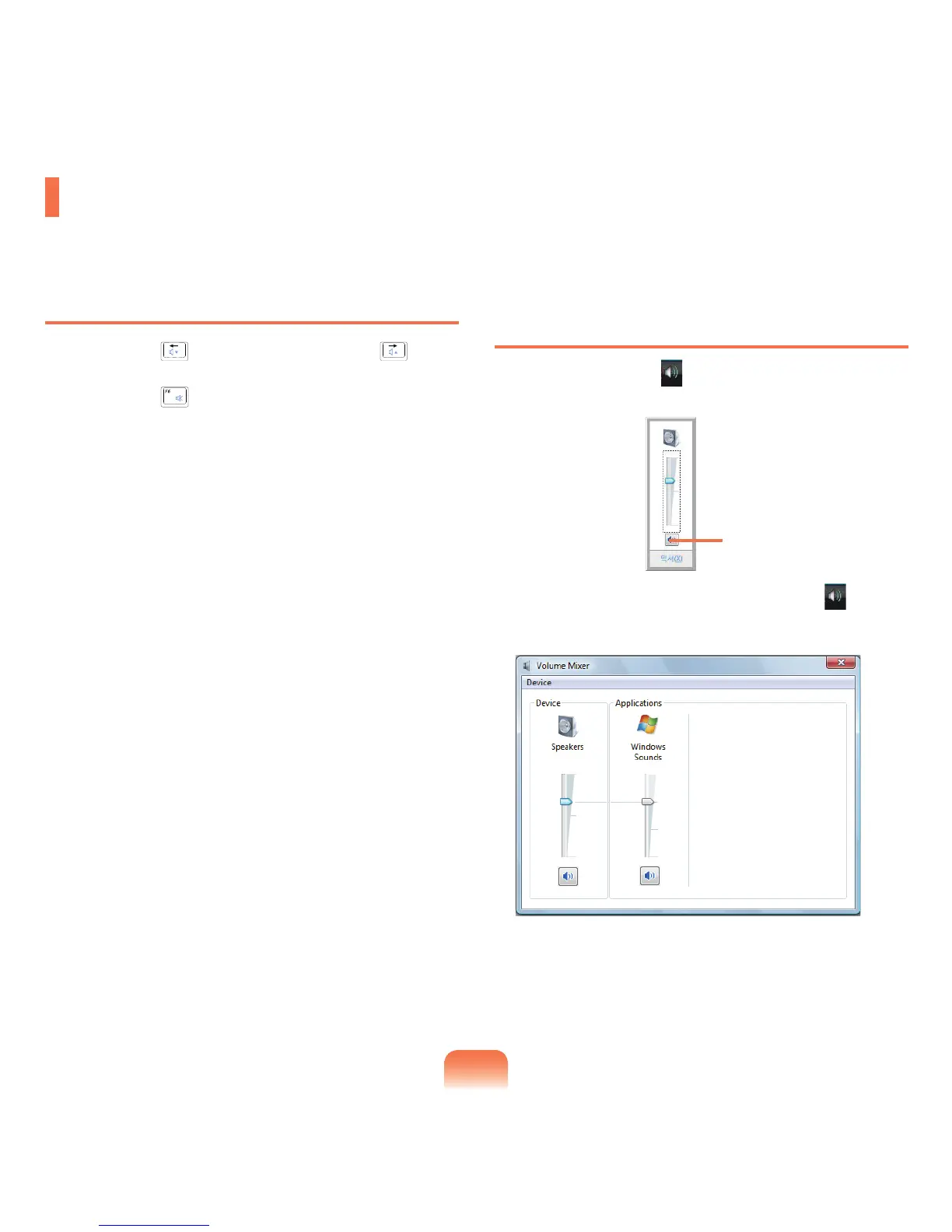
ClicktheVolumeicon( )onthetaskbarandslidethe
volumecontrolbartoadjustthevolume.
Alternatively,right-clickoverthe
Volumeicon( )and
selectOpen Volume Mixertoadjustthevolume.
Adjusting the Volume
Youcanadjustthevolumeusingthekeyboardandthevolumecontrolprogram.
Mute



 To Next Page