78
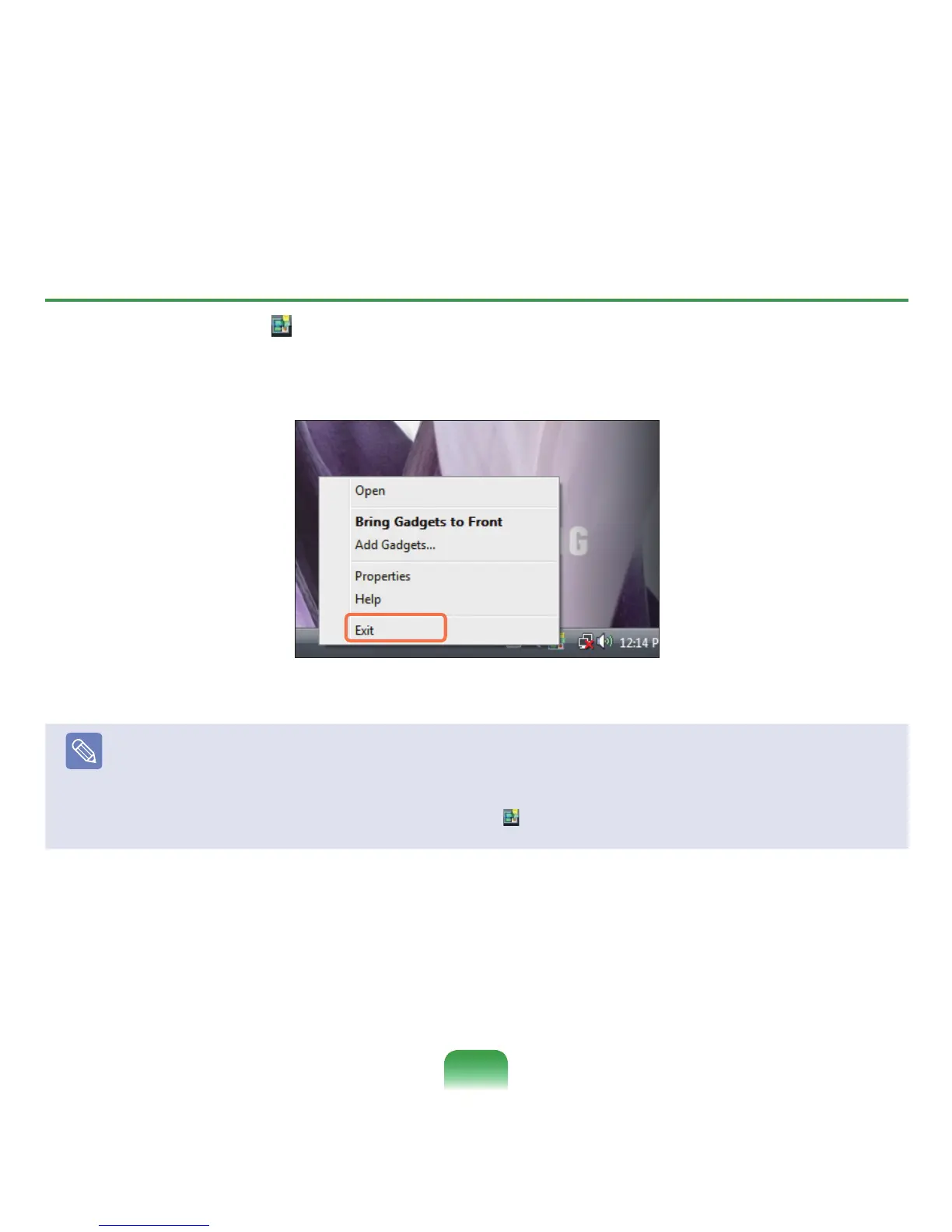
Exiting the Sidebar
Right-clickontheSidebaricon( )intheSystemTraywiththeclockonthetaskbarandselect
ExittoexittheSidebar.
Note
Closing the Sidebar
■
EvenifyouclosetheSidebar,theSidebarcontinuesrunningintheSystemTrayintheclockarea,thoughitisnotdisplayed
ontheDesktop.
■
ToclosetheSidebar,right-clickovertheSidebarontheDesktopandselectClose Sidebar.
ToopentheSidebaragain,right-clickontheSidebaricon(
)intheSystemTraywiththeclockonthetaskbarandselect
Open.



 To Next Page