English _49
● WEB VIEWER
To Use Microphone
Click [Mic ( )] icon to activate the microphone.
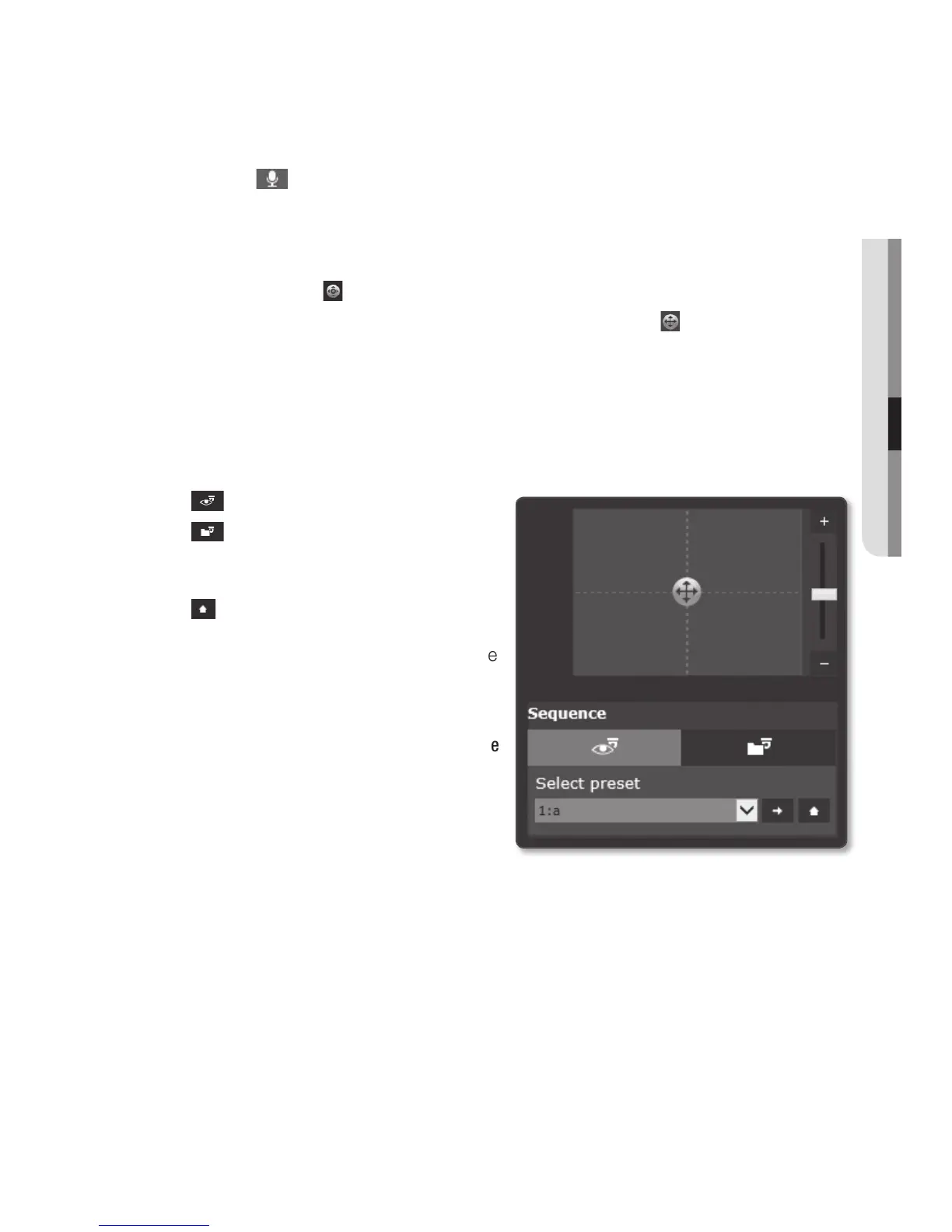
To control the PTZ
1. Press the [PTZ ( )] tab.
2. Adjust the direction of the camera by controlling the cursor [
] of the screen
moving pad, or control the zoom or focus.
M
`
For further details on PTZ use, refer to “DPTZ setup”. (page 67)
To run a sequence
• : Run a saved preset.
•
: Run a saved group.
Refer to “To set a group” for details of
group setting. (page 69)
•
: Run a saved home position.
Refer to “To add the home position”
for details of home position setting. (page
68)
M
`
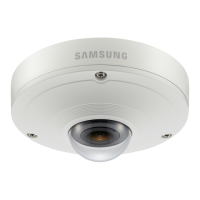
To use the sequence function, at
<Dewarping mode>, select the <Single
Rectangle> view, and then go to <DPTZ
setup> and select the Preset option and
Group.


 To Next Page