Registering with DDNS
To register your product with the Samsung DDNS
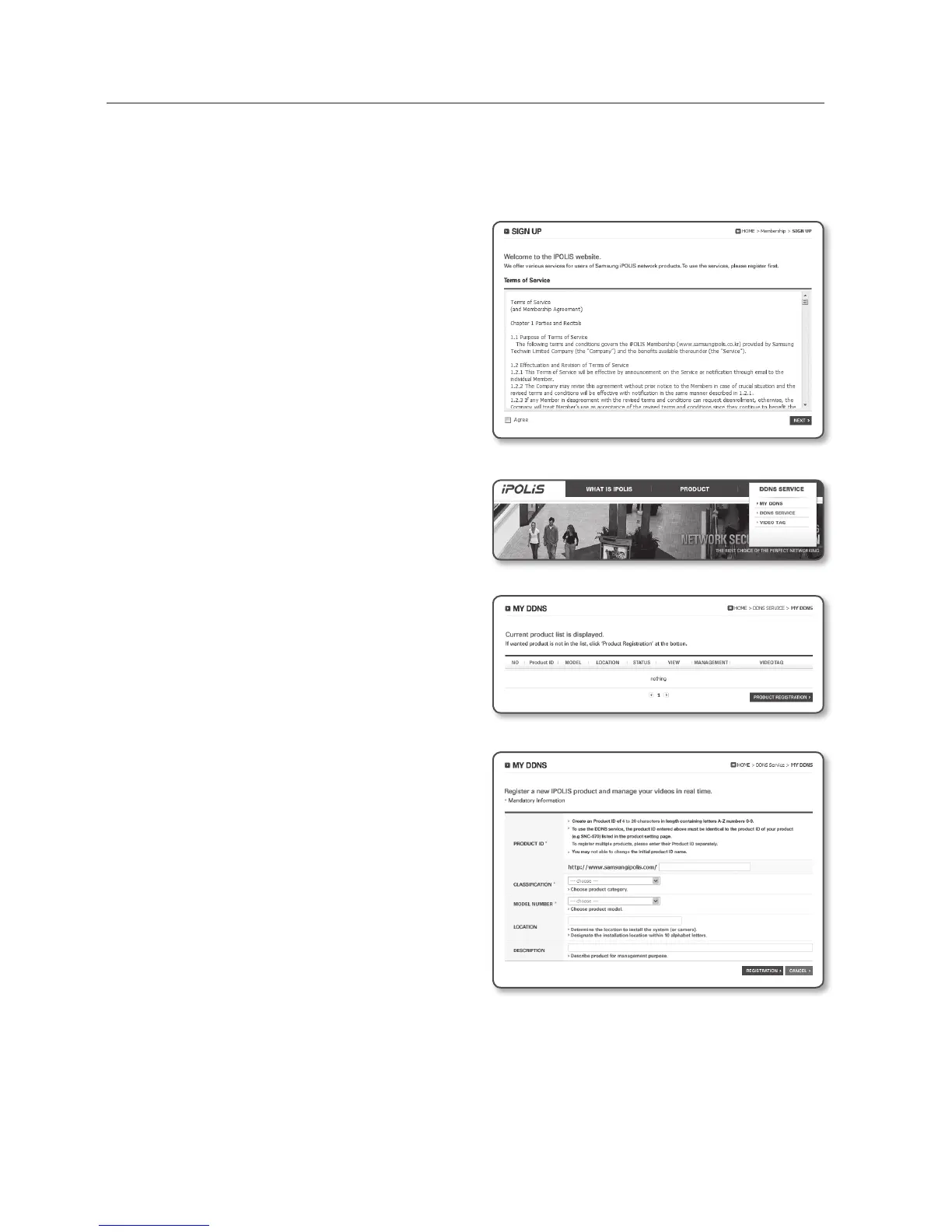
1. Visit the iPOLiS web site
(www.samsungipolis.com) and sign in
with a registered account.
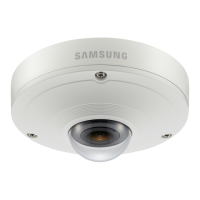
2. From the top menu bar, select <DDNS
SERVICE> - <MY DDNS>.
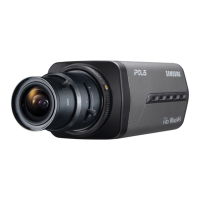
3. Click [PRODUCT REGISTRATION].
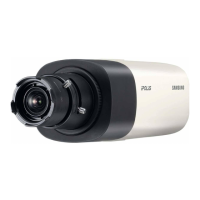
4. Enter the product ID.
`
You must perform the duplicate check for the
ID that you entered.
5. Select a <CLASSIFICATION> and
specify the <MODEL NUMBER>.
6. Specify the product location with a
description if necessary.
7. Click [REGISTRATION].
The product will be added to the
product list that you can check.
setup screen
80_ setup screen


 To Next Page