4.6 C
HAPTER FOUR:SPECIAL FEATURES
Digital Noise Reduction
If the broadcast signal received by your TV is weak, you can activate the Digital
Noise Reduction feature to help reduce any static and ghosting that may appear on
the screen.
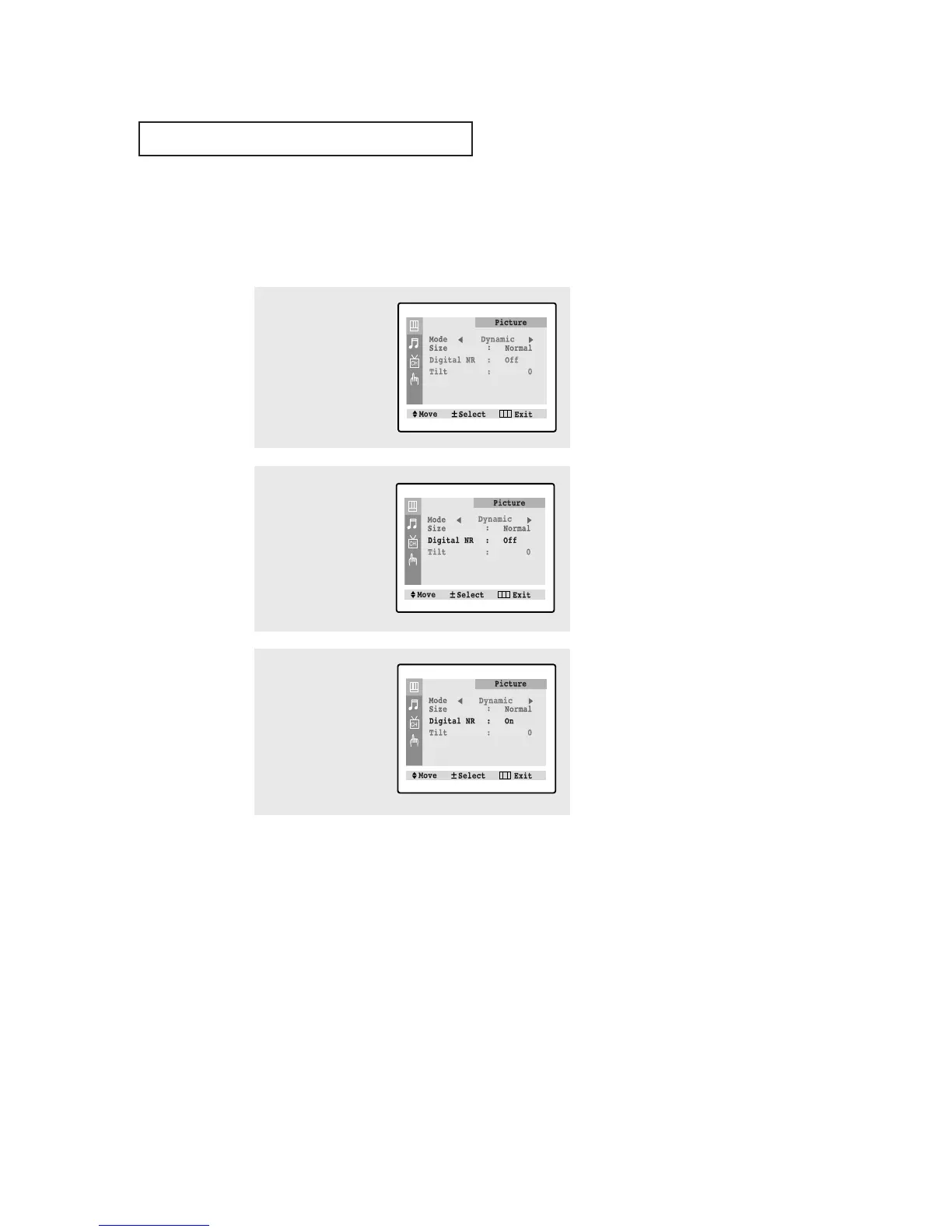
1
Press the MENU button to
display the menu.
Press the VOL + button to
select the “Picture” menu.
2
Press the CH ▼ button to
select "Digital NR."
3
Press the VOL + or VOL -
button to select Digital
NR “On”.
Press the MENU button to
exit.
SPECIAL FEATURES
▼
Pressing the VOL- or VOL+ but-
ton will alternate between “On” and
“Off”.



 To Next Page