4.8 C
HAPTER FOUR:SPECIAL FEATURES
SPECIAL FEATURES
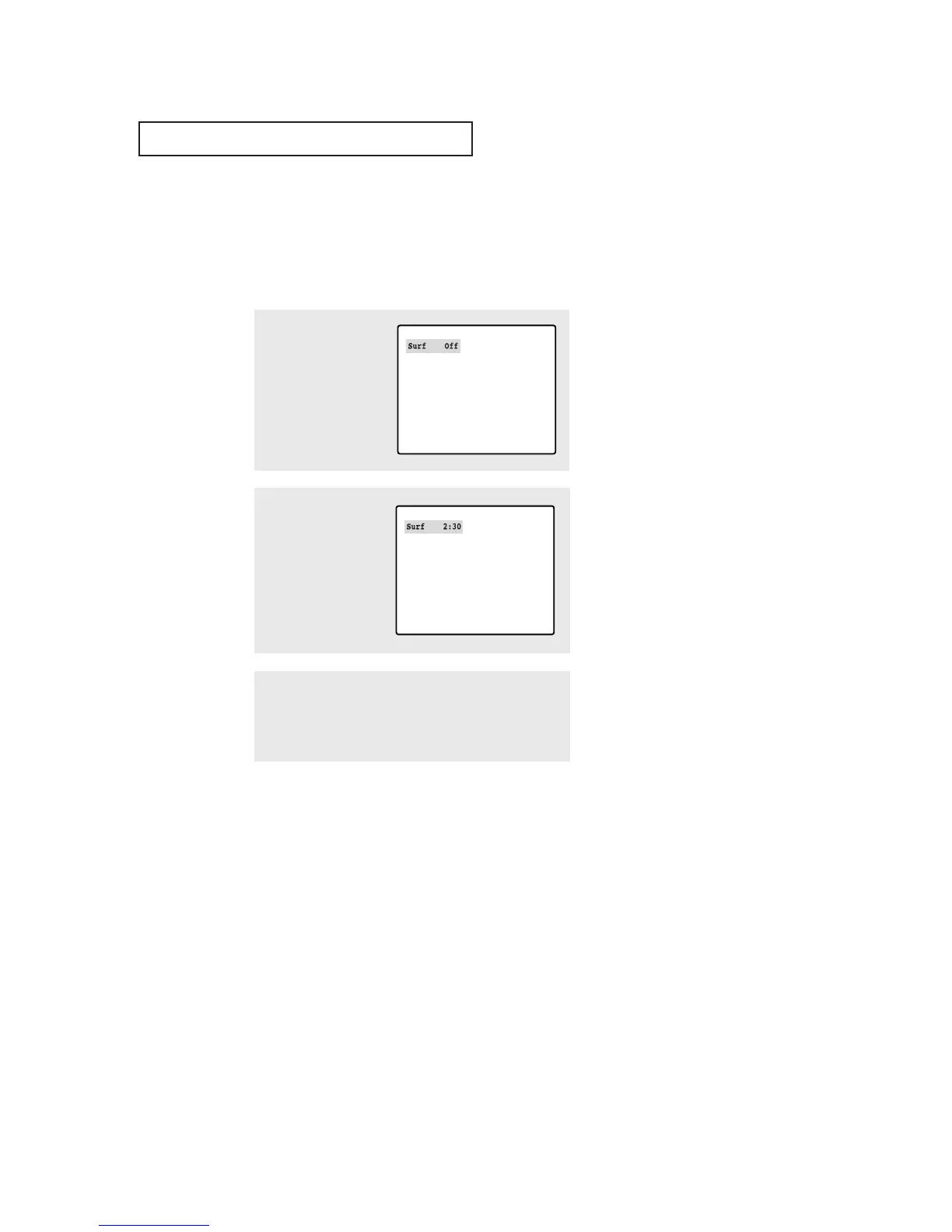
Using the Surf Feature
This feature allows you to set the TV to return to a particular channel after a certain
amount of time. For example, you may be watching a channel when commercials
start. You can set the Surf to “5 minutes”, then switch channels. After 5 minutes,
the TV will return to the original channel. To use the Surf:
1
While you are watching
the channel to which you
want to return, press the
SURF button. The on-
screen display will read
“Surf off”.
2
Press the SURF button
again to set the timer in
thirty second intervals, up
to five minutes.
3
The time you set will begin counting down on the screen.
When the time runs out, the TV will return to the channel
you were watching when you set the timer.



 To Next Page