OPERATION
C
HAPTER THREE: TV OPERATION
3.3
Viewing the Menus and On-Screen Displays
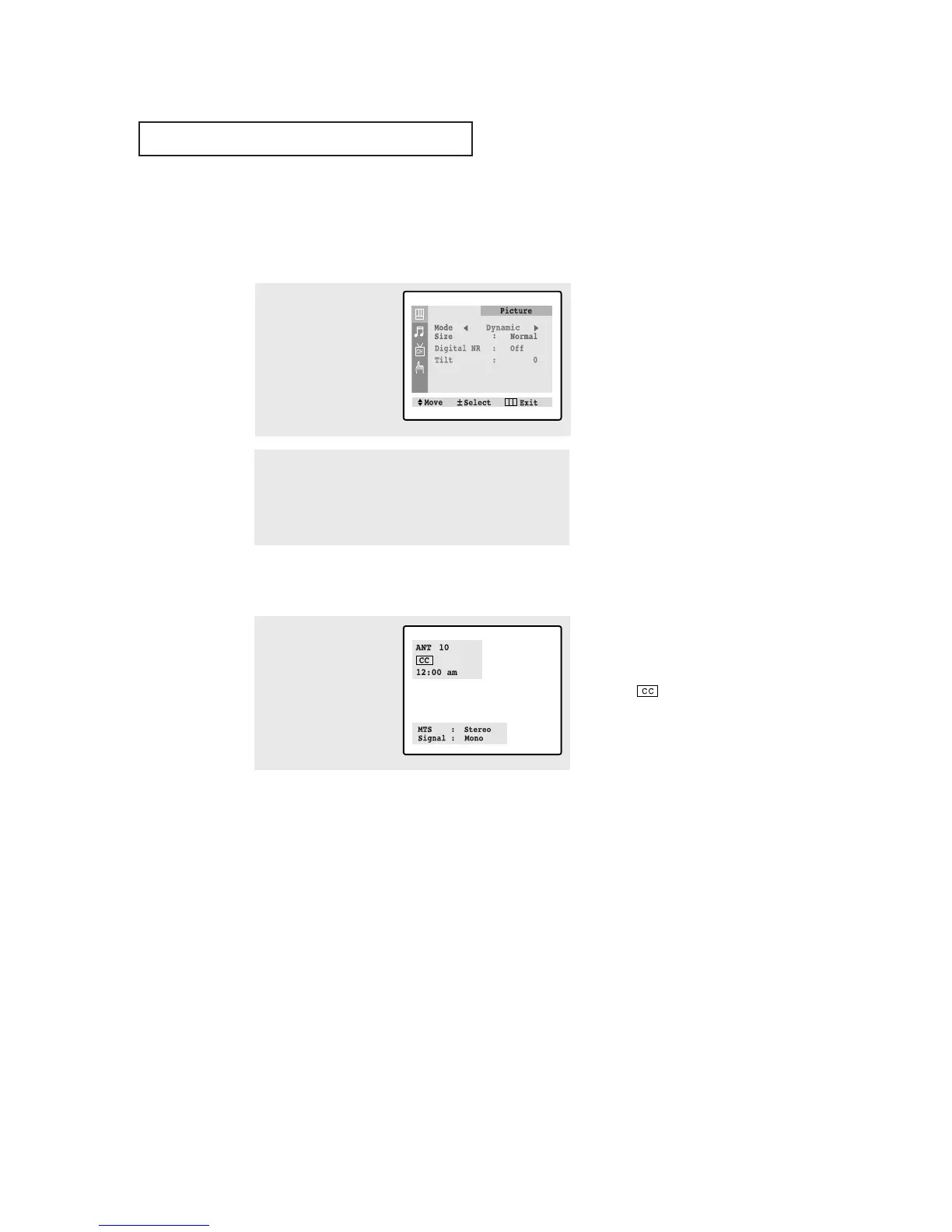
Viewing the Menus
Viewing the Display
▼
The on-screen displays
disappear after about twelve seconds.
When Closed Caption has been set,
the icon( ) will appear by press-
ing the Display button.
▼
1
With the power on, press
the MENU button.
The main menu appears
on the screen. Its left side
has four icons: Picture,
Sound, Channel, and
Function.
The on-screen menus disappear
from the screen after about thirty
seconds.
▼
You can also use the MENU,
CHANNEL, and VOLUME buttons
on the control panel of the TV to
make selections.
1
Press the DISPLAY button.
on the remote control.
The on-screen display
shows any or all of the
following: Active channel,
Audio source and the
time.
2
Use the CH▲ and CH▼ buttons to highlight one of the 4
icons. Then press the VOL+ button to access the icon’s sub-
menu.
Press the MENU button to exit.



 To Next Page