C
HAPTER FOUR:SPECIAL FEATURES
4.7
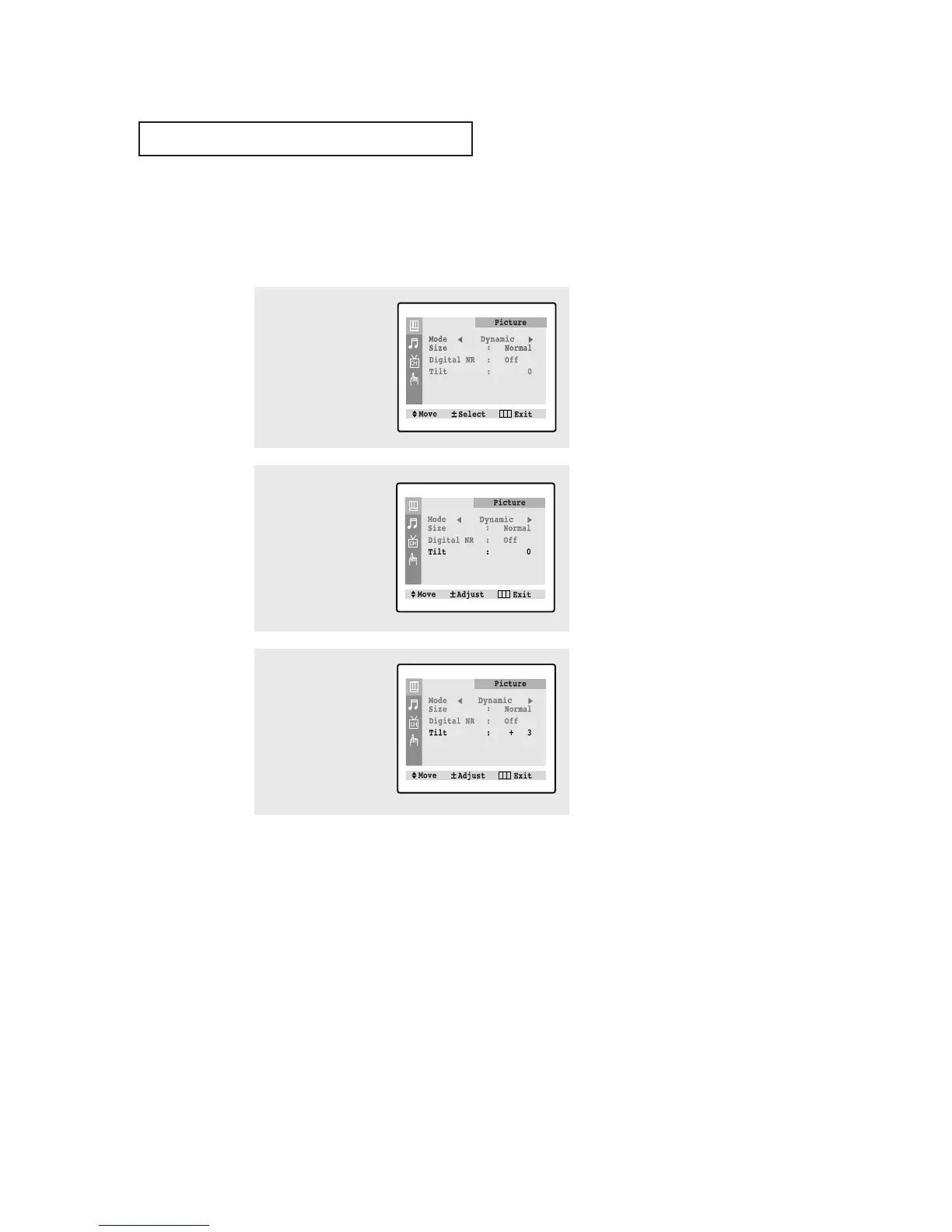
Tilt (TXM2792F)
Due to the Earth’s magnetic field there may be same minor image tilt depending on
the TV’s location. When this occurs, follow the steps below.
1
Press the MENU button to
display the menu.
Press the VOL + button to
select the “Picture” menu.
2
Press the CH ▼ button to
select "Tilt".
3
press the VOL– or VOL+
buttons to adjust the Tilt.
Press the MENU button to
exit.
SPECIAL FEATURES



 To Next Page