CHAPTER ONE: YOUR NEW TV 1.2
Familiarizing Yourself with The TV
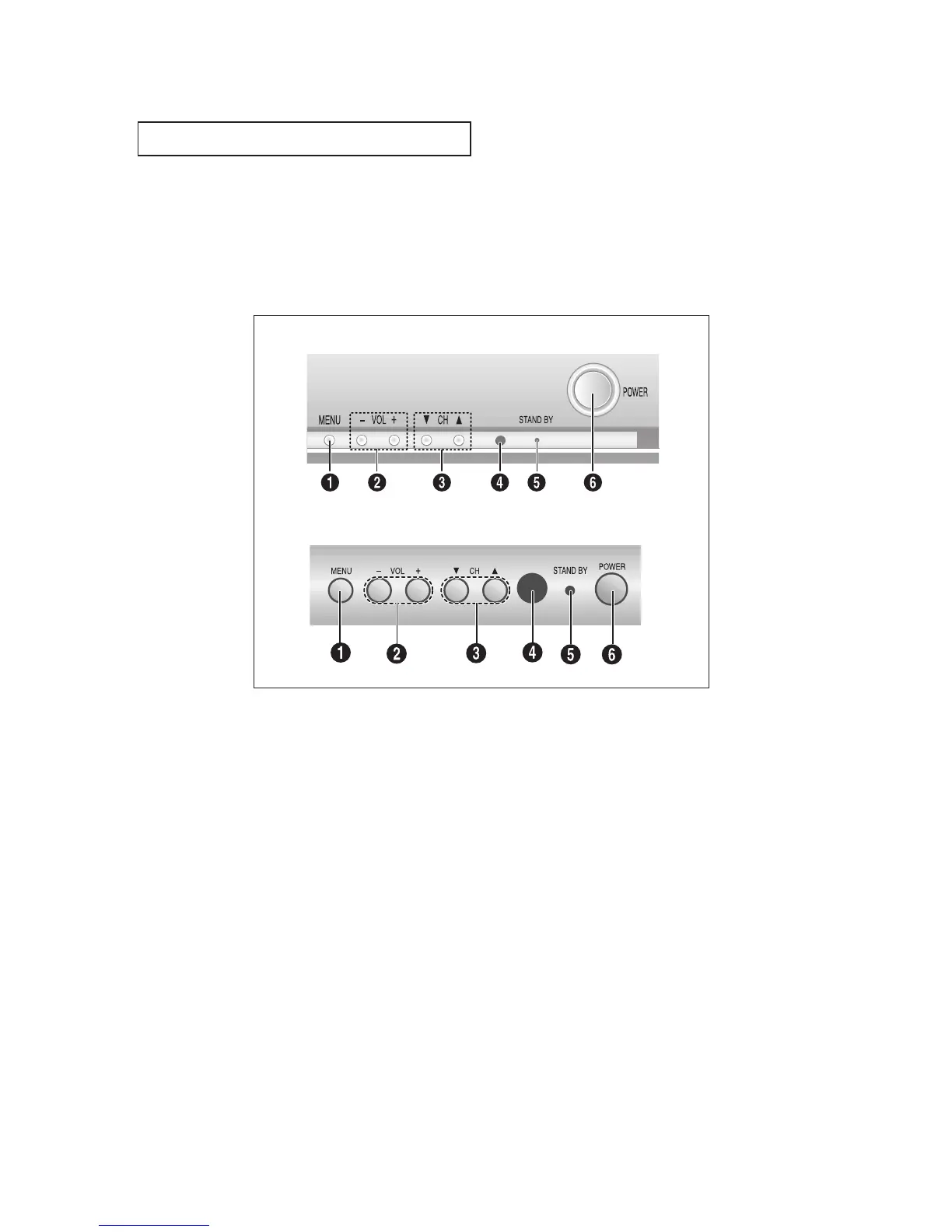
Front Panel Buttons
The buttons on the front panel control your TV’s basic features, including the on-screen
menu. To use the more advanced features, you must use the remote control.
YOUR NEW TV
Œ
MENU
Press to see an on-screen menu of your TV's fea-
tures.
´
VOL – , +
Press to increase or decrease the volume.
Also used to select items on the on-screen menu.
ˇ
CH ▼ and CH ▲
Press to change channels. Also press to select
various items on the on-screen menu.
¨
Remote Control Sensor
Aim the remote control towards this spot on the
TV.
ˆ
STAND BY indicator
Lights up when you turn the power off.
Ø
POWER
Press to turn the TV on and off.
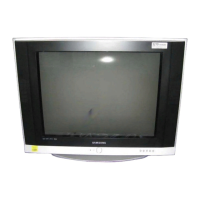
TXM2792F
TXL2767



 To Next Page