45
PVR (Personal Video Recorder)
GB
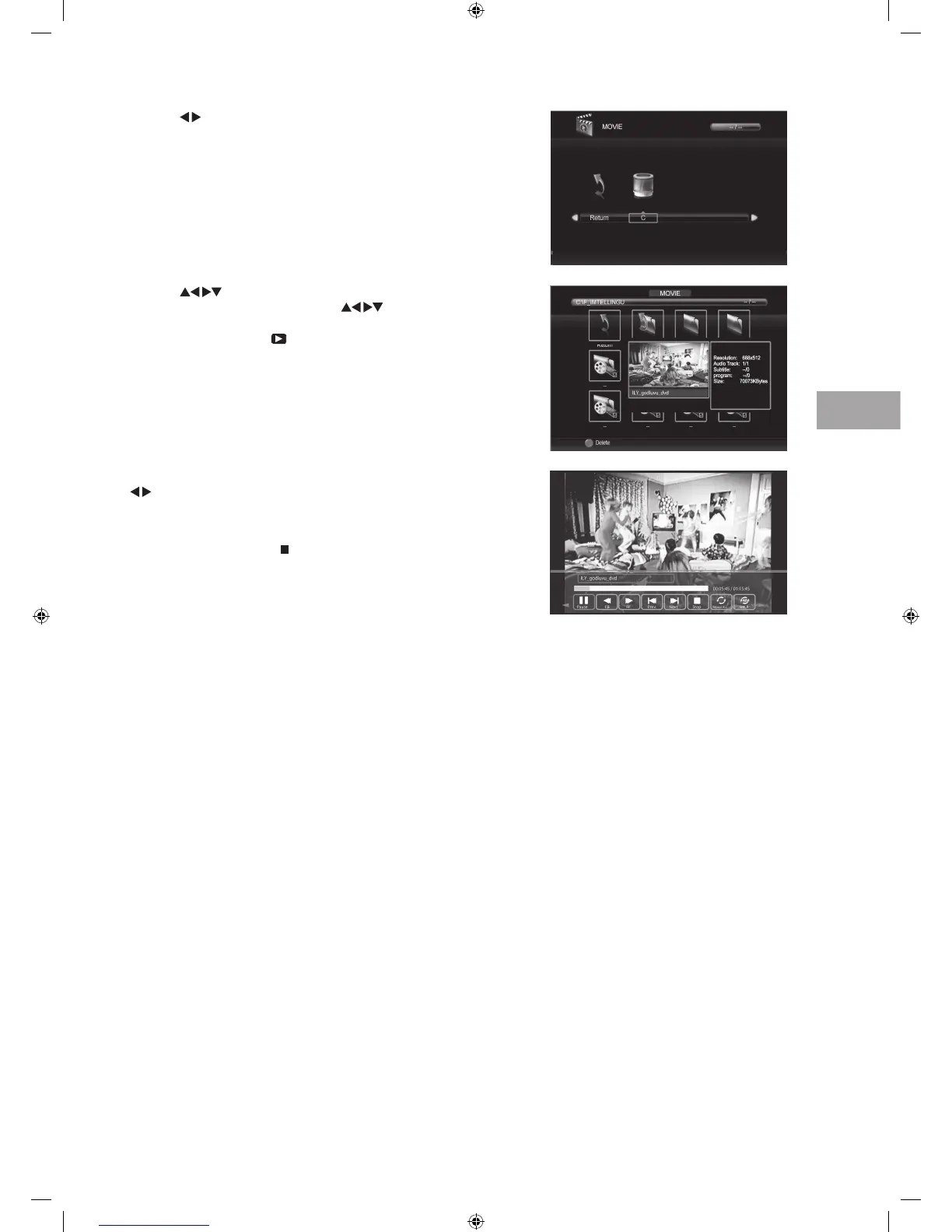
5. Press the INFO button or the OK button to display the function bar. Press the
buttons and then press the OK button to select the function: Pause / FB
/ FF / Prev. / Next / Stop / Repeat All / Set A / Playlist / Info / Slow Forward /
Step Forward / Goto Time / Zoom In / Zoom Out / Aspect Ratio / More View.
6. Press the EXIT button or the
Stop button to stop the current playback and
to return back to the previous menu.
4. Press the
buttons to select the "_MSTPVR" or "MY PVR" folder
and then press the OK button. Press the
buttons to . Select your
recorded programme and then press the OK button to view a preview
screen of the file. Press the
PLAY button to view in full screen.
3. Press the buttons to select your storage device and then press the OK
button.
S24LED11_IB_111014_Zell.indd 45 14/10/2011 3:36 PM



 To Next Page