20
Memorizing channels
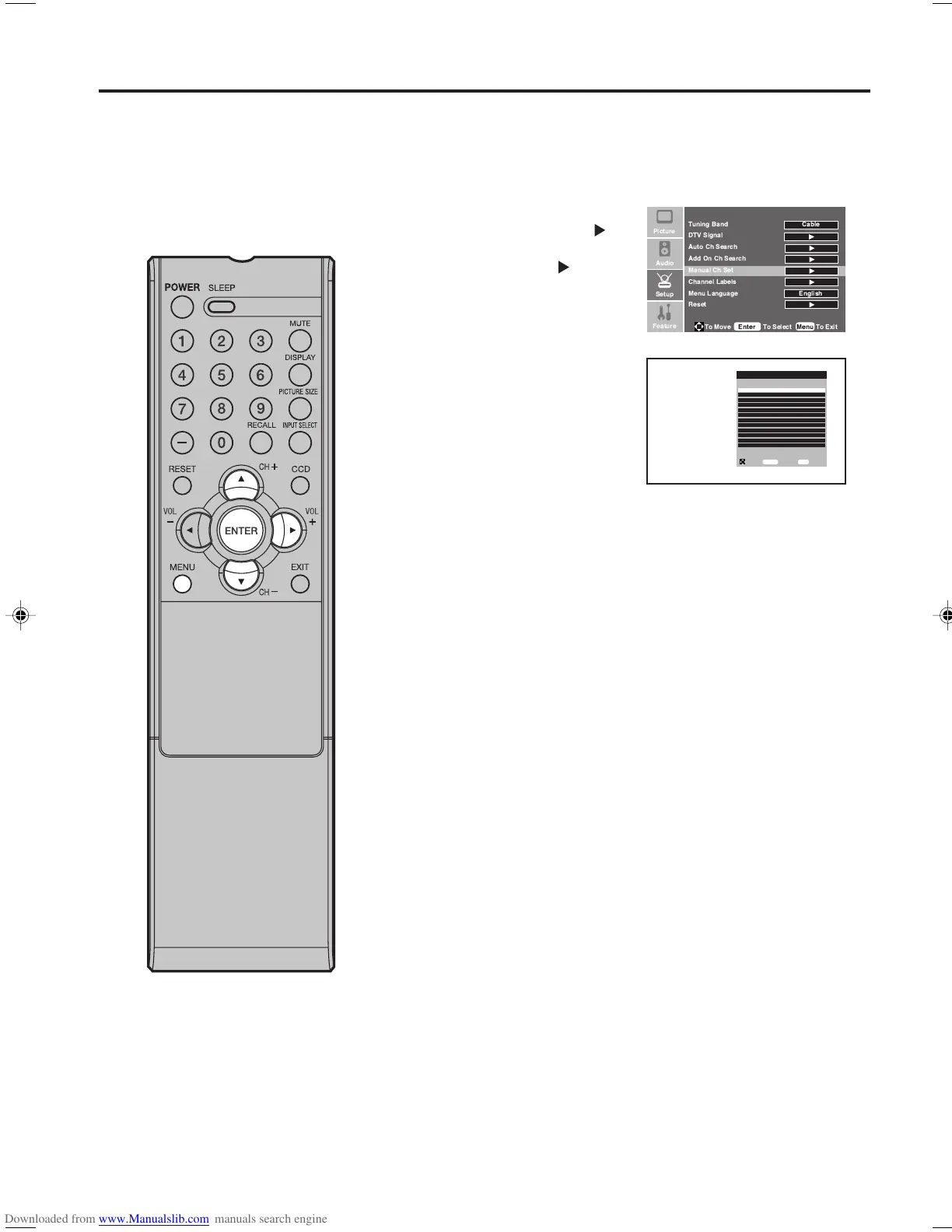
Manual Ch Set
You can select the channel that you want to skip.
1
Press MENU. The menu screen will appear.
2
Press ▲ or ▼ to select
“Setup”menu, then press
.
Press ▲ or ▼ to select “Manual
Ch Set”, then press or
ENTER.
Manual Ch Set menu will
appear.
3
Press ▲ or ▼ to select the
channel that you want to skip,
then press ENTER.
4
Press MENU to return to the normal screen.
Manual Channel Set Menu
Ch 7-0 Viewable
Ch 7-0 Viewable
Ch 11-0 Viewable
Ch 12-0 Viewable
Ch 22-0 Viewable
Ch 23-0 Viewable
Ch 23-1 CH-1 Viewable
Ch 23-2 CH-2 Viewable
Ch 23-3 CH-3 Viewable
Ch 23-4 CH-4 Viewable
Ch 23-77 CH-77 Viewable
Ch 23-999 CH-999 Viewable
To Move
To Select
To Exit
Enter
Menu
!
"
33F0201A_En_p18-24 7/5/07, 3:29 PM20



 To Next Page