EasyManua.ls Logo

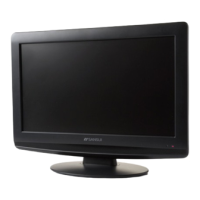
Sansui HDLCD1900 - User Manual

Sansui HDLCD1900
44 pages
Print Icon
To Next Page IconTo Next Page
Loading...
R
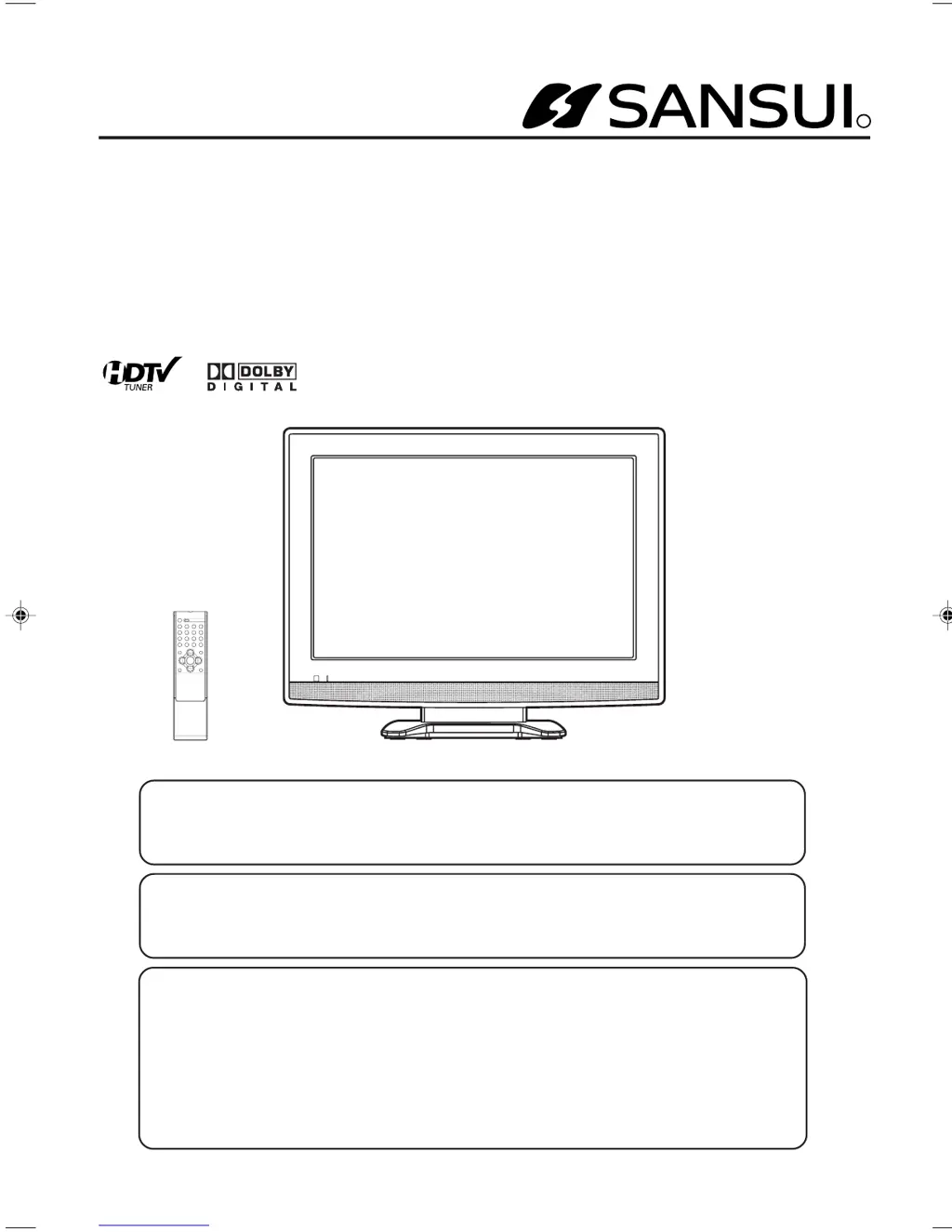
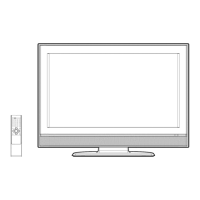
19" WIDE TFT LCD TELEVISION
WITH DIGITAL TUNER
HDLCD1900
OWNER’S MANUAL
Before operating the unit, please read this manual thoroughly.
ATTENTION
If you purchase a universal remote control from your local retailer, please contact the remote
manufacturer for the required programming code.
IF CONTACT WITH CUSTOMER SERVICE IS REQUIRED
PLEASE HAVE THE MODEL NUMBER READY PRIOR TO THE CALL
CUSTOMER SERVICE – 1-800-289-0980
ORION WEBSITE
FOR INFORMATION ON OUR OTHER PRODUCTS, PLEASE VISIT OUR WEBSITE AT
www.orionsalesinc.com
Air/Cable MODE SELECTION
When shipped from the factory, the Tuning Band menu option is set to the “Cable” (Cable Television)
mode. If not using Cable TV, set this menu option to the “Air” position.
33F0201A_En_cover 7/5/07, 3:28 PM1

Other manuals for Sansui HDLCD1900

Questions and Answers

  • T
    Taylor AcostaAug 18, 2025
    How to fix Sansui HDLCD1900 remote not working?
    • C
      Cory AndersonAug 18, 2025
      If your Sansui LCD TV remote isn't working, first ensure the power cord is securely plugged in. Then, check the batteries—replace them if they're weak or dead, and make sure they're inserted correctly. Ensure there are no obstructions between the remote and the TV, and that you're within 15 feet and aiming the remote directly at the sensor.
  • T
    Tracy RochaAug 20, 2025
    What to do if Sansui HDLCD1900 does not operate?
    • J
      John ArnoldAug 20, 2025
      If your Sansui LCD TV isn't operating, ensure the power cord is properly plugged in and try a different AC outlet. Check your fuse or circuit breaker. As a last resort, unplug the unit for an hour, then plug it back in.
  • J
    Jason GillAug 23, 2025
    Why does my Sansui HDLCD1900 LCD TV have poor picture quality?
    • C
      Christine RoweAug 23, 2025
      If your Sansui LCD TV has poor picture quality or no picture, try tuning to another station as the current station or cable provider may be experiencing issues. Also, make sure channels are correctly set into memory. Check your antenna or cable connections and adjust the antenna. Look for any potential sources of interference and check your picture control adjustments.
  • M
    Michael HoganAug 26, 2025
    Why does my Sansui LCD TV keep shutting off?
    • C
      Christopher MossAug 26, 2025
      If your Sansui LCD TV is shutting off unexpectedly, it might be due to the Sleep Timer being set or a power interruption. Check your Sleep Timer settings and ensure a stable power supply.
  • M
    melissaweberAug 28, 2025
    How to troubleshoot poor sound on Sansui HDLCD1900 LCD TV?
    • A
      Andrea GouldAug 28, 2025
      If you're experiencing poor or no sound on your Sansui LCD TV, try tuning to another station, as the current station or cable provider may be experiencing problems. Check your sound adjustments, including volume and mute settings. Also, check for any sources of possible interference.
  • J
    Jeffrey YoungAug 30, 2025
    How to fix horizontal bars on Sansui HDLCD1900?
    • A
      Andrew RichAug 30, 2025
      If your Sansui LCD TV displays horizontal or diagonal bars on the screen, check the antenna connections and adjust or redirect the antenna. Also, check for any sources of possible interference.
  • L
    Lisa RogersSep 2, 2025
    Why is the color off on my Sansui HDLCD1900?
    • A
      acruzSep 2, 2025
      If you are experiencing poor color or no color on your Sansui LCD TV, try tuning to another station, as the current station or cable provider might be experiencing issues. Ensure the channels are set into memory. Check the picture control adjustments, antenna or cable connections, and look for sources of possible interference.
  • B
    brewerchristinaSep 4, 2025
    How to improve poor reception on Sansui HDLCD1900?
    • C
      Christina YangSep 4, 2025
      If you're experiencing poor reception on some channels with your Sansui LCD TV, try tuning to another station, as the current station or cable provider may be experiencing problems. Ensure that channels are set into memory. Adjust the antenna to receive the desired station if the station is weak, and check for sources of possible interference.
  • J
    jeanette10Sep 7, 2025
    Why does my Sansui LCD TV picture wobble?
    • K
      Katelyn WatersSep 7, 2025
      If your Sansui LCD TV picture wobbles or drifts, try tuning to another station, as the current station or cable provider may be experiencing issues. Also, ensure that channels are set into memory. If the cable company is scrambling the signal, there is not much you can do but contact them. Try adjusting the antenna as well.
  • L
    laura00Sep 10, 2025
    How to resolve digital broadcasting screen problem on Sansui HDLCD1900 LCD TV?
    • R
      Robert TaylorSep 10, 2025
      To resolve digital broadcasting screen problems on your Sansui LCD TV, check the digital signal strength.

Summary

Important Safety Instructions

Safety Precautions

Features

Power source

Details how to connect and use the AC power supply for the television.

Parts and functions

Remote control

Antenna connections

Cable TV connections

Connections to other equipment

Setting the language

Memorizing channels

TV operation

To select the video input source

Instructions for switching between different connected audio/video sources.

SLEEP

How to set the automatic sleep timer for the television.

Labeling channels

Setting the V-Chip

To change the password

Steps to modify the existing V-Chip password.

Downloading the additional V-Chip rating system

Guide for downloading enhanced V-Chip rating data when available.

Closed Caption

CC advanced

Setting the picture size

Adjusting the picture preference

Picture control adjustment

Guide to fine-tune picture settings like contrast, brightness, and sharpness.

DNR

Selecting the color temperature

How to choose between Cool, Normal, and Warm preset color temperature settings.

Setting the 3 D Y;C

Selecting Stereo;Second Audio Program (SAP)

Sound control adjustment

Instructions for adjusting Bass, Treble, and Balance for optimal audio output.

Selecting the audio language

Selecting the digital output

Options for choosing the digital audio output format (PCM or RAW).

Checking the Digital-signal strength

Resetting your settings

Procedure to restore factory default settings for the television.

Picture control adjustment in the Component and PC mode

Reception disturbances

Troubleshooting

Specifications

LIMITED WARRANTY

Sansui HDLCD1900 Specifications

General IconGeneral
BrandSansui
ModelHDLCD1900
CategoryLCD TV
LanguageEnglish

Related product manuals