Polarization Control Unit PCU-110
5-13
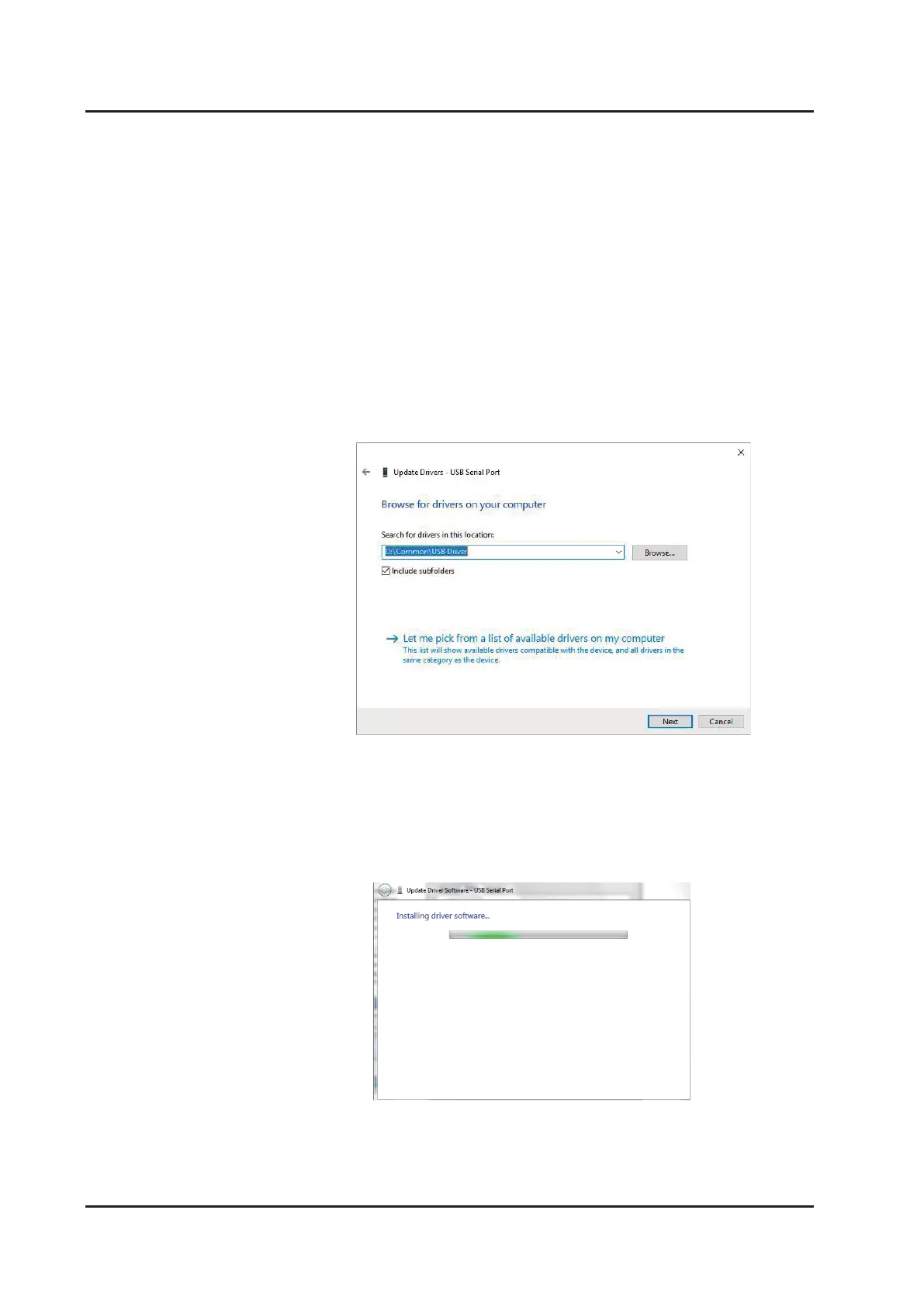
6. On Message window (Figure 5-3-4-6), click on “Browse” button to select the driver
software location under Removable disk included in package.(e.g. D:\Common\USB
Driver on Figure 5-3-4-6)
7. Installation will automatically start. Message window Figure 5-3-4-7 will appear.
Figure 5-3-4-6. Search for driver software location
Figure 5-3-4-7. Installation in progress



 To Next Page