5-14
PCU-110 Operation Manual
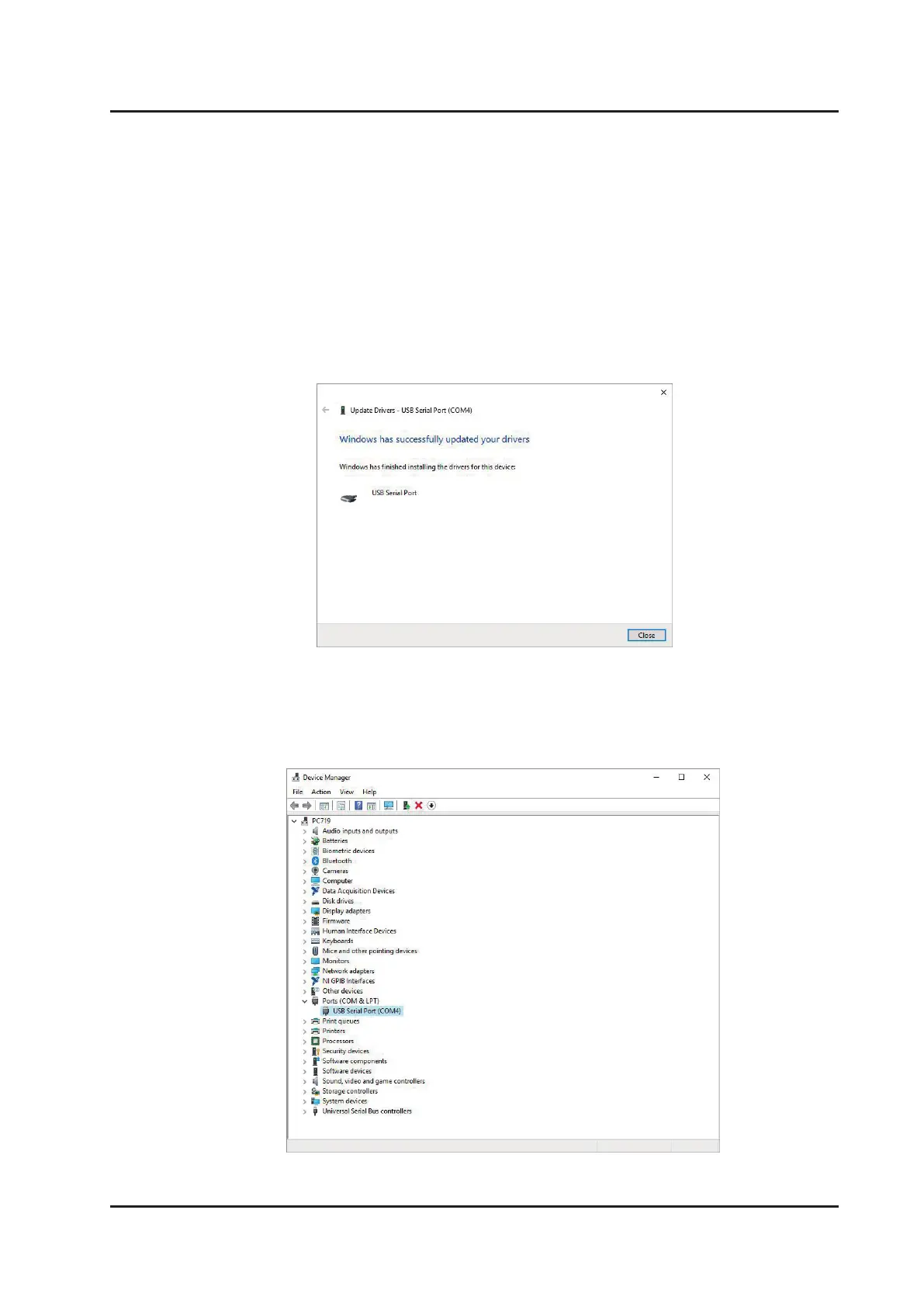
8. Installation is completed successfully when Figure 5-3-4-8 appears. Click on “Close”
to Exit the installation.
9. Open “Device Manager” (Figure 5-3-4-9), to check added information of serial port
number on “Ports (COM & LPT). (E.g. USB Serial Port (COM4))
Figure 5-3-4-8. Installation complete
Figure 5-3-4-9. Device manager



 To Next Page