The Sapling Company, Inc.
1633 Republic Road
Huntingdon Valley, PA 19006
USA
+1 215.322.6063 P.
+1 215.322.8498 F.
www.sapling-inc.com
1010
1. Plug in the power injector to a power outlet.
2. Using a CAT5 or CAT6 patch cable, connect one end to the
switch/router connected to the network and the other end into
the IN on the power injector.
3. Using another CAT5 or CAT6 patch cable, connect one end to
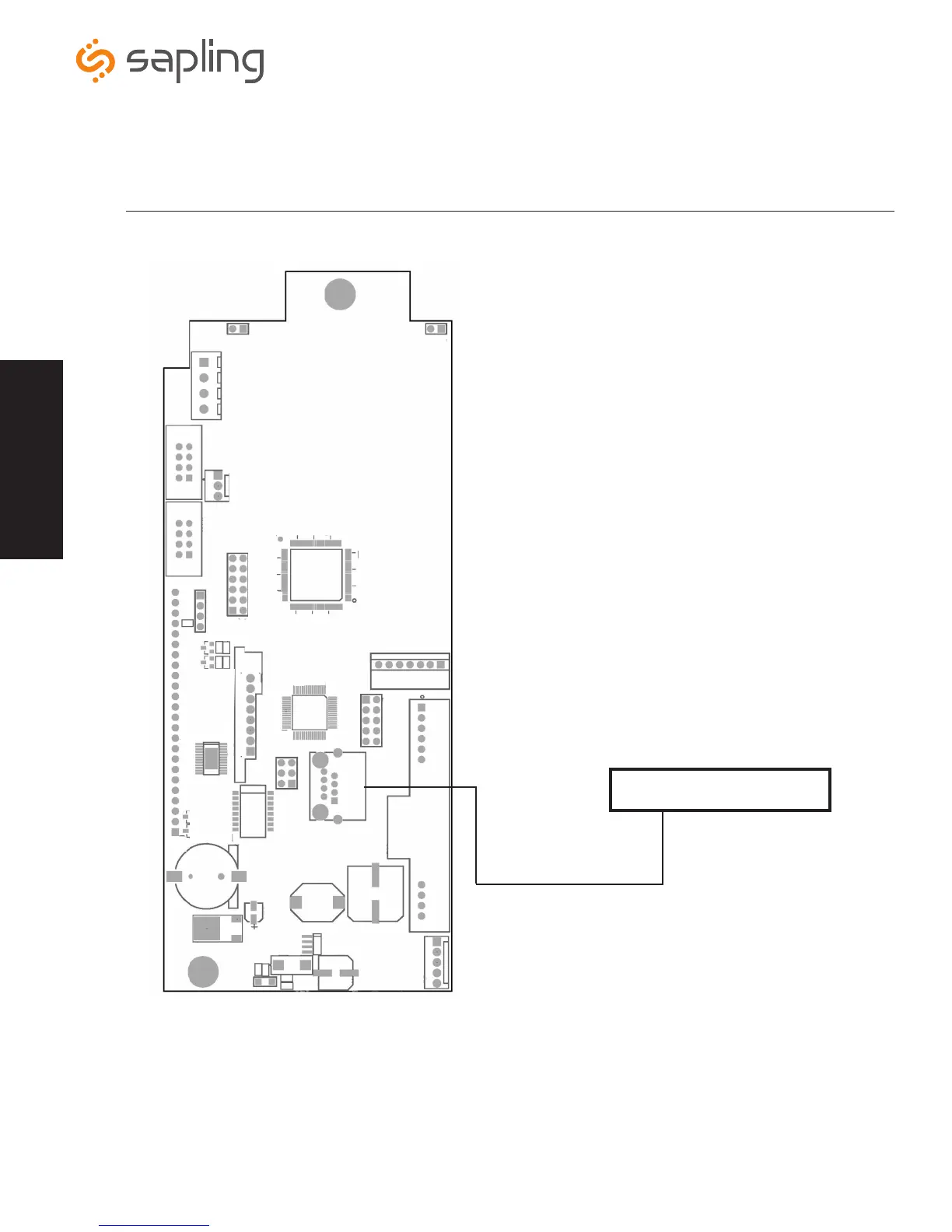
the OUT on the power injector and the other end to the RJ45
port on the IP clock.
4. If using a multi-output power injector, continue to power the
other IP clocks by repeating step 3.
Connecting when using a PoE Injector
Connecting when using a PoE Switch
1. Plug in the PoE switch to a power outlet.
2. Using a CAT5 or CAT6 patch cable, connect one end to the
switch/router connected to the network and the other end into
the IP Clock.
PoE Switch or Power Injector
Recommended PoE Injector Specification
48VDC @ 320mA per one output
Power over Ethernet (PoE) Wiring
Ethernet Cable
Wiring Information



 To Next Page