The Sapling Company, Inc.
1633 Republic Road
Huntingdon Valley, PA 19006
USA
+1 215.322.6063 P.
+1 215.322.8498 F.
www.sapling-inc.com
1919
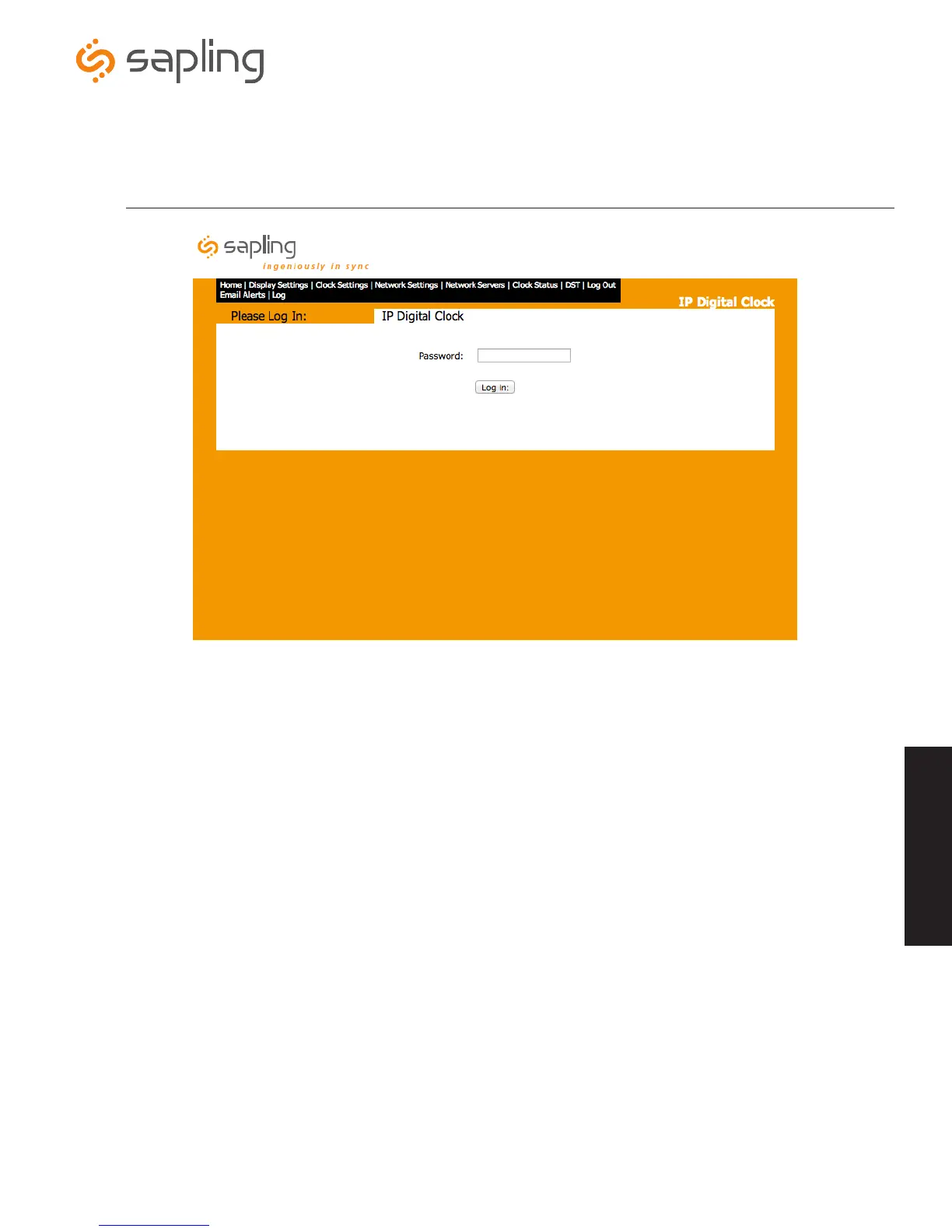
1. Password - This field is where the user enters their password. The default password is 6063. This password can always be used, even if
the password is changed from within the “Clock Settings” tab.
2. Log In - This button, when pressed, will attempt to log in the user.
Web Interface - Log In
Web Interface
q
w



 To Next Page