The Sapling Company, Inc.
1633 Republic Road
Huntingdon Valley, PA 19006
USA
+1 215.322.6063 P.
+1 215.322.8498 F.
www.sapling-inc.com
2020
1.
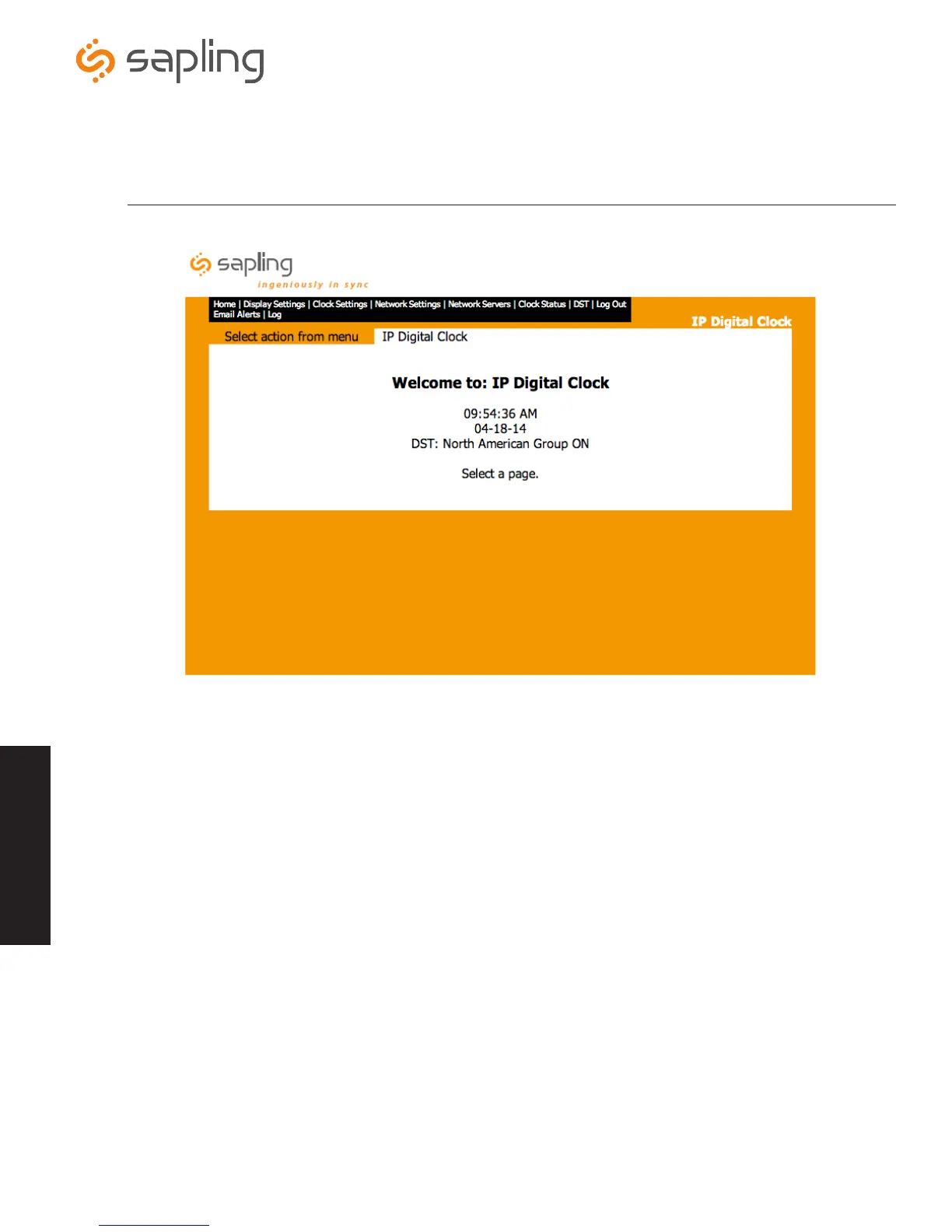
Home Screen - After entering the correct password, the home screen will appear where the current time, date and the current DST
setting are displayed. From this screen, the user can select a page from the task bar to begin configuring the clock’s settings.
Web Interface - Home
Web Interface



 To Next Page