The Sapling Company, Inc.
1633 Republic Road
Huntingdon Valley, PA 19006
USA
+1 215.322.6063 P.
+1 215.322.8498 F.
www.sapling-inc.com
2525
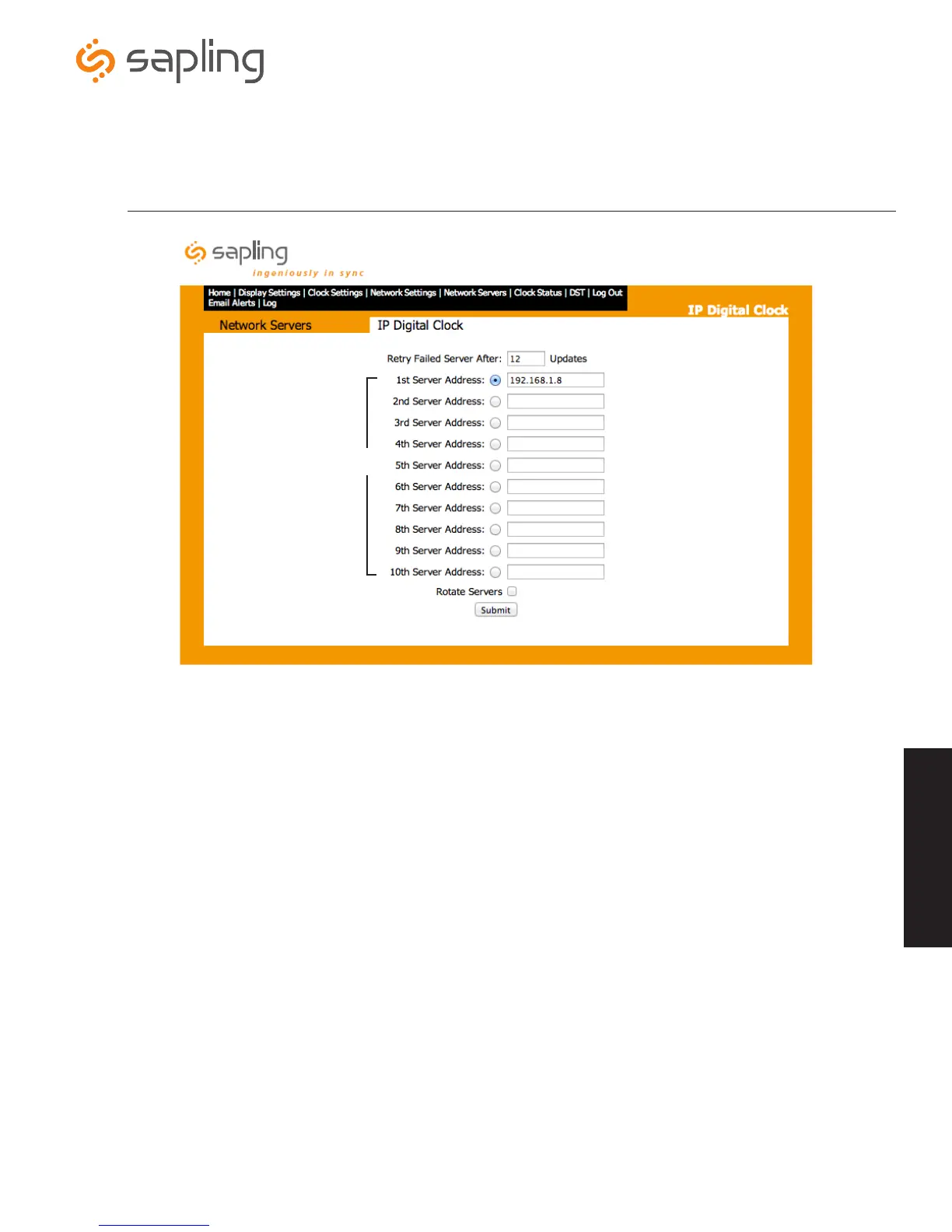
1. Retry Failed Server After - This field will allow the user to set how often the clocks will attempt to connect to a server that has failed to
communicate correctly.
2. Server Addresses - These fields allows for the (S)NTP servers to be set.
3. Rotate Servers - This option lets the clock rotate through all ten (S)NTP servers instead of being locked to one (S)NTP server.
4. Submit - This button, when pressed, will save all the settings that were entered.
Web Interface - Network Servers
Web Interface
r
e
w
q



 To Next Page