The Sapling Company, Inc.
1633 Republic Road
Huntingdon Valley, PA 19006
USA
+1 215.322.6063 P.
+1 215.322.8498 F.
www.sapling-inc.com
1717
*Before starting, copy the IPMONITOR Application from the CD provided to a computer that is connected to
the same network as the IP clocks, then load the program.
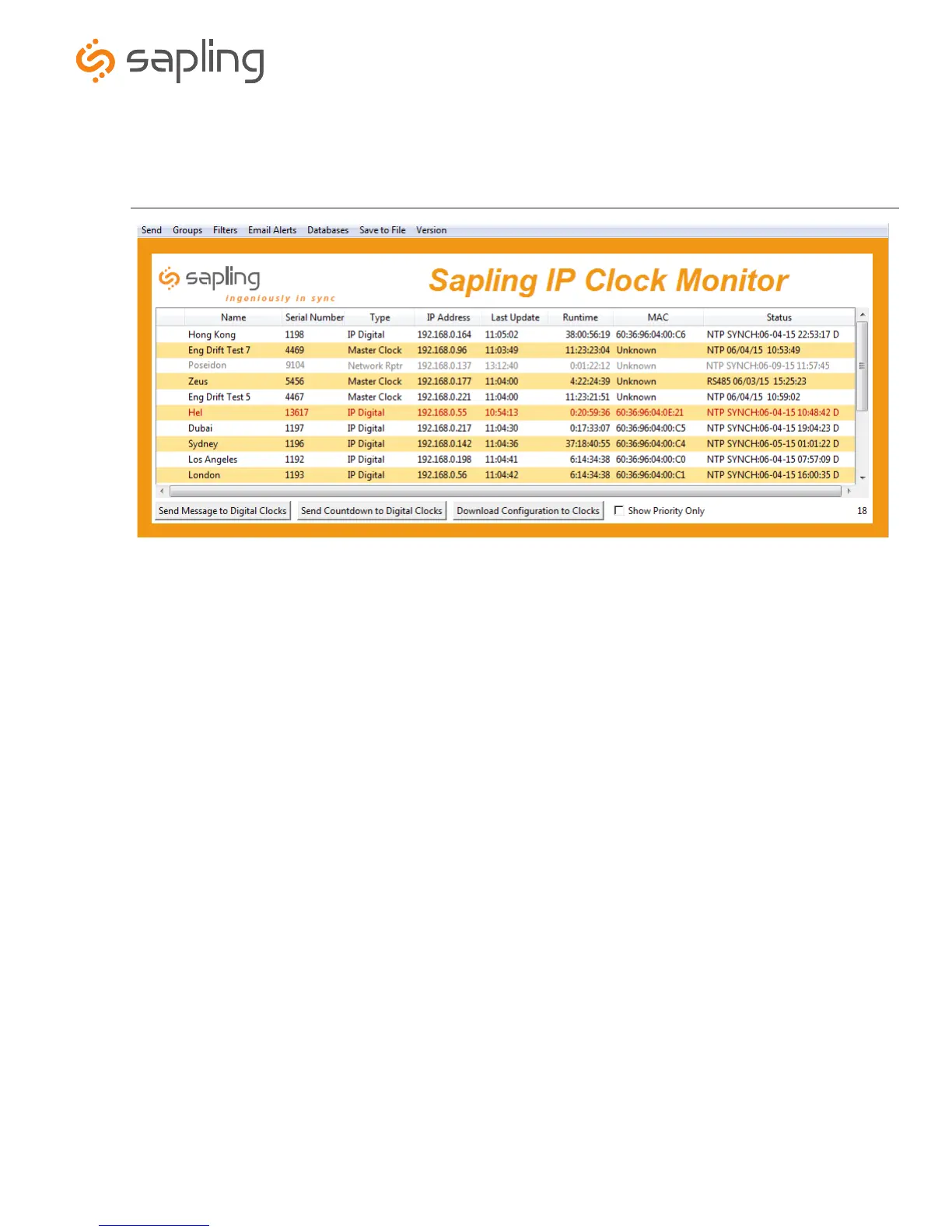
12. Send Message to Digital Clocks - This option is not available with IP analog clocks.
13.
Send Countdown to Digital Clocks - This option is not available with IP analog clocks.
14. Download Configuration to Clocks - This option allows the user to load the IP clock’s settings from a PC to another IP clock.
15.
Show Priority - By selecting this option, the IP clock(s) the user previously “marked as priority” will be the only clocks shown in the
program window.
16. Device Count - This number is the amount of IP clocks that are displayed on the IP Monitor Software.
Sapling IP Clock Monitor Software (continued)
d
f
g
h
j



 To Next Page