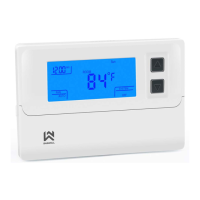
Advanced thermostat settings
To access advanced thermostat settings, turn off the device by holding the ON/OFF button for 3
seconds so that the display shows 0FF. Now, hold the MENU button for 3 seconds. Now you’ve
entered the advanced thermostat settings and should see a big value on the centre of the screen and
the bottom wheel symbol on the right side of the screen with setting name on top of it. You change the
values by pressing UP or DOWN buttons. Settings are automatically saved if nothing is pressed for a
few seconds or by pressing the ON/OFF button.
Continues on the next page
20 21
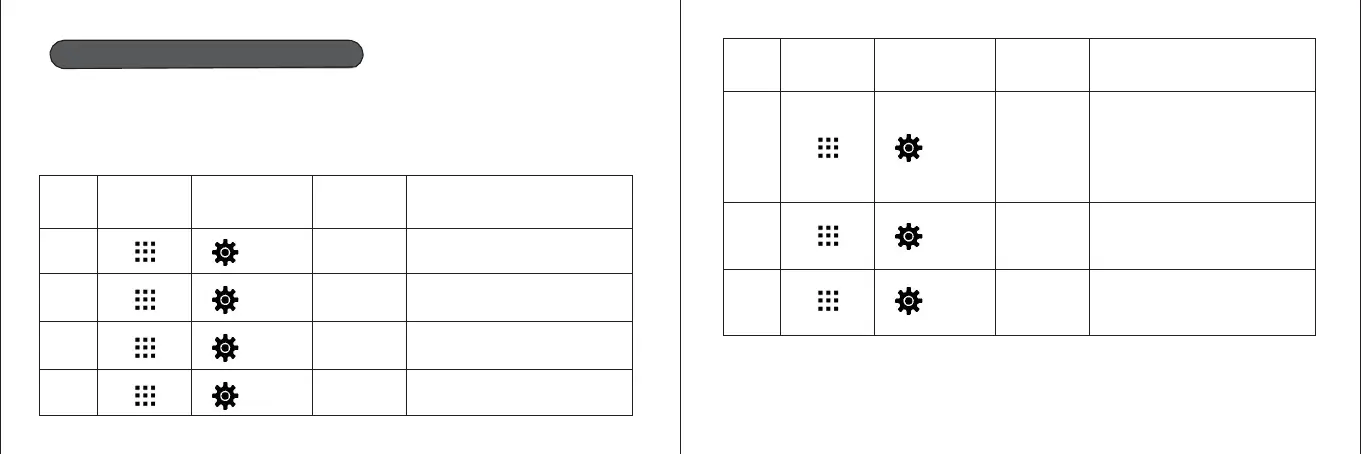
Step
Button press
Display
(factory value)
Press▲、▼
to change
Description
5
db(0.5℃
0.5℃~3℃
Temperature range: temperature difference
between switching on and off. If,
example, the temperature on the system
set at 22 ° C and the range at 0.5 ° C
heating system starts to operate if the
temperature drops to 21.5 ° C and
off when the temperature reaches 22.5 °
6
Pro (0N)
ON/OFF
Heating program schedule
ON or OFF
7
Seg(6)
4/6
Number of different programs per day
Step
Button press
Display
(factory value)
Press▲、▼
to change
Description
1
CL(0℃)
-4℃—+4℃
Temperature sensor, display
correction
2
AH (35℃)
20℃—35℃
Limitation of maximum set
temperature
3
AL (5℃)
5℃—20℃
Limitation of mimum set
temperature
4
bL(10)
5/10/15
Display backlight length in seconds



 To Next Page
 Loading...