SATEL INTEGRA 47
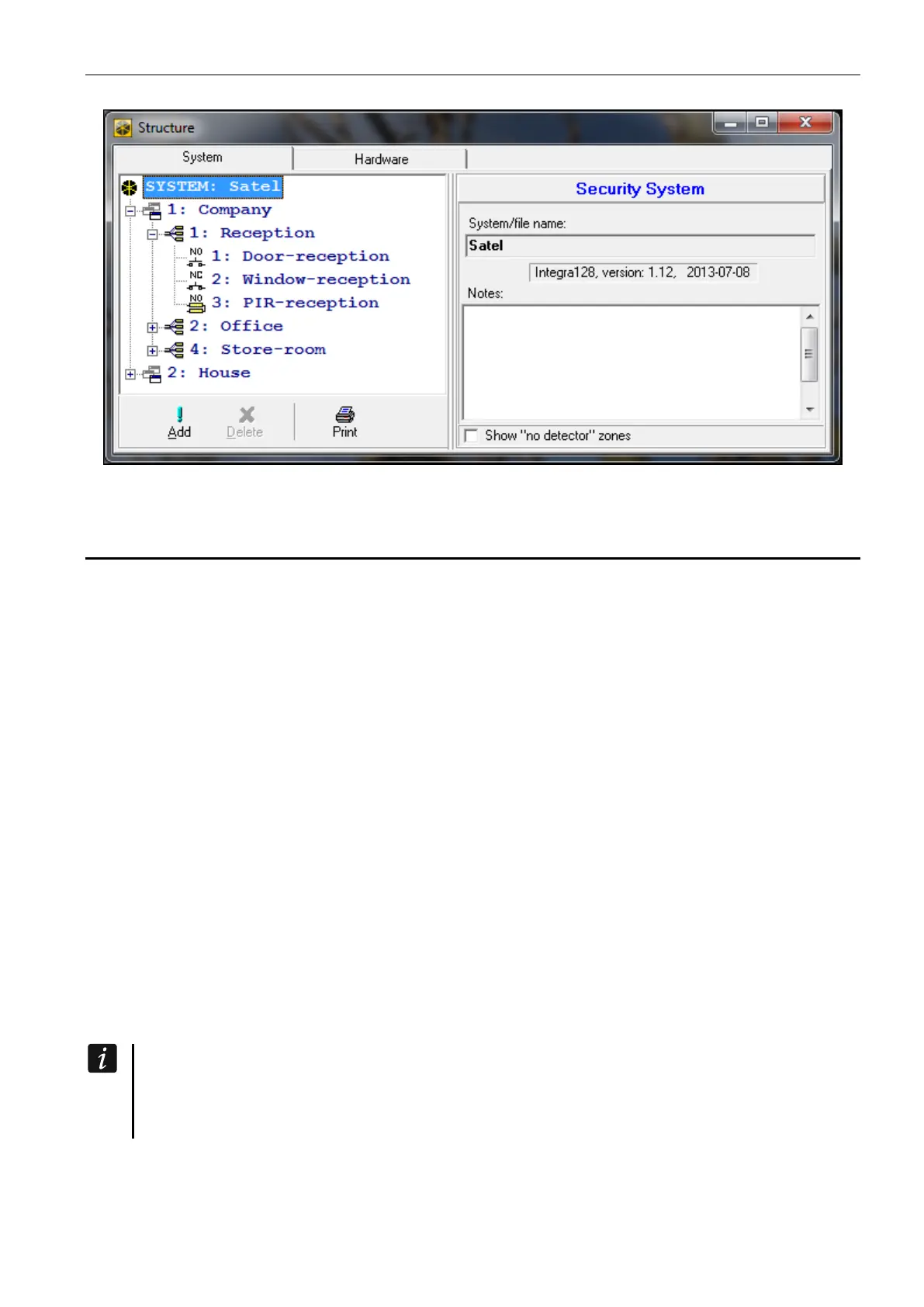
Fig. 2. Presentation of the system structure in the DLOADX program.
4.2 Partitions
The partition is a separated area within the premises protected by the security alarm system.
The subdivision into partitions enables arming/disarming the system only in part of the
protected area, as well as limiting access to some portion of the premises to selected users.
4.2.1 Creating partitions
A new partition can be created and, at the same time, assigned to an object:
• using the keypad, in the service mode, by means of the PARTITIONS function (STRUCTURE
SYSTEM OBJECTS EDIT OBJECT [select object from list] PARTITIONS) – see:
“Selection from the multiple-choice list” p. 26,
• using the DLOADX program, in the “Structure” window, “System” tab, after clicking on the
object name – a new partition will be created after you click on the “Add” button.
4.2.2 Programming partitions
You can program the partitions:
• using the keypad, in the service mode, by means of the functions available in the
PARTITIONS submenu (STRUCTURE SYSTEM PARTITIONS),
• using the DLOADX program, in the “Structure” window, “System” tab, after clicking on the
partition name.
4.2.3 Partition parameters
Shown in square brackets is the parameter name as presented in the LCD keypad.
The user authentication can be based on a code, proximity card (125 kHz passive
transponder) or DALLAS iButton. In the description of the partition parameters only the
codes are taken into account, but the information also applies to the proximity cards
and DALLAS iButtons.
Partition name – individual name of partition (up to 16 characters).
Partition type
Armed with code [Normal] – the partition can be armed/disarmed by the user.











 To Next Page