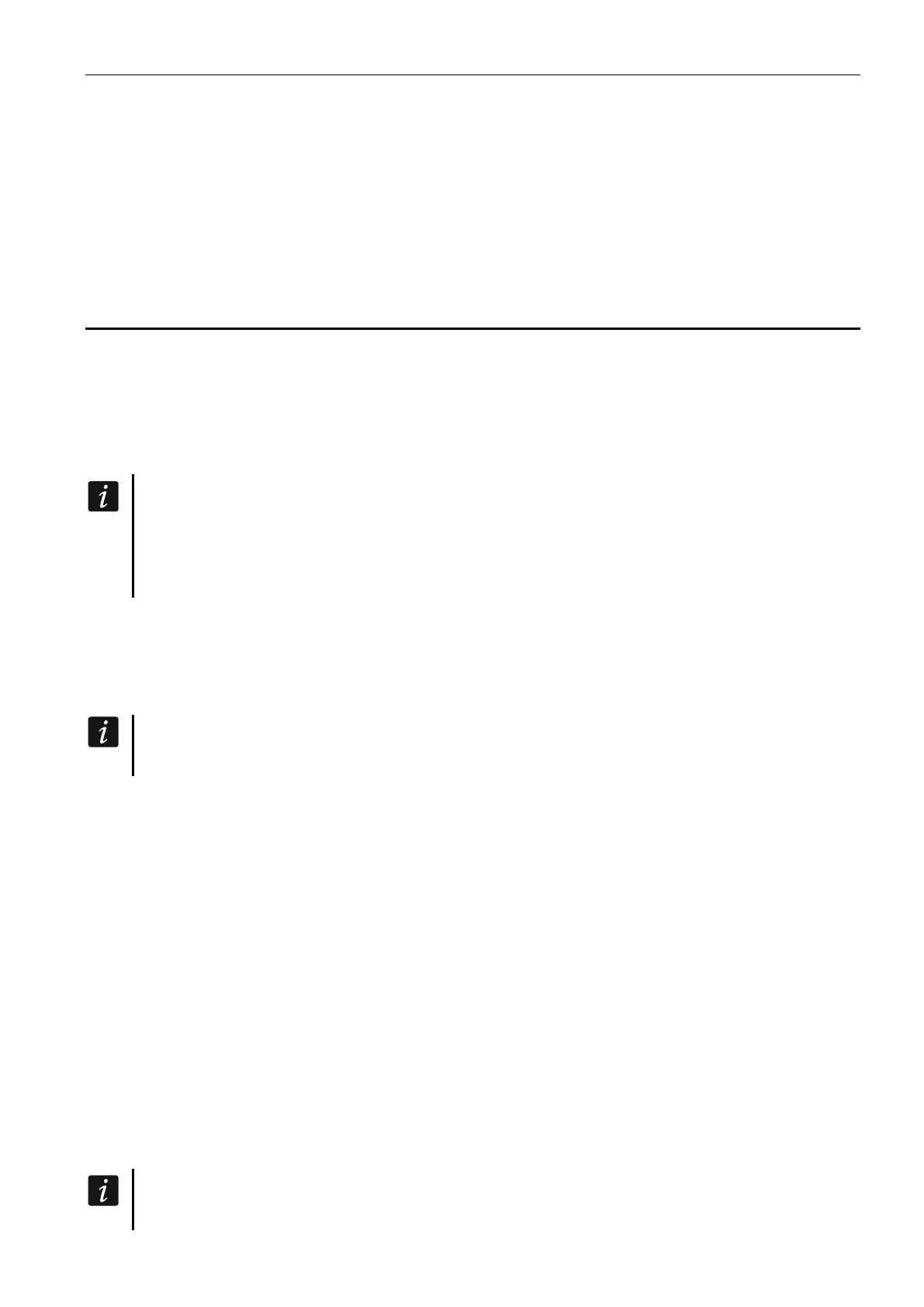
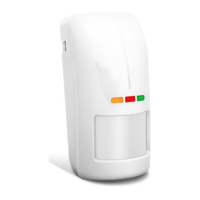
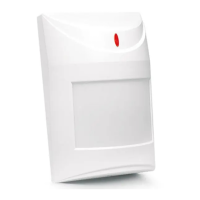
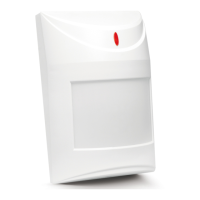
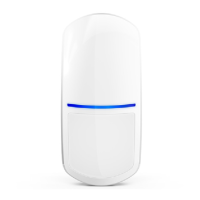
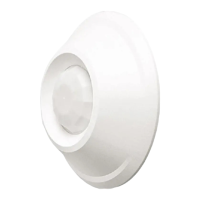
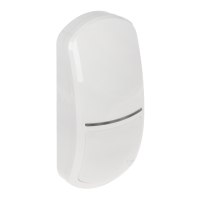
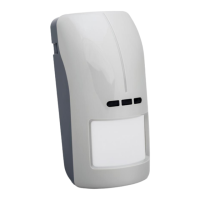
SATEL OPAL Pro 11
Connecting the additional tamper switch
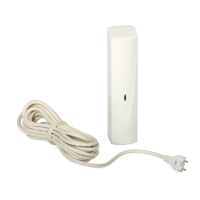
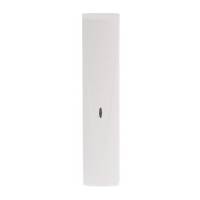
The additional tamper switch is provided with three wires:
– black – common wire,
– blue – wire for NC circuit,
– grey – wire for NO circuit.
The tamper switch can be connected in series to the detector tamper output (TMP) or to
additional tamper circuit.
5. Configuring the detector
The detector allows you to configure working parameters of each sensor separately:
– detection sensitivity of the microwave sensor,
– detection sensitivity of the PIR sensor,
– detection threshold of the dusk sensor.
Each sensor has 16 sensitivity thresholds.
All parameters set in the configuration mode are written in the detector non-volatile
memory and are retained even after power loss.
If the detector is to be pet immune, for the infrared and microwave sensors do not set
the detection sensitivity higher than default.
Starting configuration mode
Press the detector MODE button for 2 seconds or apply the common ground to the SVCE
terminal. After starting the configuration mode, the green LED starts to blink, it means that
you can configure the sensitivity of the microwave sensor.
Entering the configuration mode disables the anti-mask feature. The anti-mask feature
will be automatically enabled after you exit the configuration mode.
Signaling in the configuration mode
The way in which LEDs operate during configuration of the sensors is as follows.
The microwave sensor
green LED – blinking indicates microwave sensor configuration, blinking frequency gives
information about sensitivity (higher blinking frequency = higher sensor sensitivity),
yellow LED – signals motion detection – ON for 2 seconds.
The PIR sensor
yellow LED – blinking indicates PIR sensor configuration, blinking frequency gives
information about sensitivity (higher blinking frequency = higher sensor sensitivity),
green LED – signals motion detection – ON for 2 seconds.
The dusk sensor
red LED – blinking indicates dusk sensor configuration, blinking frequency gives information
about the set detection threshold (higher blinking frequency = higher detection threshold),
yellow LED – ON when the light intensity is below the set threshold.
Reaching the bottom or top limit of adjustment setting is indicated by the LED which is
ON for 3 seconds.


 To Next Page