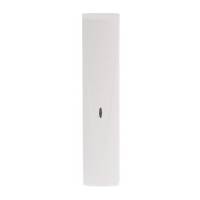
SATEL OPAL Pro 13
7. Walk test
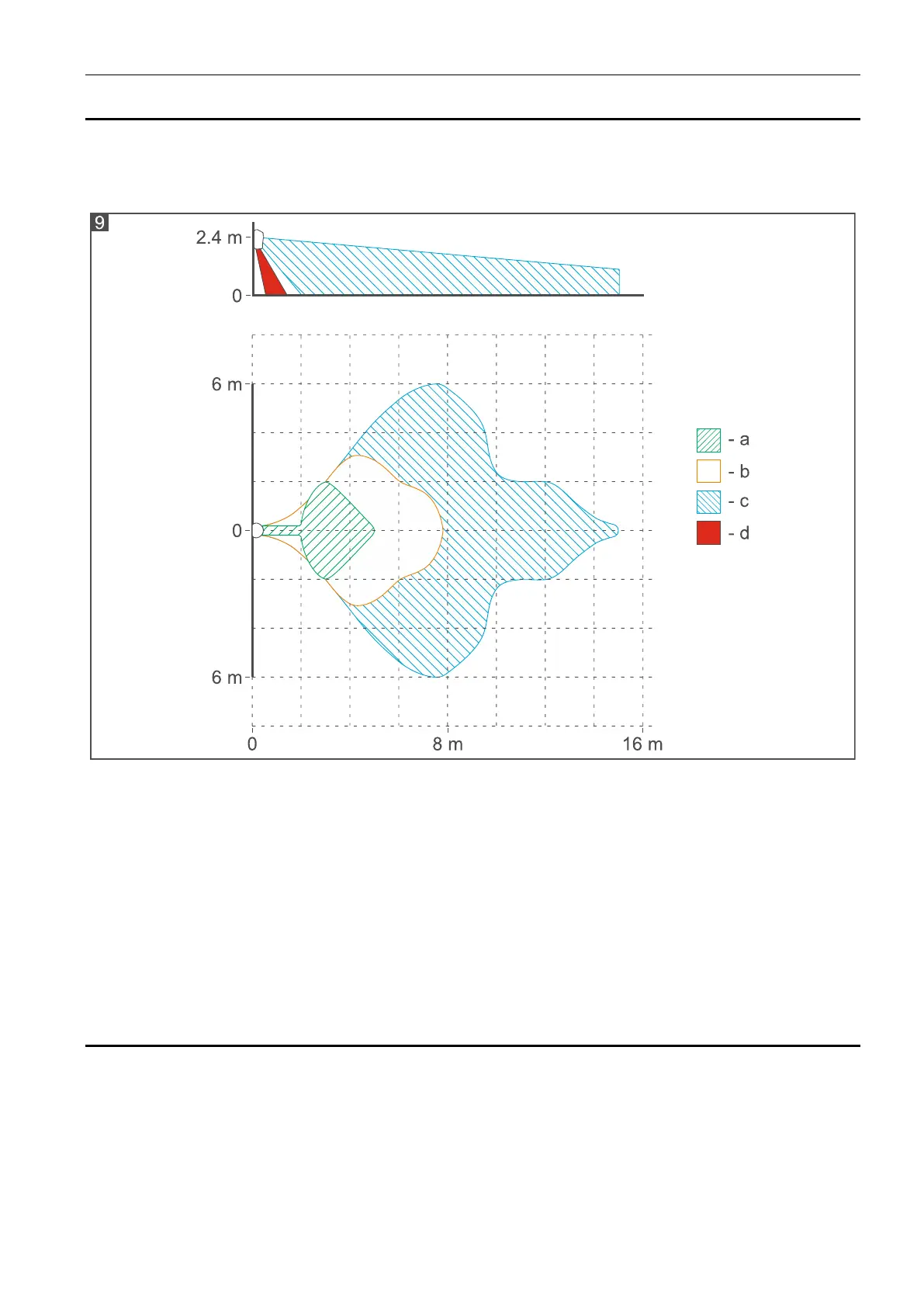
Check that moving within the coverage area will make the LED light up red. Figure 9 shows
the coverage areas of the motion detector (a - minimum, b - default, c - maximum, d - creep
zone).
Separate testing of sensors
Testing of the sensors is done in the detector configuration mode. Starting the mode,
choosing the sensor and the way of changing sensitivity are described in detail in the chapter
“Configuring the detector”.
1. Start the configuration mode.
2. Choose the sensor to be tested.
3. Check that moving in the coverage area will make the violation signaling LED light up.
4. If it is needed, readjust sensitivity and check the sensor operating.
8. Specifications
Supply voltage ................................................................................................... 12 V DC
15%
Standby current consumption .......................................................................................... 17 mA
Maximum current consumption ........................................................................................ 30 mA
Outputs
alarm (NC relay, resistive load) ................................................................... 40 mA / 24 VDC
anti-mask (NC relay, resistive load) ............................................................. 40 mA / 24 VDC
tamper (NC) ............................................................................................... 100 mA / 30 VDC


 To Next Page