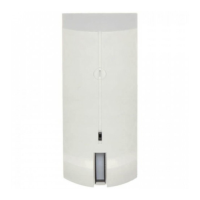
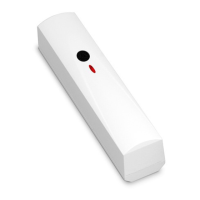
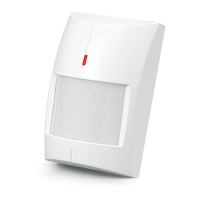
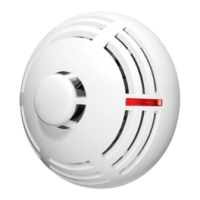
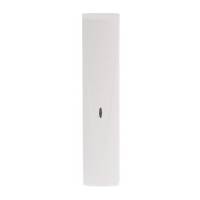
SATEL OPAL Pro 3
Dusk sensor
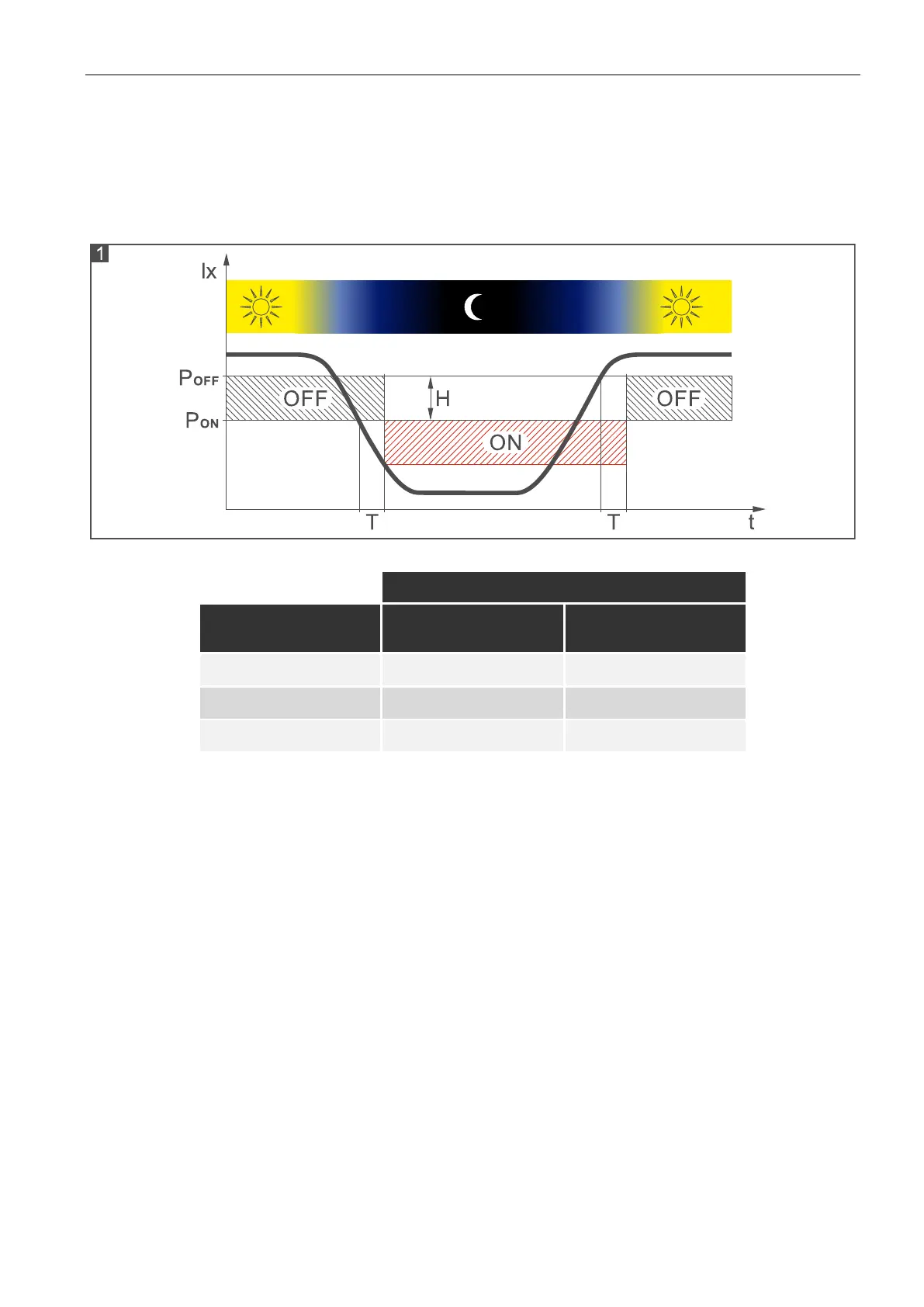
Figure 1 shows the way the dusk sensor operates. On the timeline the T time delay is
presented (in operating mode T=3 min, in configuration mode T=3 s). Illustrated with the
letter H light intensity hysteresis and time delay make the sensor immune to short and
accidental changes of light intensity. Table 1 presents light intensity values for three out of
sixteen programmable detection thresholds of the sensor (see “Configuring the detector”).
Table 1
Supervision features
In the event of the voltage drop below 9 V (± 5%) for more than 2 seconds or the motion
detection system failure, the detector will signal a trouble. The trouble is indicated by the
activation of alarm output and the steady light of all LED indicators. The trouble signaling will
continue as long as the trouble persists.
LED indicators
The LEDs indicate:
warm-up – all LEDs flashing alternately for about 40 seconds;
motion detected by microwave sensor – green LED ON for 4 seconds;
motion detected by PIR sensor – yellow LED ON for 4 seconds;
alarm – red LED ON for 2 seconds;
trouble – all LEDs ON for entire duration of the trouble.
The LEDs are also used in the configuration mode (see: “Configuring the detector”).
You can enable / disable the LEDs. When disabled, the LEDs will not indicate the states
described above.


 To Next Page